StarTech Thunderbolt 3 Dock - Dual Monitor 4K 60Hz Laptop Docking Station with DisplayPort - 85W Power Delivery - 3-Port USB 3.0 Hub, Ethernet, Audio - TB3 Dock - Windows & Mac TB3DK2DPPD
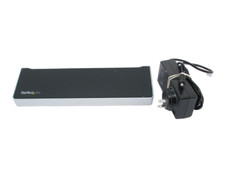
Cables, and AC Adapters not included.
Please note regular USB-C Cables will not work with this unit. You need a Thunderbolt 3 Cable that is not included. If you want the Power Supply and Cable, I have another listing for that.
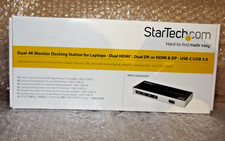
Stock photos included.
Create a Dual-4K 60Hz Workstation
Great for video editing and other Ultra HD tasks, this dual-4K monitor docking station supports 40Gbps speeds and 4K resolution on two monitors.
Run resource-demanding applications on two independent displays, without draining system resources.
Connect your laptop to:
- 1 x 4K monitor via the TB3 USB-C Port
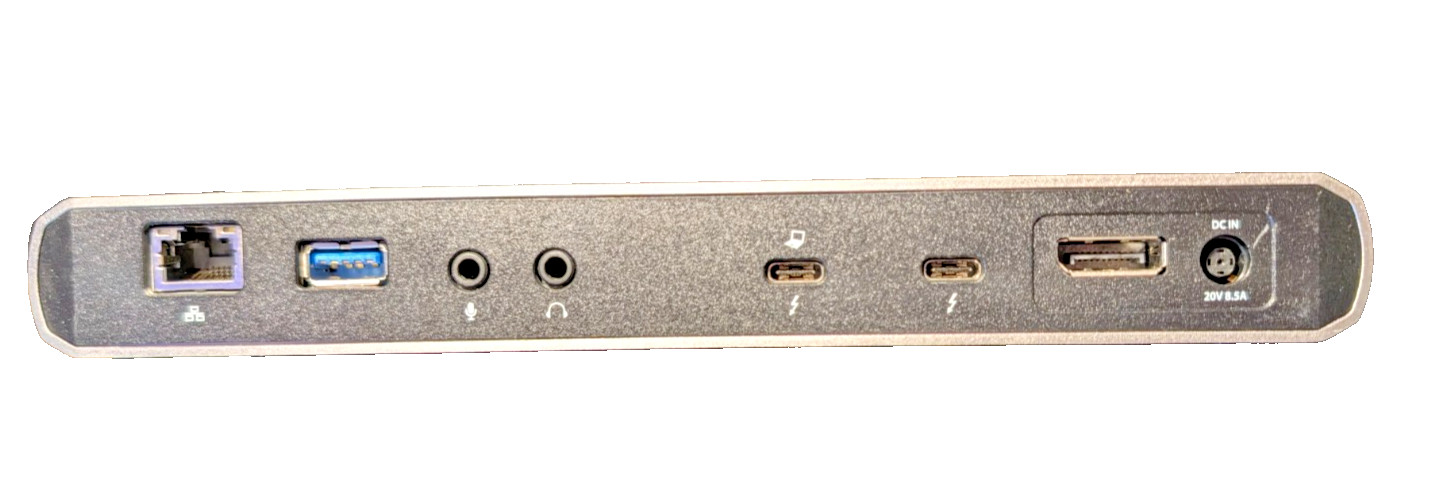
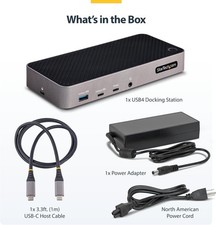
- THUNDERBOLT 3 CERTIFIED DOCK: 40Gbps video/data bandwidth, dual 4K 60Hz DP & TB3 (USB-C) video outputs, 85W PD, USB 3.0 5 Gbps Hub w/ 2x USB-A (1 Front Fast-Charging) & 1x USB-C, GbE, 3.5mm audio/mic
85W POWER DELIVERY: This Thunderbolt 3 Docking Station will power and charge laptops & ultrabooks such as MacBook Pro 13 & 16, MacBook Air, HP, Lenovo ThinkPad, & Dell XPS using macOS, Windows
- EASY TO USE: TB3 Dock w/ auto drivers; incl. Thunderbolt 3 host cable & USB-C to DisplayPort cable for 2nd DP monitor; extended dual display support on MacBook Pro/Air with Intel processor & single display with Apple M1 Chip
- FLEXIBLE THUNDERBOLT 3 PORT: Thunderbolt 3 port replicator with a downstream TB3 port that supports 3 modes of operation: a second monitor, daisychain TB3 peripherals, or connect USB Type-C accessories
- DAISYCHAIN UP TO 5 THUNDERBOLT 3 DEVICES: Connect additional TB3 devices to this TB3 dock including monitors, external hard drive bays, card readers, or an external GPU; using the downstream TB3 port.
Simply connect the TB3 dock to your laptop with included TB3 cable and start working immediately. No time-consuming driver installations are required.
With three USB 3.0 ports, the Thunderbolt 3 docking station gives you plenty of ports for the latest and legacy devices.
Connect USB devices like flash drives using the two Type-A ports.
Keep your mobile device charged with the dock’s Fast-Charge and sync port. Connect a USB-C device with the USB-C port (5Gbps - data only).