 When you click on links to various merchants on this site and make a purchase, this can result in this site earning a commission. Affiliate programs and affiliations include, but are not limited to, the eBay Partner Network. When you click on links to various merchants on this site and make a purchase, this can result in this site earning a commission. Affiliate programs and affiliations include, but are not limited to, the eBay Partner Network.
Pencil (1st Generation) Stylus for Apple Ipad - White (mqly3am/a)About this item - Compatibility: Perfect for the 2018 or later iPad series, including iPad A16 11th 10th 9th 8th 7th 6th Generation, iPad Air M3 M2 5th 4th 3rd Gen, iPad Pro 13" M4, 12.9" 6th 5th 4th 3rd Gen, iPad Pro 11" M4 4th 3rd 2nd 1st Gen, iPad mini A17 Pro 7th 6th 5th Gen. Open your iPad settings, Settings> General> About> Model Name, you can see your iPad model. You can also check the model number starting with "A" on the back of your iPad before purchasing. Not compatible with iPad before 2018
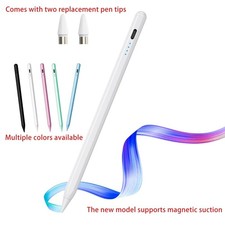
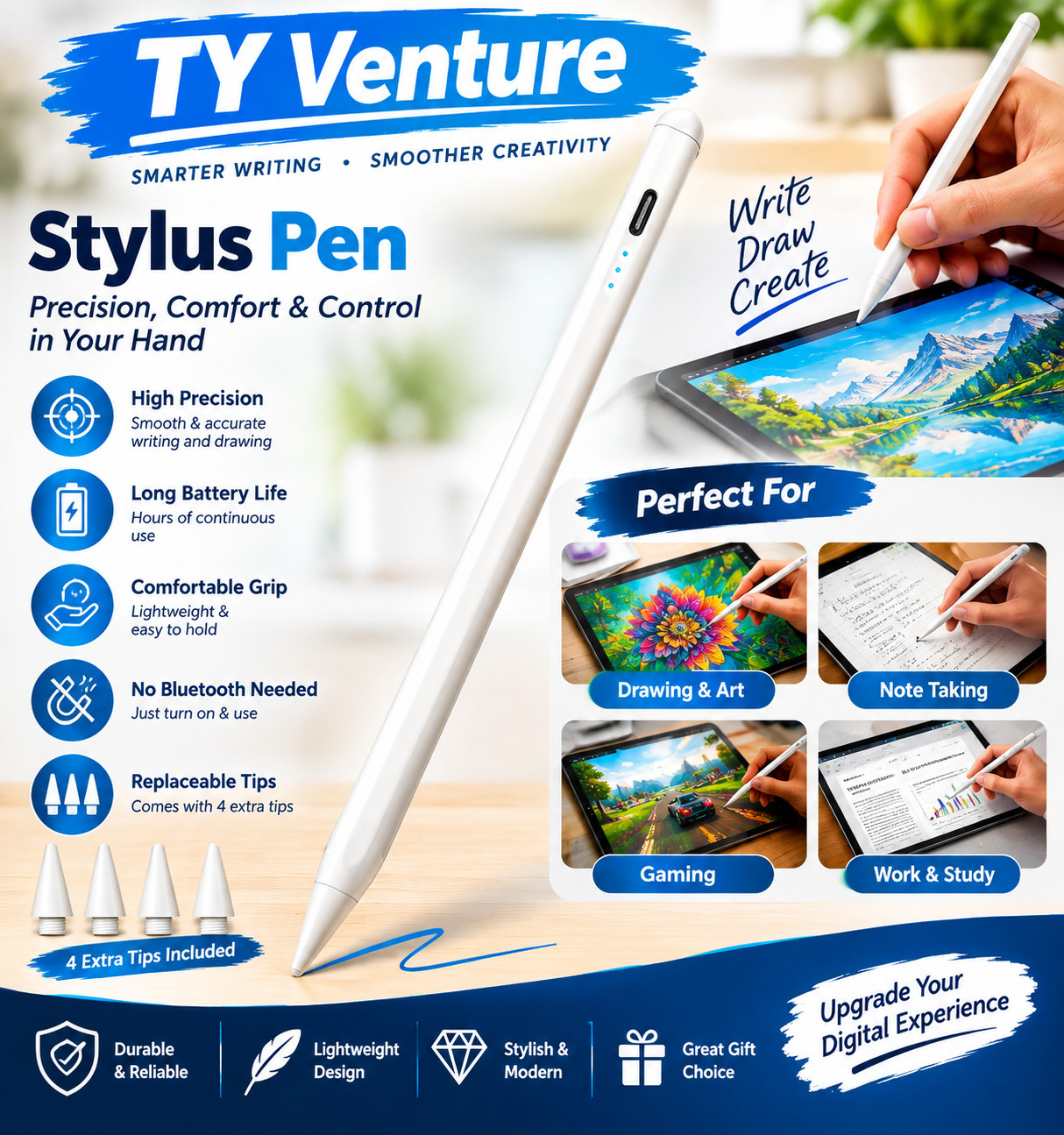
- Palm Rejection Design: The ipencil (lapiz) comes with palm rejection technology, allowing you to comfortably rest your hand on the screen while writing or drawing without worrying about accidental touch, making writing and drawing more natural, just like on paper. Gently slide the stylus from the bottom left corner to the top right corner on the iPad screen to take a quick screenshot. Equipped with 3 replaceable tips, it's easy to remove and install
- Tilt Sensitivity & High Precision: The tilt-sensing technology allows you to draw lines of different thicknesses on the screen based on the angle of the pencil, making drawing and writing more free and easy, perfect for writing, sketching, doodling, painting, marking documents and note-taking on the iPad. The 1.5mm fine tip can handle more precise instructions without delay, lag and skip, just like a conventional pencil. Note: The stylus doesn't support pressure sensitivity
- Double-Click Switch & Magnetically Adsorption: Just double-click the top of the pen to turn on/ off the stylus and start using it. No need to connect Bluetooth & APP. The magnetic design allows it to be attached to the side of the iPad, making it easy to use and carry. Please turn off the "Only Draw with Apple Pencil" on the iPad before use
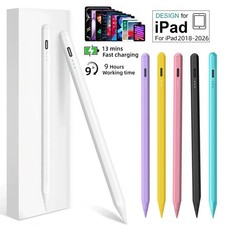
- Fast Charging & Long Battery Life: Built-in rechargeable battery, fully charged in 30 minutes, and then can be used for about 8-9 hours. Idle for 5 minutes will automatically shut down to save power. With 3 LED indicators to display remaining battery life and charging progress. If the stylus doesn't work after turning on, please turn off Bluetooth on the iPad or go to Settings > Bluetooth > Apple Pencil > i > Forget this device
If the stylus doesn't work after turning on, please follow these steps below, please turn off Bluetooth on the iPad: Settings > Bluetooth > Turn off Bluetooth or disconnect the Bluetooth connection between your iPad and Apple Pencil: Settings> Bluetooth> Apple Pencil> tap i> Forget this device. If your stylus lags or jumpers, please check whether the nib is tightened enough or reinstall a new nib This Stylus Pen is designed for use with various Apple iPad models including the 11th, 10th, 9th, 8th, 7th, and 6th generations. It has a sleek aluminum enclosure and is powered by a lithium-ion polymer battery with an average life of 5 minutes of standby time. The pen is compatible with iPad Pro models with 11-inch and 12.9-inch screen sizes, as well as iPad Air and iPad mini models. With a quick charging time of just 0.5 hours, this stylus pen is a convenient and practical tool for precise writing and drawing on your iPad.  |
|