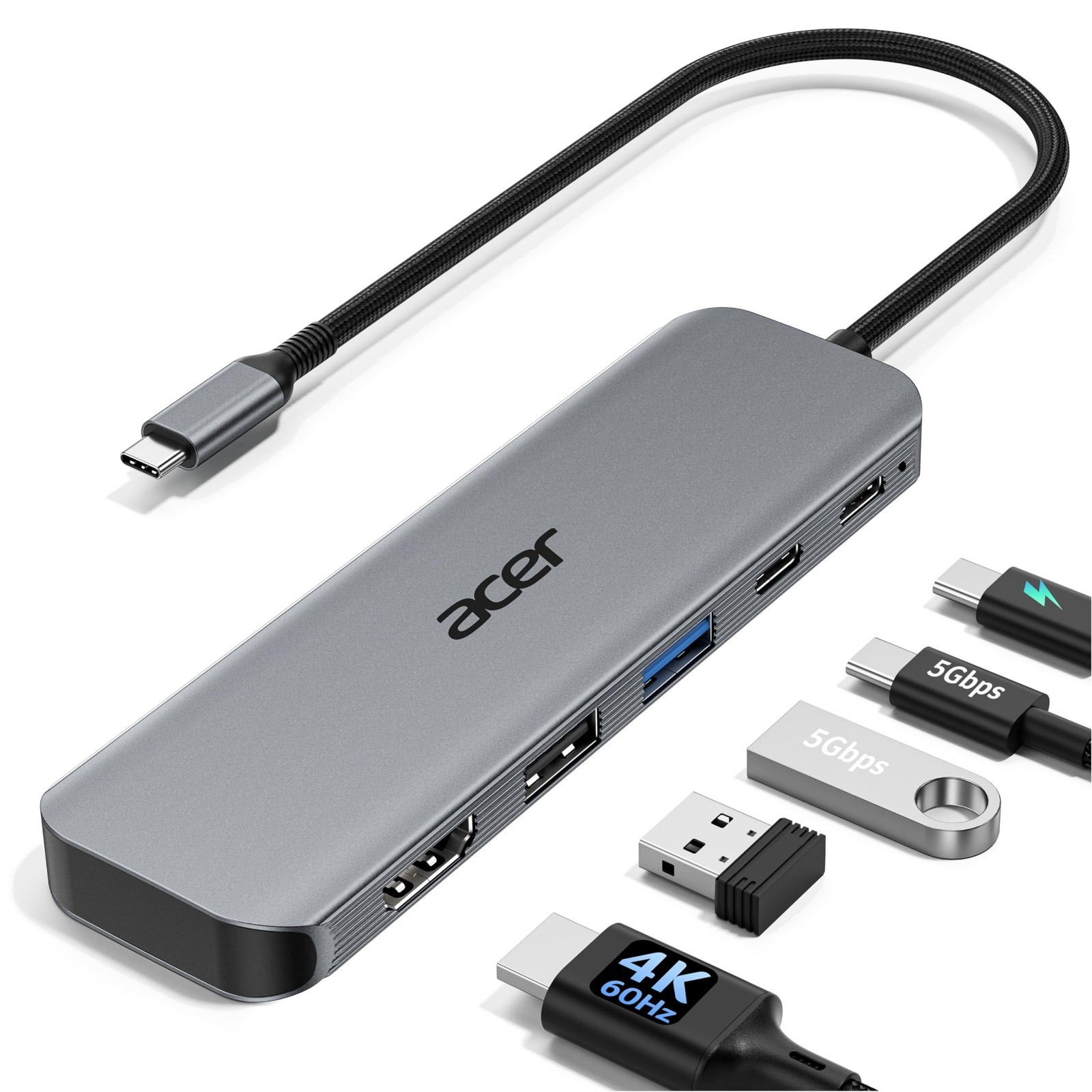
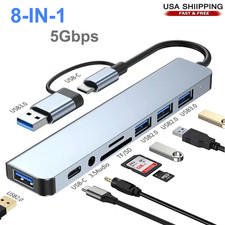
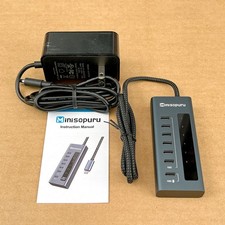
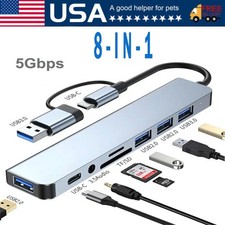
USB C Hub 5-in-1 Multiport Adapter
4K@60Hz HDMI • 100W Power Delivery • 5Gbps High-Speed Data
About This Item
Expand the capabilities of your USB-C device with this compact and versatile 5-in-1 USB-C Multiport Hub. Designed for work, entertainment and travel, it combines HDMI 2.0, USB-C and USB-A connectivity in one convenient docking solution. Connect a monitor, transfer files, connect peripherals and charge your compatible laptop through a single USB-C hub.
Key Features
- 5-in-1 Connectivity: Includes HDMI 2.0, USB-C 3.0, USB-A 3.0, USB-A 2.0 and USB-C PD.
- 4K@60Hz HDMI Output: Enjoy sharp, detailed Ultra HD visuals with smooth 60Hz performance on compatible displays.
- 100W Power Delivery: Supports up to 100W PD input and up to 90W output to the connected host device.
- 5Gbps Fast Data Transfer: USB-C 3.0 and USB-A 3.0 ports support transfer speeds of up to 5Gbps.
- USB 2.0 Port: Up to 480Mbps, ideal for keyboards, mice and other everyday USB accessories.
- Premium Aluminium Shell: Durable construction helps with heat dissipation during use.
- Slim & Portable: Lightweight design makes it convenient for home, office, university or travel.
- Plug & Play: Easy to connect and use with compatible devices without complicated installation.
- Organise Your Workspace: Replace multiple adapters with one practical multiport hub.
Port Specifications HDMI 2.0 Up to 4K@60Hz USB-C PD Up to 100W input / 90W host output USB-C 3.0 Up to 5Gbps USB-A 3.0 Up to 5Gbps USB-A 2.0 Up to 480Mbps Compatible Devices
This hub is designed for USB-C devices with a full-featured USB-C port supporting DisplayPort Alt Mode, data transfer and Power Delivery.
- USB-C Laptops & Computers
- MacBook Pro / MacBook Air / MacBook Neo
- iPad Pro and compatible USB-C tablets
- Microsoft Surface devices
- Dell XPS and compatible laptops
- ThinkPad and other USB-C laptops
- Compatible smartphones and tablets
Important Details:
- Your device's USB-C port must support DisplayPort Alt Mode (video output) for HDMI display functionality.
- USB-C ports that only support charging or data transfer will not provide HDMI video output.
- For up to 90W charging, your charger, cable and host device must support Power Delivery.
- A 100W power adapter and suitable cable are recommended for maximum charging performance and are not included.
- For the most stable HDMI connection, connect the PD power adapter before connecting HDMI or other peripherals.
- A brief HDMI reconnection may occur when plugging or unplugging the PD charger while the hub reallocates power. This is normal.
- HDMI recognition can take a few seconds when connecting for the first time. Select the correct HDMI input on your monitor or TV if required.
Important Compatibility Information
This hub is intended for modern USB-C devices. Please check your device specifications before purchasing to ensure that the USB-C port supports the required functions.
The hub is not compatible with 8-pin devices or consoles such as Xbox, PS5/PS4 and similar devices.
Troubleshooting
Q: Why is there no HDMI image or the screen is blinking?
- Check that your USB-C port supports DisplayPort Alt Mode.
- Make sure the hub and HDMI cable are securely connected.
- Check and adjust the display resolution.
- Use a good-quality HDMI cable suitable for 4K@60Hz.
- Manually select the correct HDMI input on the display.
Q: Why is my laptop not charging through the PD port?
- Connect the power adapter to the hub before connecting the laptop.
- Confirm that the laptop's USB-C port supports PD charging.
- A 65W or higher power adapter is recommended for best performance.
- Reconnect the hub if charging does not begin immediately.
Q: Can the male USB-C connector transfer data?
No. The attached male USB-C connector is for connecting the hub to the host device. Data transfer is provided through the designated USB data ports on the hub.
Q: What happens when multiple USB ports are used together?
The hub provides USB-A 3.0 and USB-C 3.0 ports with speeds of up to 5Gbps, plus a USB-A 2.0 port supporting up to 480Mbps. Actual performance depends on the host device, connected peripherals and system workload.
Product Highlights
- 5-in-1 USB-C Multiport Hub
- 4K@60Hz Ultra HD HDMI Output
- 100W Power Delivery Support
- Up to 90W Host Charging Output
- USB-C & USB-A 3.0 Up to 5Gbps
- USB-A 2.0 Up to 480Mbps
- Durable Aluminium Construction
- Compact, Lightweight & Portable
- Ideal for Home, Office & Travel
- Plug & Play Design
One Compact Hub. Multiple Connections.
Expand your USB-C device with convenient connectivity for displays, storage, peripherals and charging.