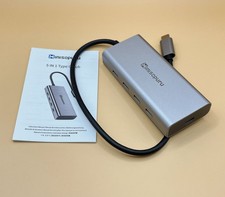
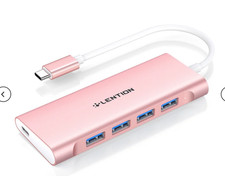
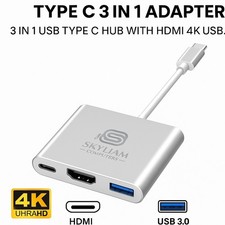
About this item
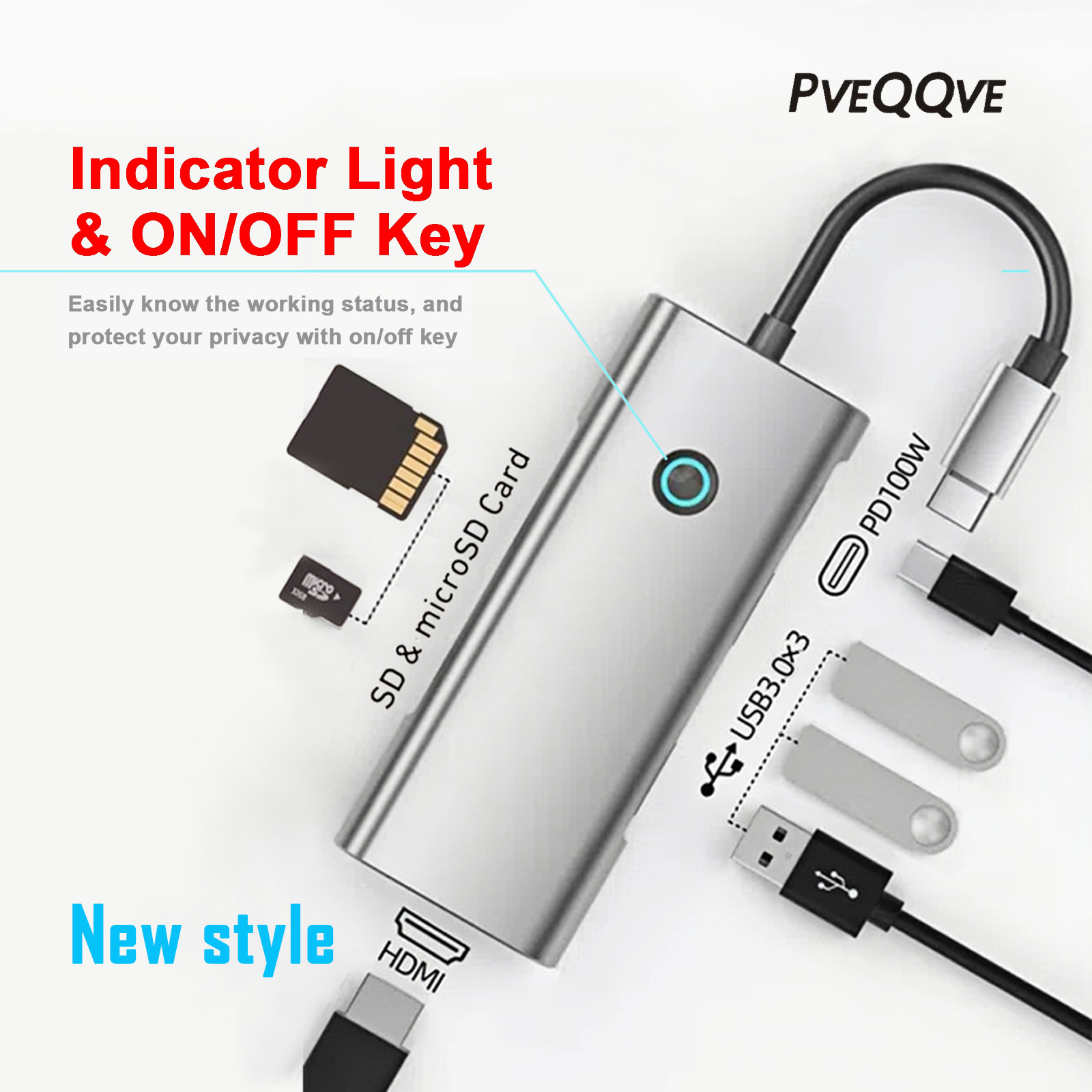
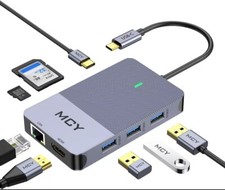
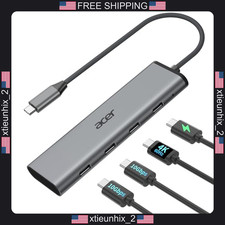
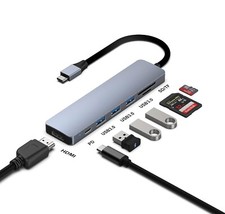
Expand your connectivity with 3 USB3.0 ports, 1 4K HDMI display, 1 SD card reader, 1 microSD card slot, and 1USB-C Power Delivery charging port
Stream video in up to 4K 60Hzresolutions on an external monitor for enhanced productivity at home or in theoffice
- High Speed Data & Charging:
Enjoy fast data transferwith a USB 3.0 port and versatile access with SD and microSD card slots; USB-Chub supports 100W pass-through charging
Benefit from simultaneous portfunctionality, laptop protection, and an updated chipset for worry-free use
- Unlock Your Productivity:
Seamlessly connect multipledevices and peripherals with this versatile 7-in-1 USB-C hub, ideal forprofessionals, creatives, and students alikeAbout the product
- Different parameters of docking station
1.Advanced version:
using USB A/C3.2 (transfer rate up to 10Gbps), RJ1000M or above, multiple HDMI/DP 4K@60HZ Waiting for data transmission interface.
2.Basic version:
using USB A/C2.0-3.0 , RJ100M, VGA and other data transmission interfaces.
This product is a 7 in 1 type-c docking station with dual configurations 4K@60Hz HDMI+DP, 5Gbps USB 3.0, RJ1000M high-speed interface.
1.Identify product quality:
Purchase high-quality docking stations, while low-quality docking stations (usually cheaper) may have risks such as severe heating and unstable interfaces.
2.Multi monitor support:
When the computer is connected to more than one external monitor, it can support mirroring or expansion mode. If you are a MAC computer, you need to pay special attention that most products (including this one) only support MAC mirroring mode.
Reminders for device usage
- Interface data transmission
The USB port only supports data transfer and charging, and does not support video output. HDMI and DP support video output.
- Type-C interface supports functions
The video output function requires confirmation whether the USB-C port of the device connected to the docking station supportsThunderbolt 3 / 4orDisplayPort Alt Mode. (Next to the interface is printed a "lightning" symbol or "D" symbol, without any special symbol, may just be a regular Type-C interface with missing functionality, such as only being able to charge or transmit data. )
The 100W PD port is used for fast charging of laptops, tablets, mobile phones, game consoles, and other devices. The 100W USB-C charging port requires an external charger of at least 100W to achieve a maximum output of 85W.
This product does not include a charger. During normal operation, there is no need to connect a power source. Only when reverse charging of external devices is required, a charger needs to be connected.
Do not connect the Type-C cable between the docking station and the device to the PD interface, as this may cause your device to malfunction.
Frequently Asked Questions
Q1: Can this base be used with any laptop? How can I ensure that my laptop is compatible with this docking station?
A: This docking station is suitable for laptops with USB-C ports that support DisplayPort Alt Mode and Power Delivery. To confirm the USB-C port functionality of your laptop, please refer to the user manual or contact the laptop manufacturer. If your USB-C port does not support DisplayPort Alt mode, you will not be able to receive video output. If your USB-C port does not support Power Delivery, the docking station will be able to handle video and data (including audio and Ethernet) properly, but will not be able to charge your laptop.
Q2: Do I need to install any drivers to use dock?
A: No.
Q3: Is this docking station compatible with computers with Thunderbolt 3/4 ports?
A: Yes, but it can only provide a maximum bandwidth of 10Gbps, so it cannot reach the maximum bandwidth of Thunderbolt 3/4 (40Gbps).
Q4: Sometimes the docking station does not automatically reconnect after waking up or restarting the laptop. What should I do?
A: This situation does not occur frequently, but if you encounter this issue, please try disconnecting and reconnecting the USB-C cable or restarting the docking station.
Q5: What should I do if the performance of the docking station does not match the description?
A: Please check if the Type-C interface and USB-C cable parameters of your computer (or other device) are compatible with the docking station, and if all interfaces are properly connected. You can take photos or record videos of the connection status and related parameters, send us an email, and we will reply within 24 hours.