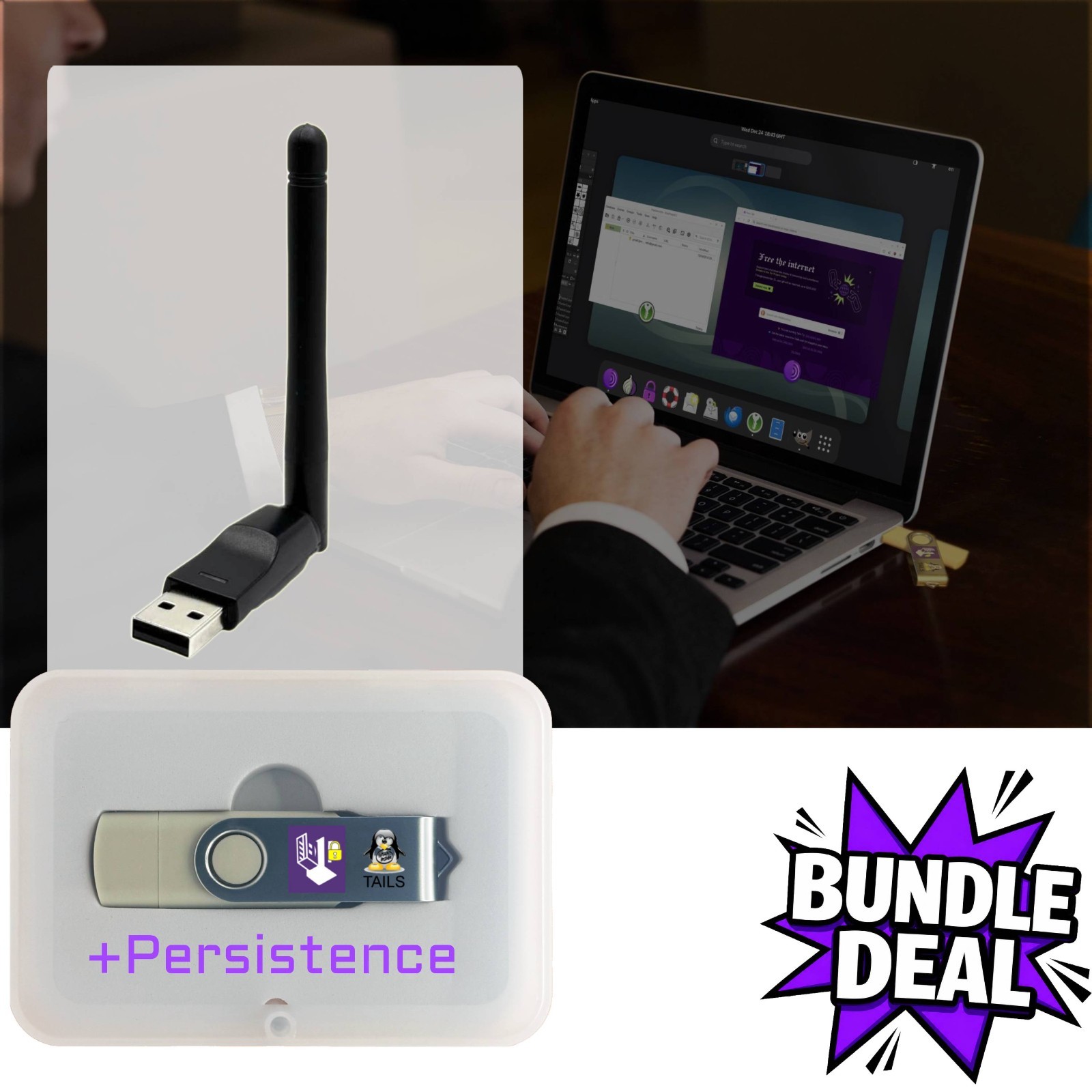
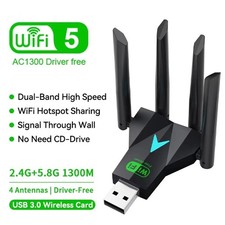
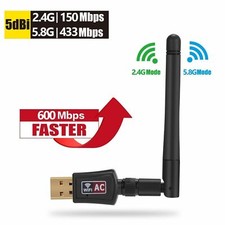
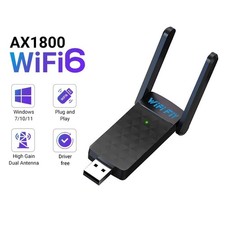
Add fast, reliable Wi-Fi to laptops, desktops, SBCs, and Android devices.This compact USB adapter works with popular operating systems and is ideal for upgrades, repairs, and travel kits. Was tested with the majority of Linux Distros and specifically Linux Tails OSfor the most secure anonymous environment!
What It’s Great For
- Upgrading old PCs:add Wi-Fi to desktops and older laptops.
- Linux & homelab:quick network access for live USBs and portable toolkits.
- Android (OTG):connect supported tablets/phones for lab setups or troubleshooting.
- Mac/Windows:replace a failed internal card with a simple USB solution.
📦 Package / What’s Included
- Wi-Fi USB adapter (compact form factor).
OS:Linux • Android (OTG) • Windows • macOSFrequency Band / Speed:2.4 GHz / 150MbpsPort:USB-A (use USB-C adapter if needed)Modes:Client/Station (AP/Monitor vary by chipset)
💻 Compatibility & Chipset Notes
- Windows 10/11:typically plug-and-play via Windows Update. Older Windows may need a driver.
- macOS:modern macOS supports a limited set of USB chipsets; third-party drivers may be required for some versions.
- Linux:many kernels include drivers for common chipsets. Some chipsets require DKMS/extra packages. Monitor/AP mode support varies by driver.
- Android:requires OTG-capable device and OS support for the chipset; not all Android builds load external Wi-Fi drivers.
- Pentesting use:special modes (monitor/injection) are chipset/driver dependent and not guaranteed; this product is sold for general networking use.
If you need aspecific chipset(e.g., for Linux monitor mode), please contact us before ordering to confirm availability.
⚙️ Installation (Quick Steps)
- Windows:plug in → wait for auto-install via Windows Update → connect to your SSID. If not detected, install the driver from our link (QR in the guide).
- macOS:plug in → if unsupported natively, install the provided driver for your macOS version → reboot → connect.
- Linux:plug in → checklsusbandip a→ if needed, install DKMS/firmware packages from your distro repos → connect via Network Manager.
- Android:confirm OTG is enabled → use a USB-C/OTG adapter → connect (support varies by device/ROM).
Secure Boot:on some Linux PCs, third-party drivers require disabling Secure Boot or enrolling a module key.
🚀 Performance Tips
- Use a USB 3.0 port for best throughput; avoid unpowered hubs.
- Update your OS and router firmware for latest Wi-Fi features and stability.
- Position the dongle away from metal obstructions; a short USB extension can improve reception.
🔧 Troubleshooting
- Not detected:try another USB port, check Device Manager /lsusb, install/reinstall drivers.
- Drops/stability:update drivers/firmware; switch router channel width (20/40/80 MHz) if crowded.
- Linux driver build issues:install kernel headers and DKMS; temporarily disable Secure Boot if required.