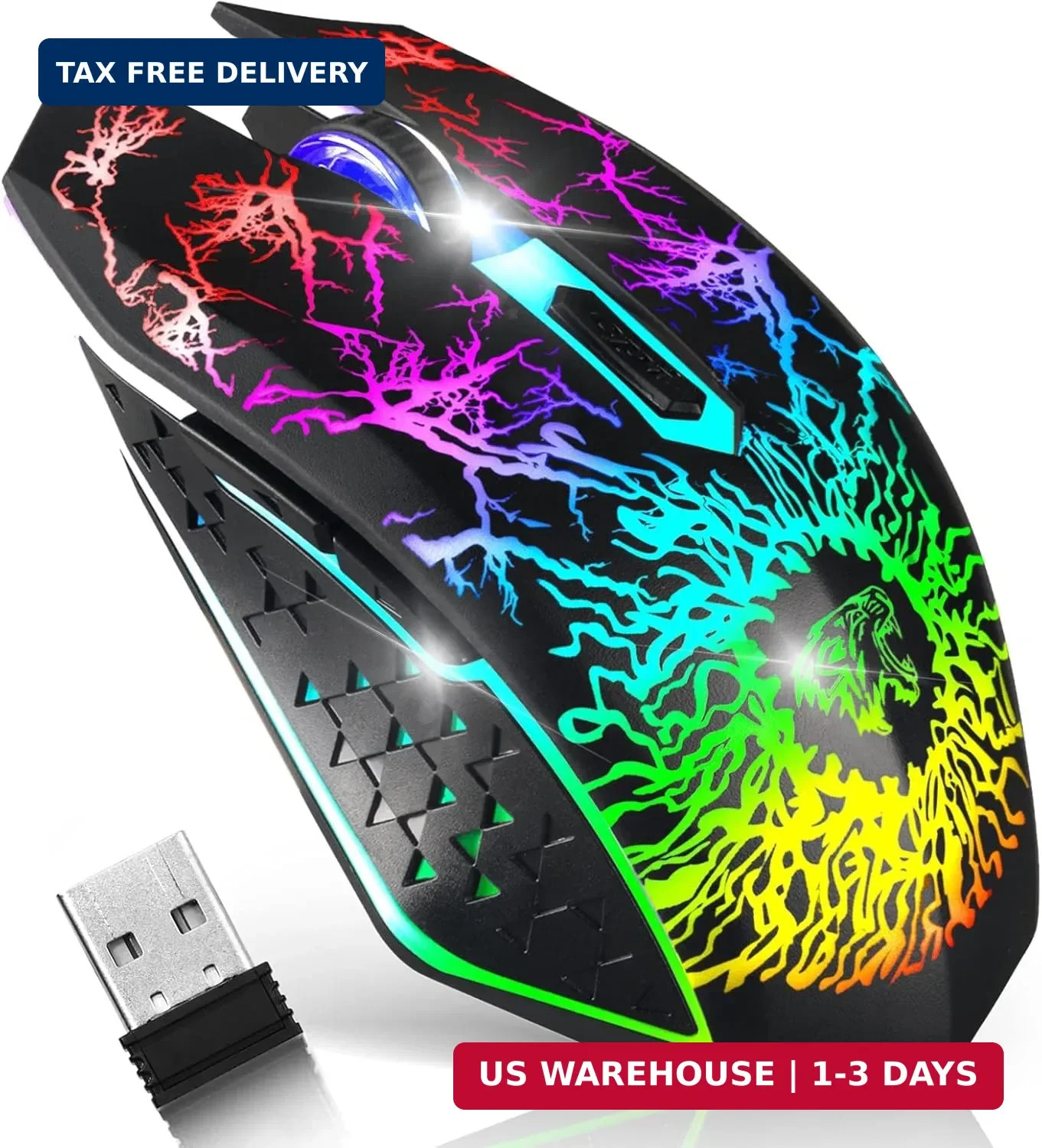
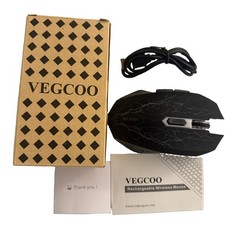
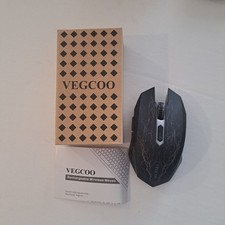
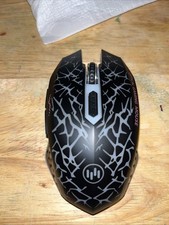
VEGCOO Wireless Gaming Mouse, Rechargeable Gaming Mouse, Silent Optical Mice with 2.4G USB Receiver, 3 Level DPI, 6 Buttons, 7 Colors LED Lights for PC/Mac Gamer, Laptop and DesktopFREE AND FAST SHIPPING!
Considerate USB charging wire
The included charging cable can charge the mouse anytime. Please align the charging plug with the port and plug it in while charging. Can be used while charging. The charging cable can be connected to a variety of power sources, such as power banks, laptops, etc.
Silent Click
The mouse's left and right buttons can reach the standard of silent click, so you don't have to worry about disturbing your family when you game or work.
Please be noted that only the left and right clicks are silent. Other buttons are not silent.
DPI adjustable
800/1600/2400 three DPI choices can perfectly satisfy your needs, whether it is daily work or games, you can get greater control and precision.
Cool Breathing Colors
Cool breathing color creating a ideal atmosphere for playing. Light ON/OFF depends on your needs for the design of a singe switch.
Built-in Rechargeable Battery
The high-quality 400mAh rechargeable battery promises a longer battery life. And you can even use the mouse when it is recharging.
Navigating the Internet Easily
Two side buttons achieve the function of page forward and page backward.
The clickable scroll wheel can downward/upward the website page quickly.
Ease to Set Up
Plug in the USB receiver, switch it on and you are all set.
Tips to assist with mouse work:
1. The data cable can only be used for charging and cannot help the computer recognize the mouse. And the USB receiver can help the computer identify and connect to the mouse. So if you are using a mouse, you will need to plug the USB receiver into the USB port on your computer.
2. The USB receiver is located under the mouse, please pull the USB receiver out of the USB socket with your fingernail. If no USB receiver is available, please contact VEGCOO.
3. Please charge the mouse for about 2 hours before using it for the first time.
4. If you don't use it for more than 8 minutes, the mouse will go into sleep mode. You can click any button to wake them up.
5. If the mouse pointer moves slowly or stops moving, power will be cut.
6. The blue light next to the scroll wheel will turn on while charging and turn off when the mouse is fully charged.
Product
We offer a 30-Day Return Policy on items which you are not completely satisfied with. You have the option for a full-refund or an exchange of the item.
No returns are available on items shipped outside of the US.
Shipping
We offer Free Shipping to the US and ship within 2business days of payment, usually sooner.
We use UPS express shipping.
That's why your products are usually delivered within 3 days.
Contact
We try our very best to make sure every customer is completely satisfied.
If there's a problem, message us! We're happy to help you. 24/7 live chat available.