VIVO Quad 13 to 30 inch Monitor Free-Standing Mount, Fully Adjustable Desk St... For Sale
When you click on links to various merchants on this site and make a purchase, this can result in this site earning a commission. Affiliate programs and affiliations include, but are not limited to, the eBay Partner Network.
VIVO Quad 13 to 30 inch Monitor Free-Standing Mount, Fully Adjustable Desk St...
Price: US $98.52
VIVO Quad 13 to 30 inch Monitor Free-Standing Mount, Fully Adjustable Desk Stand, Holds 4 Flat or Curved Display Screens, STAND-V004F Product Details Size: Quad Mount Brand: Generic UPC: 617401139361 EAN: 0617401139361 MPN: Does not apply
Mounting Type: Tabletop Mount
Movement Type: Articulating
Brand: VIVO
Material: Aluminum
Color: Black
Compatible Devices: Monitor
Global Trade Identification Number: 61
UPC
Unit Count: 4 Count
Manufacturer: VIVO
Brand: VIVO
Global Trade Identification Number: 61
UPC: 617401139361
Unit Count: 4 Count
Manufacturer: VIVO
Number of Items: 1
Model Number: STAND-V004F
Mfr Part Number: STAND-V004F
Warranty Description: 3 Year Warranty
Mounting Type: Tabletop Mount
Movement Type: Articulating
Compatible Devices: Monitor
Enclosure Material: Aluminum
Color: Black
Maximum-Supported Screen Size: 30 inches
Minimum-Supported Screen Size: 13 inches
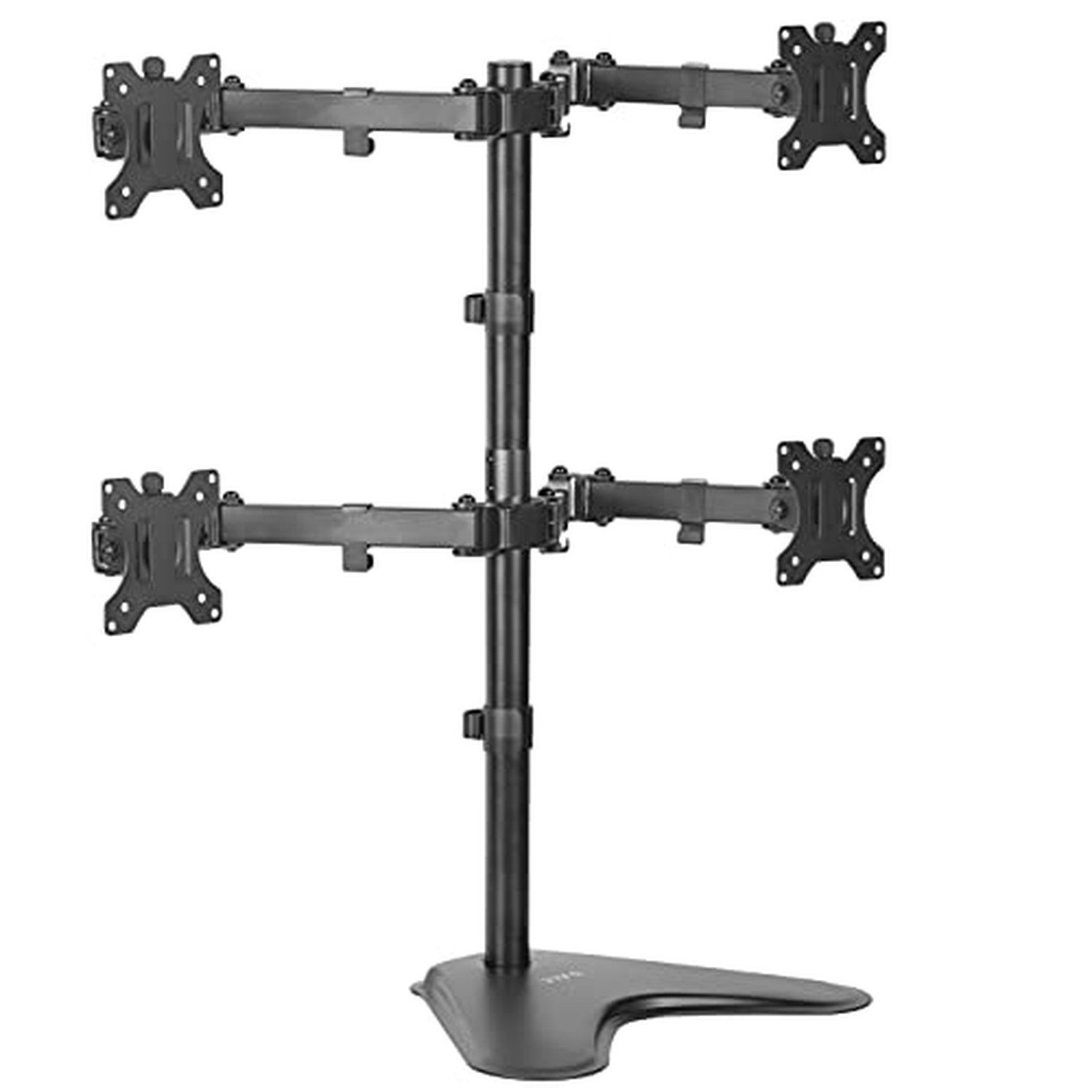
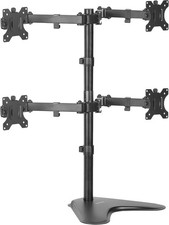
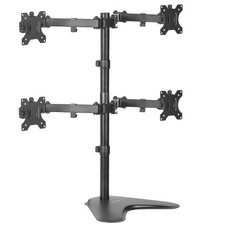
Fits 13" to 30" Screens: Quad monitor freestanding mount holds 4 screens 13" to 30" and 17.6 lbs (each) with 75x75mm or 100x100mm VESA holes. Detachable cable clips are provided on the arms and center pole to keep your cords clean and organized
Articulation and Height Adjustment: Adjustable arms offer +80 to -90 tilt, 180 swivel, 360 rotation, and height adjustment along the center pole. Monitors can be placed in portrait or landscape orientation
Heavy Duty Base: Measures 15.25" x 11" providing solid stability while monitors are held within its center of gravity. The bottom of the base features padding to protect your desk from scratches
Easy Assembly and Installation: Mounting your monitors is a simple process with detachable VESA bracket plates. We provide the hardware and instructions for assembly
Best Practices: Please do not pull monitors too far forward or backward unless the stand is bolted down, as this will cause stability issues