Waste Ink Pad
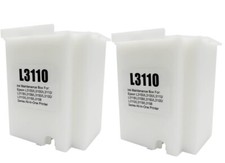
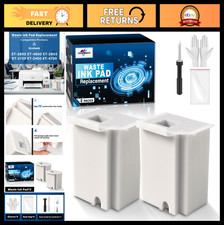
Widely Compatible: Compatible with a wide range of Ome (Original brand) printer models including ET2720, ET2800, ET2803, ET2400, ET4800, ET2710, ET2711, ET2712, ET2714, ET2715, ET2726, ET4700, L1110, L1119, L3100, L3106, L3108, L3109, L3110, L3115, L3116, L3117, L3118, L3119, and L3150. (ET-2850 not included)
Reset Key: Fix "parts end of service life" errors easily. Instead of buying a new printer or returning it, simply replace the waste ink pad yourself in about 20 minutes. If the error persists after , you will need to obtain a security key code and use a utility program to reset the waste ink counter to "0". (Note: You need to to obtain the electronic manual and reset key, which are currently not included in the product packaging)
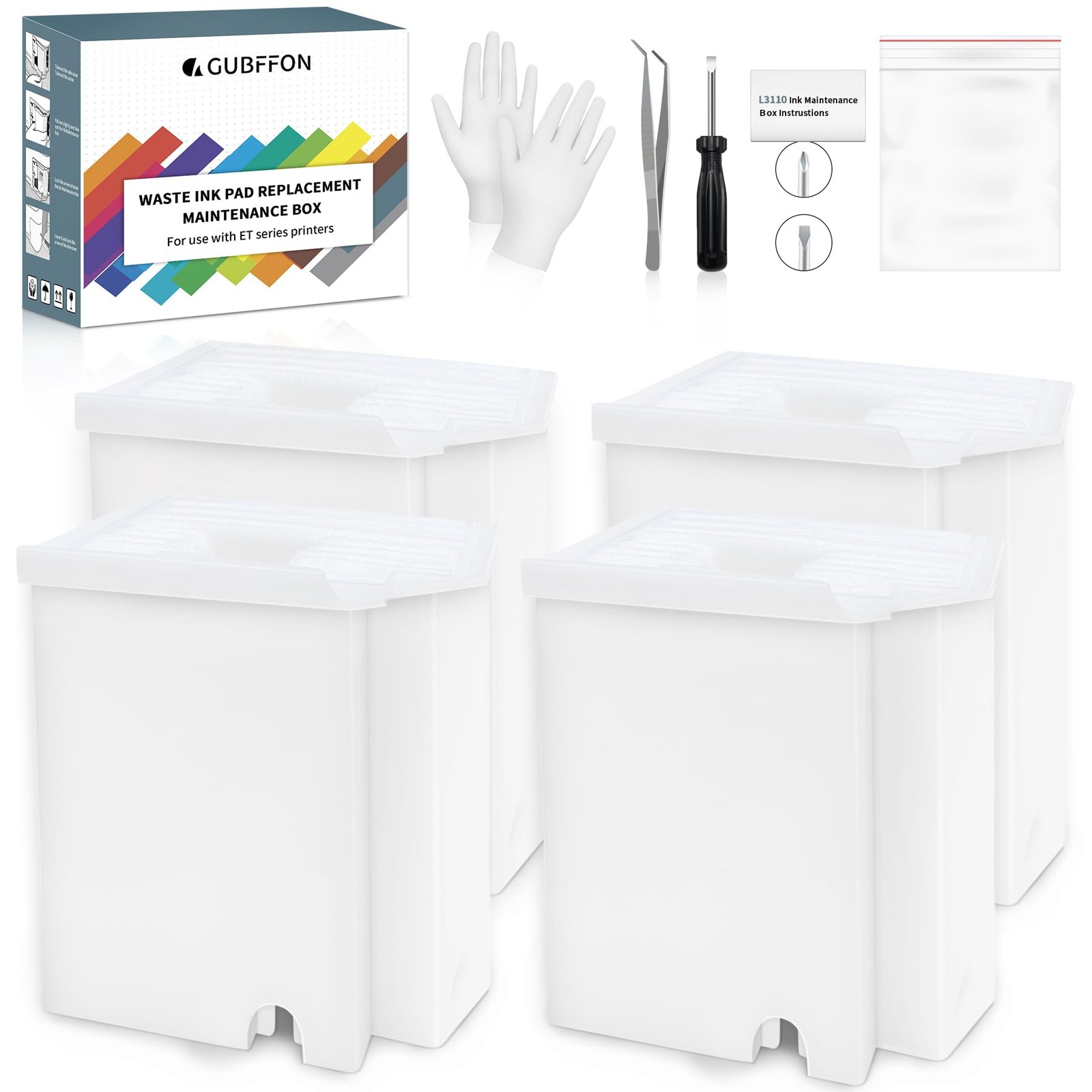
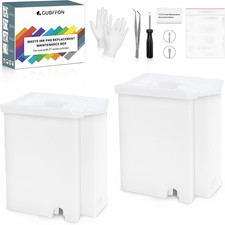
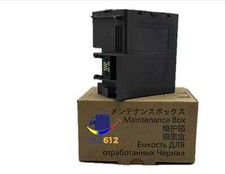
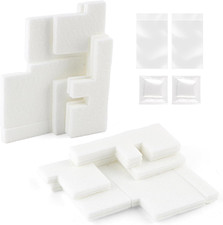
Complete DIY Kit: Includes a comprehensive, constantly updated instruction manual and a full set of tools: 2 * Maintenance Tanks (including pad sponge), 1 * Dual-head Screwdriver, 1 * Sealing Bag, 1 * Tweezers, 1 * Pair of Disposable Gloves, 1 * Instruction Manual. Everything you need for a successful DIY installation is provided.
High-Capacity Absorption: Features a super-absorbent sponge material selected for maximum ink retention. This high-capacity design significantly extends the time between replacements, supporting approximately 10,000 pages of printing and lasting 1-2 years under normal usage conditions, even with heavy printing tasks.
Rapid Service : We're here to help! Get fast, personalized assistance within 12 hours for key issues: confirming your printer model's compatibility, providing step-by-step installation guidance, and helping you reset the waste ink counter if the error code remains after installation. Let us guide you to a quick solution.