 When you click on links to various merchants on this site and make a purchase, this can result in this site earning a commission. Affiliate programs and affiliations include, but are not limited to, the eBay Partner Network. When you click on links to various merchants on this site and make a purchase, this can result in this site earning a commission. Affiliate programs and affiliations include, but are not limited to, the eBay Partner Network.
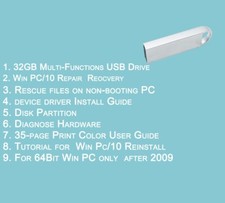
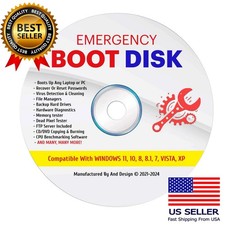
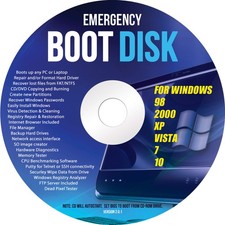
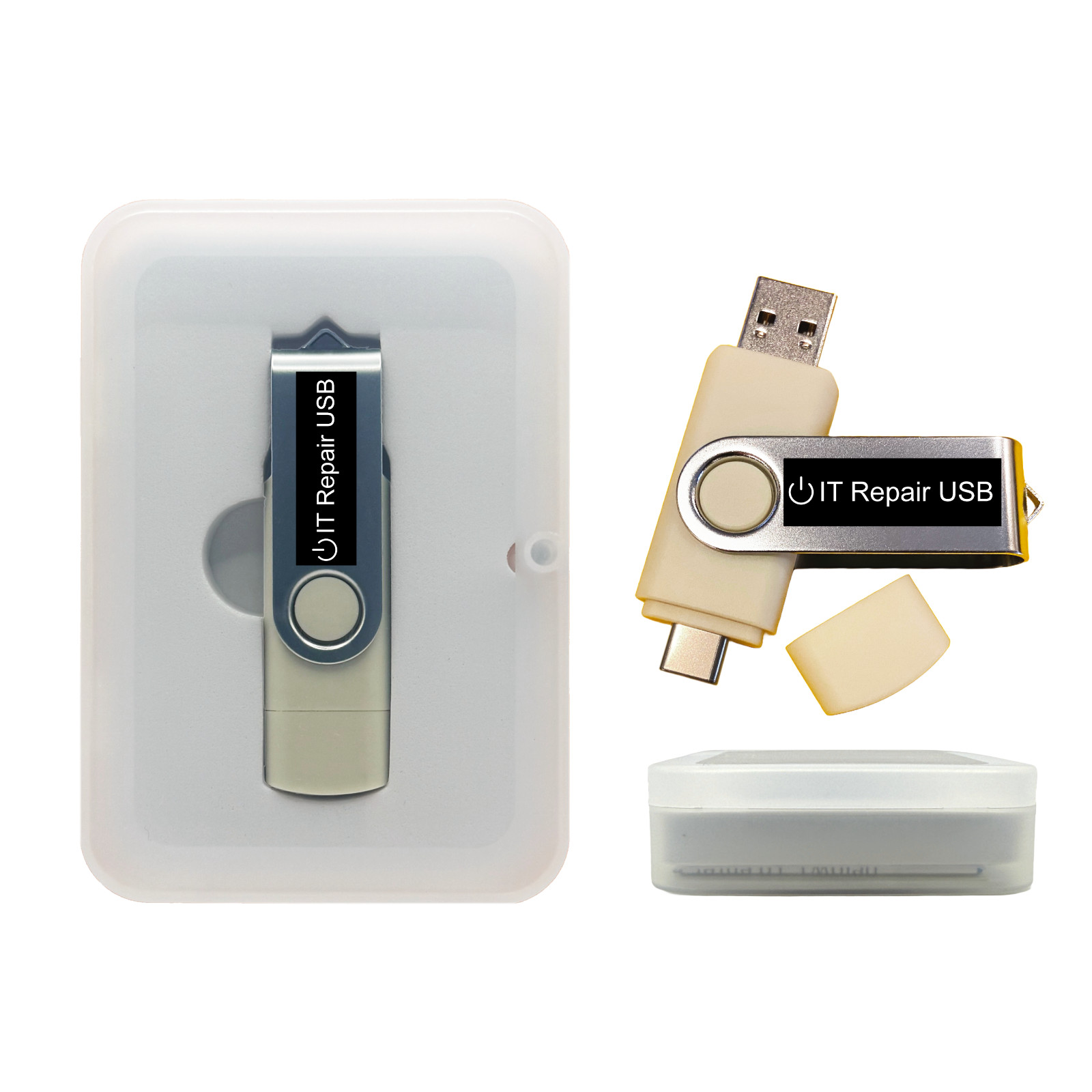
Fix Windows PCs fast — even when they won’t boot. This dual USB-A/USB-C Live USB packs trusted tools for virus & malware removal, boot repair, password reset, driver update, data recovery, cloning, and diagnostics. Use it as a bootable rescue or launch included apps inside Windows for routine maintenance. - Bootable rescue (UEFI/Legacy BIOS) to work outside a damaged OS.
- Inside-Windows toolkit for cleanup, drivers, and performance tune-ups.
- Data-safe workflows: recover files, clone disks, verify integrity.
- Dual connector USB-A & USB-C for desktops, laptops, new & old.
What You Can Do - Remove malware: scan & clean stubborn infections, repair damage.
- Repair boot issues: restore bootloaders, fix BCD/MBR/GPT problems.
- Reset passwords: regain access to local Windows accounts you own.
- Recover & back up data: undelete, copy off files, image/clone disks.
- Diagnose hardware: SMART checks, memory tests, temperature & health.
- Update drivers: large drivers pack for offline installs.
📦 Package / What’s Included - Bootable Live USB (dual USB-A/USB-C connector).
- Repair & recovery toolset (antivirus, boot repair, password reset, data recovery, cloning, diagnostics).
- Drivers pack (offline), plus handy utilities you can run inside Windows.
- Quick start guide: USB boot keys & tips.
- Packaging options: standard bubble mailer or gift tin case.
Form factor: USB 3.x (USB-A/USB-C)Use modes: Bootable & In-WindowsFocus: Repair / Recovery / MaintenanceAudience: Home users, IT techs, refurbishers💻 Compatibility & Requirements - Systems: x86_64 (64-bit) PCs that can boot from USB (UEFI or Legacy BIOS).
- Ports: USB 2.0/3.x; keyboard & mouse recommended.
- Note: Some devices with Secure Boot may need Secure Boot disabled to start external media.
- Not intended for ARM-only Macs.
⚙️ How to Use (Bootable Rescue) - Insert the USB, power on, and press your boot-menu key (F12, Esc, F10, F2, etc.).
- Select the USB device and start the Live environment.
- Run repair tools: boot fix, antivirus, password reset, data copy/image, cloning, diagnostics.
Help & Tutorials — boot keys, USB booting, and troubleshooting. 🪟 How to Use (Inside Windows) - Open PC Drivers Apps & Utilities on the USB for cleanup & diagnostics apps.
- Open PC Drivers Apps & Utilities\DriverPack to update or install drivers offline.
- Reboot into the bootable mode if Windows is too unstable to repair in-place.
🧭 Quick Fix Recipes - PC won’t start: Boot from USB → Boot Repair → Rebuild bootloader/BCD → Reboot.
- Forgot Windows password: Boot from USB → Password Reset tool → unlock local account you own.
- Virus damage: Boot from USB → Antivirus/Malware tools → clean → repair startup → optional SFC/DISM (if applicable).
- Save files from a dead OS: Boot from USB → Mount drive → copy to external disk or image drive first.
- Upgrade/replace disk: Clone old drive → swap hardware → boot → run driver update & cleanup.
 |
|