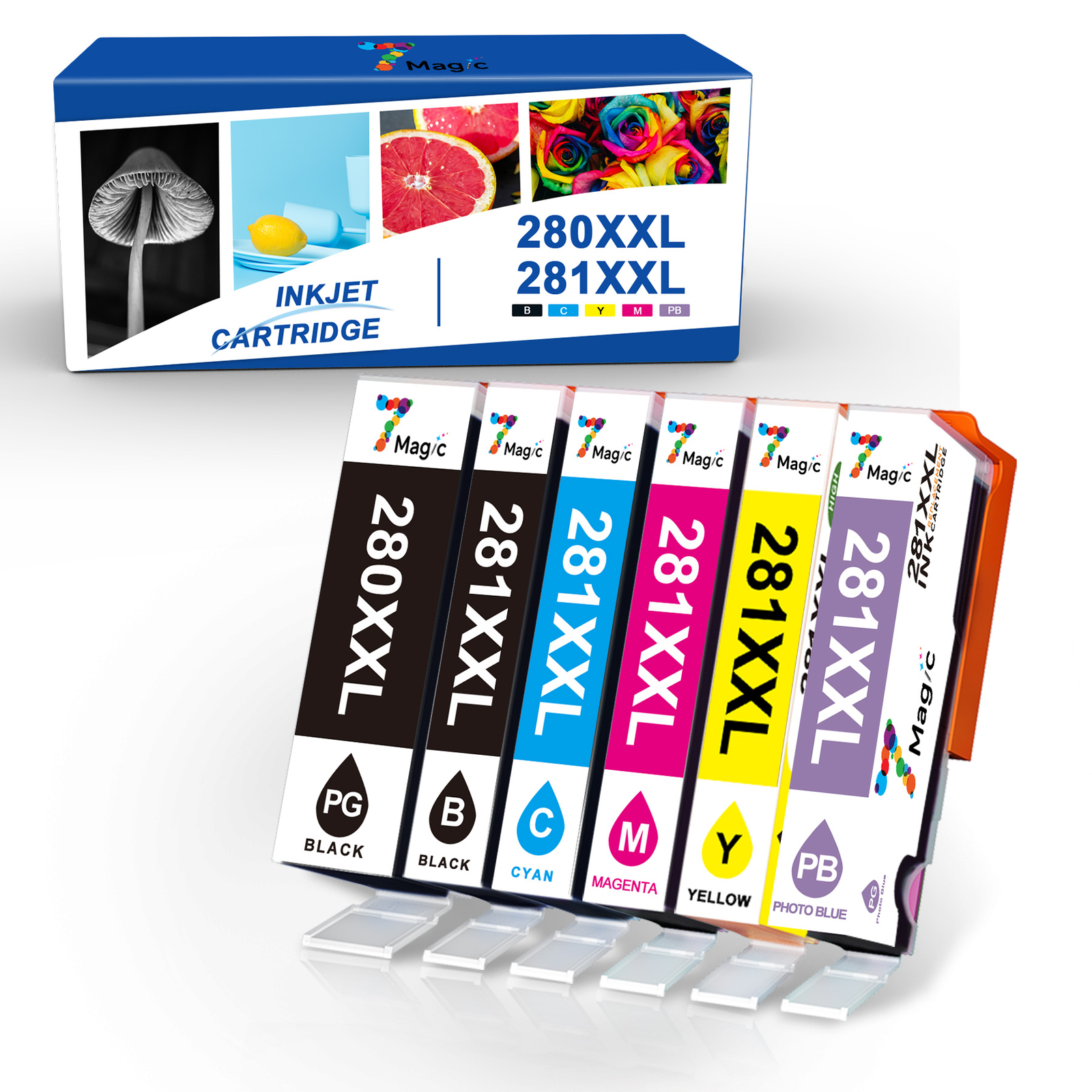
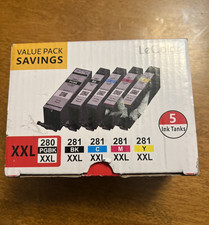
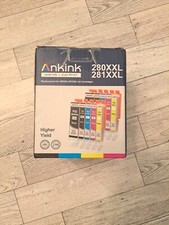
Model number: PGI-280 XXL CLI-281 XXL
Page Yield:
280XXL B:6360+ Pages @ 5% Coverage281XXL PB:600+ Pages @ 5% Coverage281XXL C:800+ Pages @ 5% Coverage281XXL Y:800+ Pages @ 5% Coverage281XXL M: 800+ Pages @ 5% Coverage
WHAT IS INSIDE?
As you selected
Compatible for Printer:
Pixma TR7500,TR7520,TR8500,TR8520
Pixma class="a-spacing-base" style="font-family: Arial; font-size: 12pt; box-sizing: border-box; padding: 0px; margin: 0px 0px 14px !important 0px;">Professional Performance:
7-Magic exclusive patented ink formula ensu res superb prints. Whether you need to print images in vivid color or pages with clear and crisp text, you can count on 7-Magic cartridges to provide you with superior results.
Instruction Steps:
Step 1:Make sure that the power is turned on, then open the scanning unit / cover. The print head holder will moves to the replacement position. Remove the ink tank where the ink runs out. Push the tab (A) and lift the ink tank to remove.Step 2:A. Prepare a new ink tank. Hold the ink tank with the orange protective cap pointing up.B. Lift up the tab on the orange protective cap to remove it off Gently.Step 3:Close the scanning unit / cover. Just be careful not to get your fingers caught.