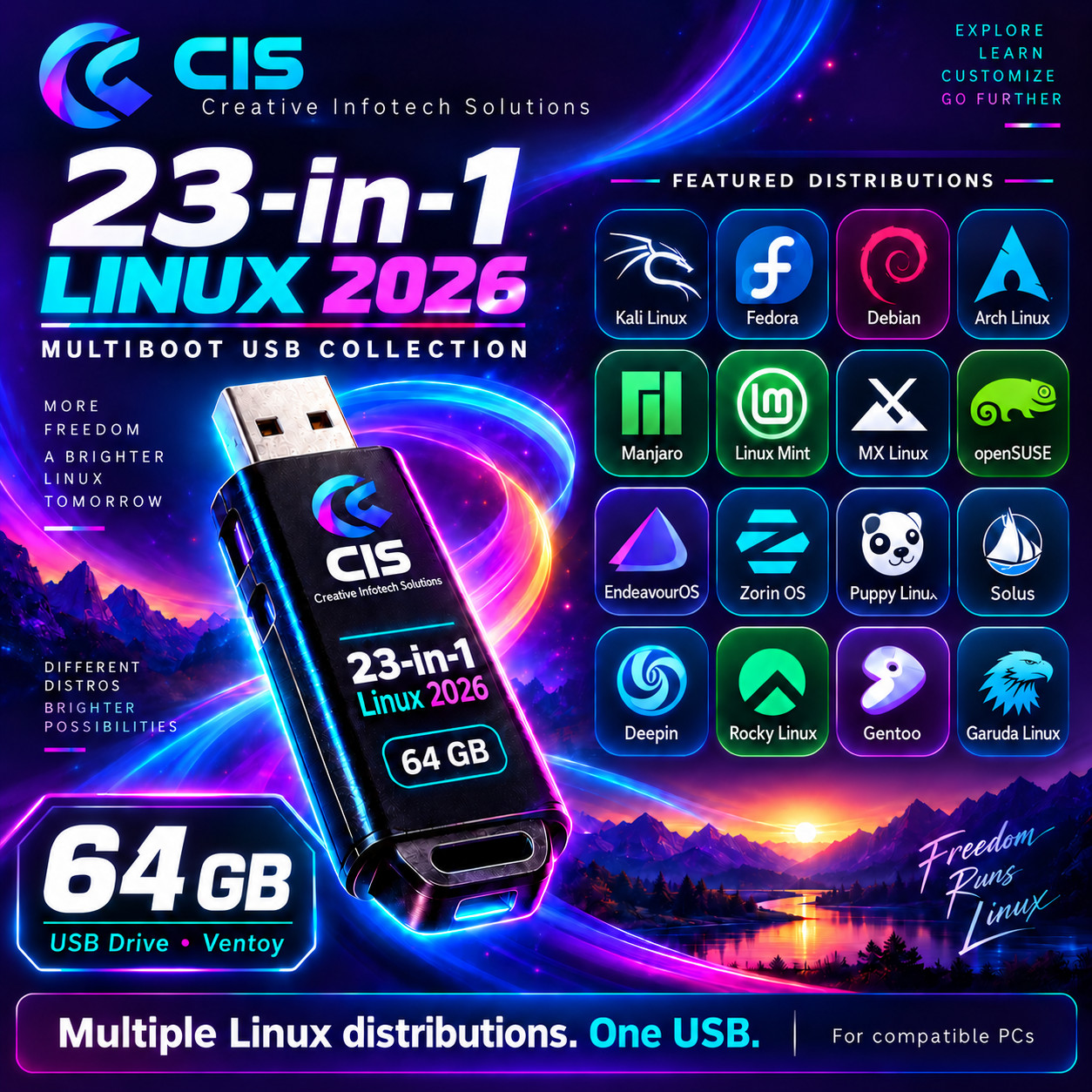
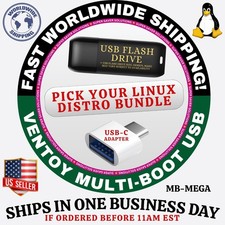
Explore more possibilities with one convenient USB drive. This collection brings together desktop favorites, lightweight alternatives, advanced Linux distributions, and specialized operating systems for learning, evaluation, and installation on compatible PCs.
Whether you’re getting started with Linux, comparing different environments, or expanding your home lab, this collection offers a wide range of choices in one place.
WHAT’S INCLUDED
- One physical 64 GB USB flash drive
- The 23 operating systems listed below
- A Ventoy multiboot menu for selecting the included boot images
BEGINNER & DESKTOP FRIENDLY
Explore everyday desktop options for browsing, productivity, and getting familiar with Linux:
Linux Mint • Zorin OS • Pop!_OS • Linux Lite
FLEXIBLE & LIGHTWEIGHT
Discover alternative approaches to desktop computing, including minimal systems and options suited to selected older or lower-resource hardware:
MX Linux • Puppy Linux • Tiny Core Linux • antiX Linux • Peppermint OS • Void Linux
ADVANCED & FEATURE-RICH
Explore different approaches to customization, software management, development, and system administration:
Arch Linux • EndeavourOS • Garuda Linux • Fedora Workstation • Manjaro • NixOS • Rocky Linux
SERVER & VIRTUALIZATION
Proxmox VE — A dedicated platform for managing virtual machines and containers, suited to home labs and server projects.
PRIVACY & SECURITY FOCUSED
- Kali Linux — For security education and authorized security testing.
- Tails OS — A privacy-focused operating system designed for live use.
ADDITIONAL DISTINCTIVE OPTIONS
KDE neon • CachyOS • Haiku
Haiku is an independent operating system inspired by BeOS, adding variety beyond Linux to this collection.
GETTING STARTED
- Insert the USB drive into a compatible PC.
- Restart the computer and open its boot menu.
- Select the USB drive.
- Choose an operating system and follow its startup or installation instructions.
Live desktop use is available where supported by the included image. Some options launch an installer or require additional setup and technical knowledge.
COMPATIBILITY & IMPORTANT DETAILS
- Intended for compatible PCs with USB boot support.
- Hardware requirements vary by operating system; lightweight options do not guarantee compatibility with every older computer.
- BIOS/UEFI settings may need adjustment. Secure Boot support varies.
- Internet access may be required for installation, drivers, updates, or additional software.
- Back up important files before installing an operating system or changing disk partitions.
- This collection provides boot and installation media; it does not mean all 23 operating systems are fully installed on the USB.
- Live-session changes and files are not guaranteed to remain after restarting.
- Please message us before purchasing if you need help checking suitability for your computer.
ABOUT YOUR PURCHASE
Your purchase covers the physical USB drive and its preparation. The included operating systems are available separately from their respective projects under their applicable licenses. Distribution names and logos belong to their respective owners;