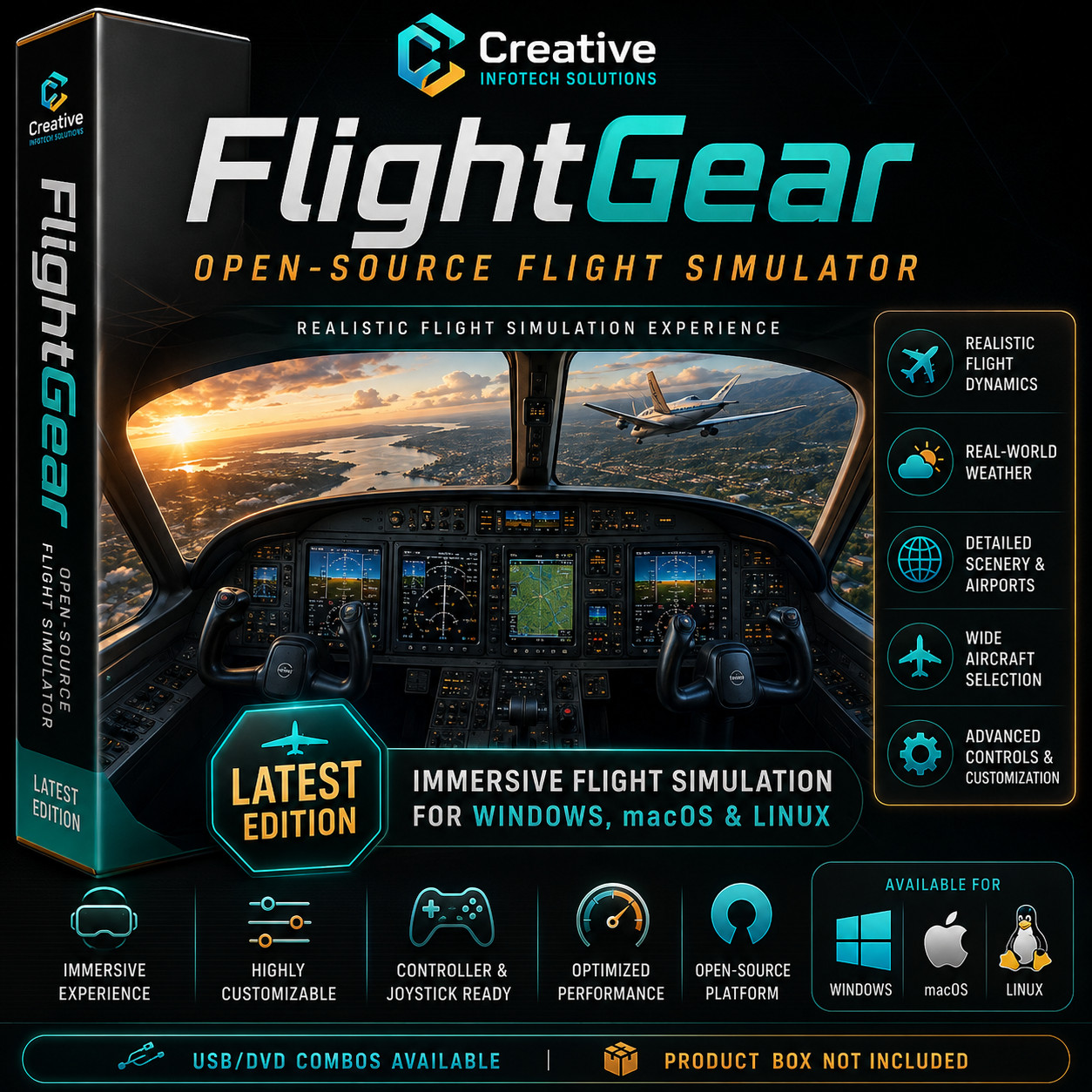
Enjoy a realistic and immersive flight simulation experience with FlightGear, a powerful open-source flight simulator designed for aviation enthusiasts, hobbyists, students, and simulation fans.
This listing is for physical installation media prepared for convenient installation on compatible systems.
Key Features
- Realistic flight simulation environment
- Wide aircraft selection
- Detailed scenery and airports
- Real-world weather support
- Advanced controls and customization
- Joystick and controller support
- Suitable for learning, exploration, and simulation enjoyment
Compatible Platforms
Compatible builds are available for:
Performance can vary depending on computer hardware, graphics capability, scenery complexity, aircraft selection, and simulator settings.
What You Receive
- FlightGear installation files
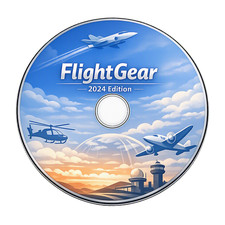
- USB flash drive and/or DVD depending on your selected option
- Initial installation instructions
- Quick-start guidance
Minimum Hardware / System Configuration
Minimum:
- Supported Windows, macOS, or Linux system
- Dual-core processor
- 4 GB RAM
- OpenGL-capable graphics
- 10 GB free storage space
- Keyboard and mouse
Recommended for Better Performance:
- Recent 64-bit Windows, macOS, or Linux system
- Quad-core processor or better
- 8 GB RAM or more
- Dedicated graphics card recommended
- SSD with 20 GB or more free space
- Joystick or controller optional for improved experience
Important Notes
- USB/DVD Combos Available
- Product Box Not Included
Additional Information
FlightGear is free and open-source software. This listing covers the physical media, preparation, organization, and convenience of delivery.
FlightGear and related names/trademarks belong to their respective owners.
USB/DVD appearance may vary by batch. Listing images are illustrative.