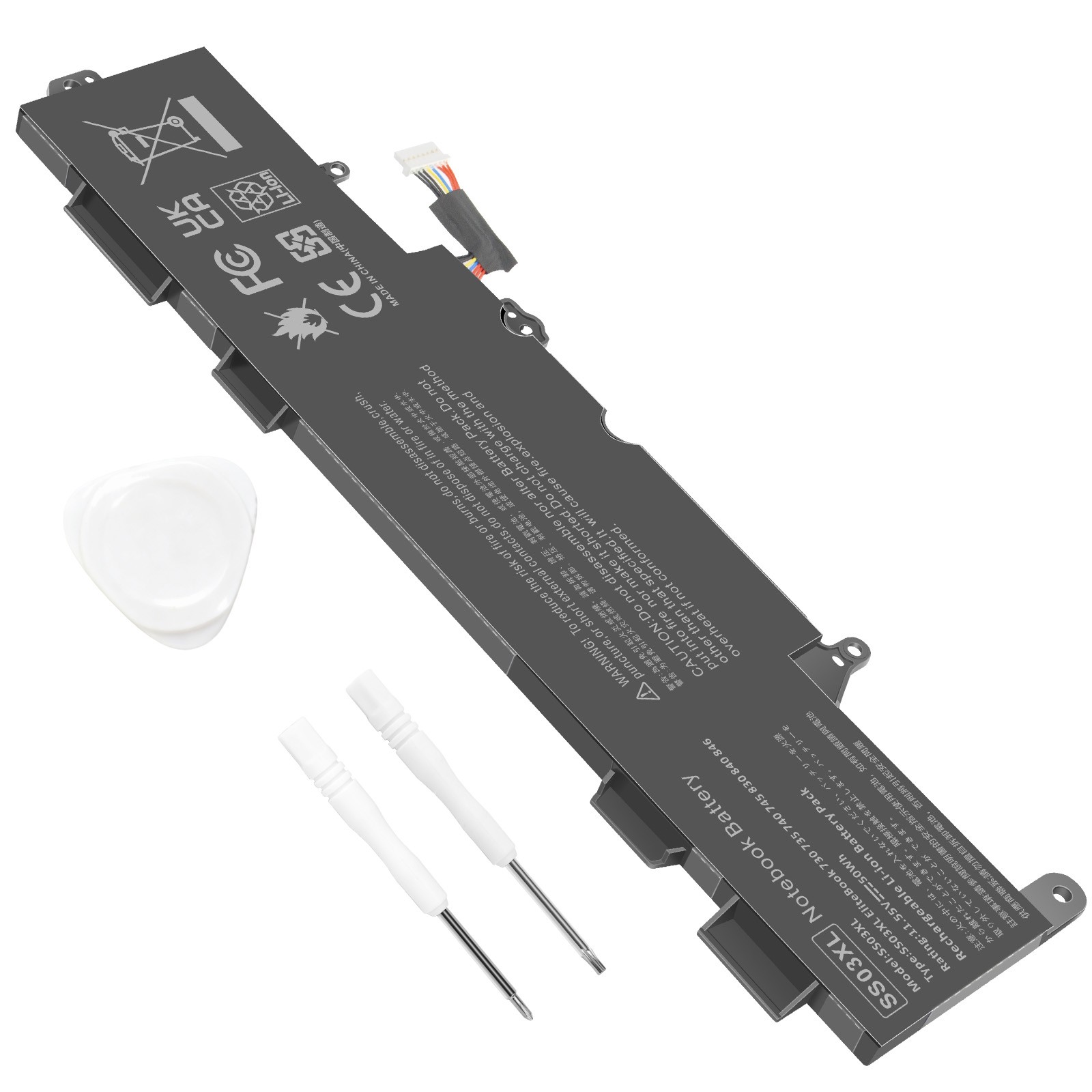
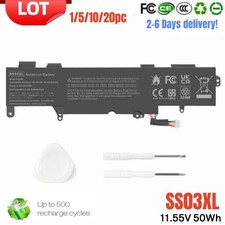
Tips: Please check carefully about your laptop model name/battery part number/battery shape and size to make sure you purchase the correct battery.
Specification:
Condition: 100% New from Manufacturer, Grade A Cell
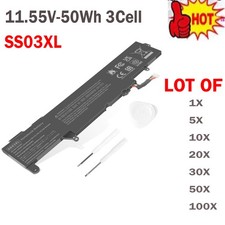
Model Name: SS03XL
Battery Type: Li-ion
Battery Voltage: 11.55V
Battery Capacity: 50Wh
Battery Cells:3
Replacement for Part Number:
SS03XL / SS03 / SS03050XL / SS03050XL-PL
HSN-112C / HSN-113C-4 / HSN-I12C / HSN-I13C-4
HSTNN-LB8G / HSTNN-1B8C / HSTNN-DB8J / HSTNN-IB8C
932823-171 / 932823-1C1 / 932823-271 / 932823-2B1 / 932823-2C1 / 932823-421 / 933321-852 / 933321-855
Compatible Models: (Use "Ctrl+F” to find your model quickly)
For HP EliteBook 730 G5 / 735 G5 / 740 G5 / 745 G5 Series
For HP EliteBook 830 G5 / 836 G5 / 840 G5 / 846 G5 Series
For HP EliteBook 735 G6 / 745 G6 / 830 G6 / 840 G6 Series
For HP ZBook 14U G5 / 14U G6 Series
3JW85EA, 3JX70EA, 3JX74EA, 3JX26EA, 3JX71EA, 3JX68EA ,3JW93EA, 3JX69EA,
3JX73EA, 3JW95EA, 3JX72EA, 3JX61EA, 3JX00EA, 3JX67EA, 3JX62EA, 3JX04EA,
3JX66EA, 3JX64EA, 3JX43EA, 3JX31EA, 3JX65EA, 3JX44EA, 3JX33EA, 3JX29EA,
3JX63EA, 3UW35PC, 3UW52PC, 3UW57PC, 3UU07PC, 3JY07ES
For HP mt44 Mobile Thin Client
Note:
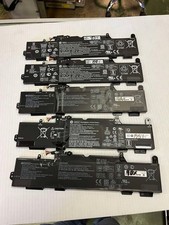
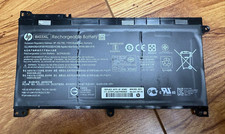
To ensure that the battery is suitable for your laptop,please open your laptop case, check and confirm your original battery model and appearance, compared with our battery image, make sure that's what you need. Especially the location of the connector and the cable length (long or short)
Install A New Battery:
1. You need to turn off your laptop and disconnect the power.
2. Remove the old battery, carefully install the new battery on the battery case, and connect the wiring of the new battery.
3. If you don't understand the above steps, you can search for the video about laptop battery installation on YouTube. Maybe it will help you.
Laptop Maintenance Tips:
1. New battery: For use a new battery, you’d better try a few cycles of discharging to 5%. then charging up to 95%. So that it can be activated completely
2. Overuse: Do not always run out of a battery to 0%, this would make it damaged or usage life shortened
3. Charging sequence: when charging, first install the battery, then turn on the power, when fully charged, first cut off the power, then pull the power plug.
4. Long-term storage:Please store the unused battery fully charged.(Charge it once a month) Do not store at low power to prevent reduce the lifespan of a battery
5. Charger: Do not replace the laptop adapter casually. If the original adapter cannot be applied due to malfunction or damage, please replace the models, so as not to reduce the service life of the battery due to incompatibility.
On May 7, 2026 at 19:23:49 PDT, seller added the following information: