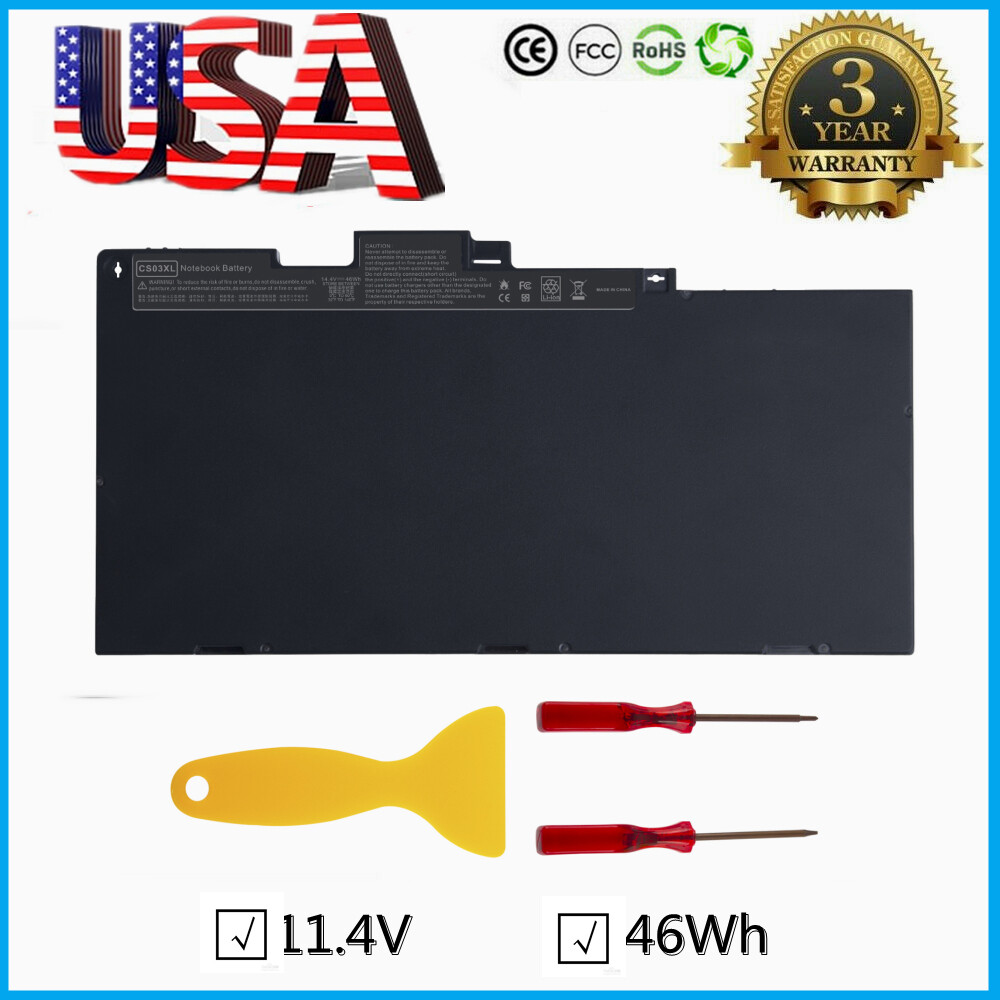
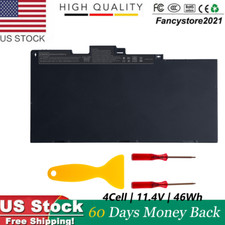
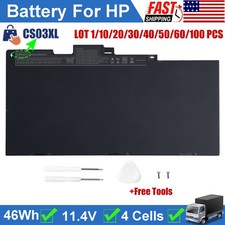
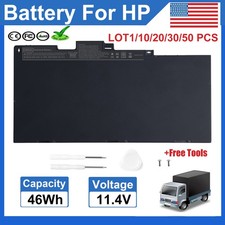
✅Lot 50x CS03XL Battery for HP Elitebook 745 840 G3 G4 854108-850 800513-001Specifications:
Battery Type: Li-ion
Battery Voltage: 11.1V
Battery Capacity: 46Wh
Battery Color: Black
Replace Part Number:
CS03, CS03XL, CSO3, CSO3XL, T7B32AA, CS03046XL,800231-141, 800231-271, 800513-001, 800231-1C1, HSTNN-DB6U, HSTNN-UB6S, HSTNN-IB6Y, HSTNN-I33C-4, HSTNN-I33C-5, HSTNN-I41C-4, HSTNN-I41C-5
Compatible Model: (the same laptop model will have several series. Make sure your battery model is CS03XL!)
HP Elitebook 745 G3 G4
- Z3T00UT T3L35UT T3L33UT T3L32UT T3L36UT T3L34UT P5W11UT 1FX56UT
- 1FX54UT 1FX52UT 1FX55UT 1FX53UT 1FX57UT
HP EliteBook 755 G3 G4
- Z3T01UT T3L75UT T3L77UT T3L78UT T3L74UT T3L73UT T3L76UT
- 1FX51UT 1FX49UT 1FX50UT 1FY98UT 1FY99UT
HP EliteBook 840 G3 G4
- Z2A59UT Z2A56UT Z2A57UT Z2A58UT X9U23UT X9U25UT X9U24UT T6F45UT V1H24UT T6F47UT Z2B09UT W0S14UT W0S13UT Z2B08UT V1H23UT T6F46UT V1H25UT T6F48UT T6F44UT Z2A55UT Z2A54UT
- 1GE44UT 1GE40UT 1LB77UT 1LB79UT 1FY18UT 1GE46UT 1GE45UT 1GE39UT 1LB78UT 1LB76UT 1GE43UT 1GE42UT 1GE41UT
HP EliteBook 850 G3 G4
- V1H22UT V1P45UT V1H18UT V1H17UT V1H16UT V1H19UT V1H21UT V1H20UT W0S16UT W0S15UT Z3U88UT Z3U87UT V2W72UT Z3U83UT Z3U84UT Z3U85UT Z3U86UT
- 1BS52UT 1BS54UT 1BS51UT 1BS53UT 1BS47UT 1BS49UT 1BS48UT 1BS46UT 1BS50UT
HP ZBook 15u G3 G4 Mobile Workstation
- V1H64UT T8R80AW V1H60UT V1H61UT V1H59UT T8R82AW X5E37AW X5E35AW V1H65UT V1P50UT V1H66UT V1H63UT V1H62UT
- 1BS35UT 1BS32UT 1BS31UT 1BS34UT 1BS33UT
HP mt42 Mobile Thin Client
- N9Z99AA N9Z98AA V2W65UA W0Q19AA N9Z95AA X9T99UA X9U29UA W5X77UA W5X78UA W5X79UA
- X9U32UA P5W06UA X9U30UA X9U31UA P0A00AA X9U57UT X9U93UA X9U92UA X9U90UA X9U57UT
- X9U93UA X9U92UA X9U90UA X9U91UA X9U90UT Y4D05UA
HP mt43 Mobile Thin Clien
Easy to deal a variety of use environment
Install A New Battery:
1, You need to turn off your laptop and disconnect the power.
2, Disconnect the connection between the old battery and the motherboard to avoid unnecessary damage caused by disassembling the battery. Then unscrew the old battery screws one by one and carefully save each screw.
3, Remove the old battery, carefully install the new battery on the battery case, screw in the screw, and connect the wiring of the new battery.
4, If you don't understand the above steps, you can search for the video about laptop battery installation on Y-o-u-T-u-b-e. Maybe it will help you.
laptop battery instruction:
1.Discharge the new battery use to 5%(not to 0%) and then charge to 95%, and cycle 3-4 times.
2.Do not disassemble, crush or puncture. Do not dispose of in fire or water.
3.If you remove battery for a long time, charge more than 80% at least one time within one months.
4.Don't connect adapter for a long time while using the battery. It may damage the battery.
5.When using the battery, care should be taken to prevent exposure and moisture.
The following are troubleshooting methods:
1.Turn off the laptop.
2.Unplug AC power.
3.Remove the battery.
4.Replace AC power.
5.Turn on laptop,allow OS to boot.
6.Once logged in to the machine,perform a normal shut donw.
7.Unplug AC power.
8.Replace battery.
On Aug 23, 2026 at 20:33:35 PDT, seller added the following information: