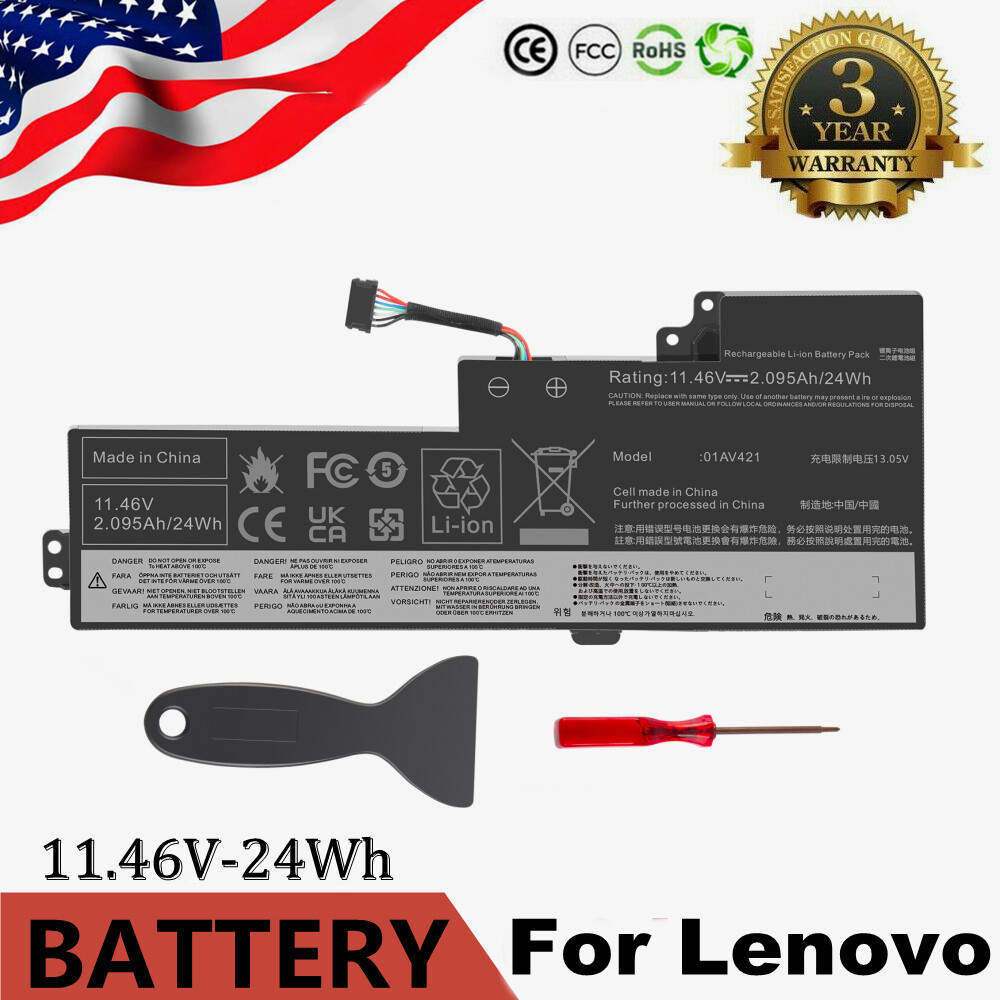
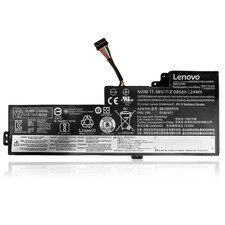
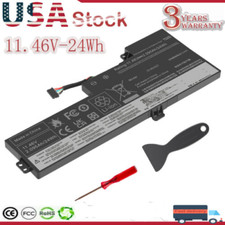
01AV420 Battery for Lenovo ThinkPad T470 T480 A475 A485 01AV421 01AV419 01AV489 For Sale
When you click on links to various merchants on this site and make a purchase, this can result in this site earning a commission. Affiliate programs and affiliations include, but are not limited to, the eBay Partner Network.
Lenovo ThinkPad TP25 (Anniversary Edition 25) Series
How to purchase the correct of battery?
Tip 1: You have to find your specific laptop model before ordering a correct battery. How to check your laptop model?
Step 1: Press Windows + R to open Run window.
Step 2: Input "msinfo32" in the empty box and click OK to open System Information.
Step 3: Keep in the System Summary section, and you will find the System Model item in the right pane.
Tip 2: Remove Battery from Laptop to find your laptop battery part number
Step 1: Switch off the laptop and unplug the power cable in case of electric shock
Step 2: Remove the back panel with the screwdriver. You should to this with care avoiding any harm to the laptop components.
Step 3: Disconnect the cable connected to the battery and then take out the battery. After that, you can check the specifications of your battery.
Install A New Battery:
You need to turn off your laptop and disconnect the power.
Disconnect the connection between the old battery and the motherboard to avoid unnecessary damage caused by disassembling the battery. Then unscrew the old battery screws one by one and carefully save each screw.
Remove the old battery, carefully install the new battery on the battery case, screw in the screw, and connect the wiring of the new battery.
If you don't understand the above steps, you can search for the video about laptop battery installation on YouTube. Maybe it will help you.
Laptop Battery Instructions:
Discharge the new battery to 10% (not 0%), then charge(100%) and cycle 3-5 times to wake up the new battery.
It can calibrate the state of the battery by performing a complete and effective charging and discharging of the battery once a month.
Charge it to around 50% when you store it long term.
Do not keep your battery below 5% or deep discharge state (long time 0%), may turn on battery protection and cause the battery to fail to charge.
Please feel welcomed to notify us of any inconvenience or fault in our battery.
The following are troubleshooting methods:
Turn off the laptop.
Unplug AC power.
Remove the battery.
Replace AC power.
Turn on laptop,allow OS to boot.
Once logged into the machine, perform a normal shut down.