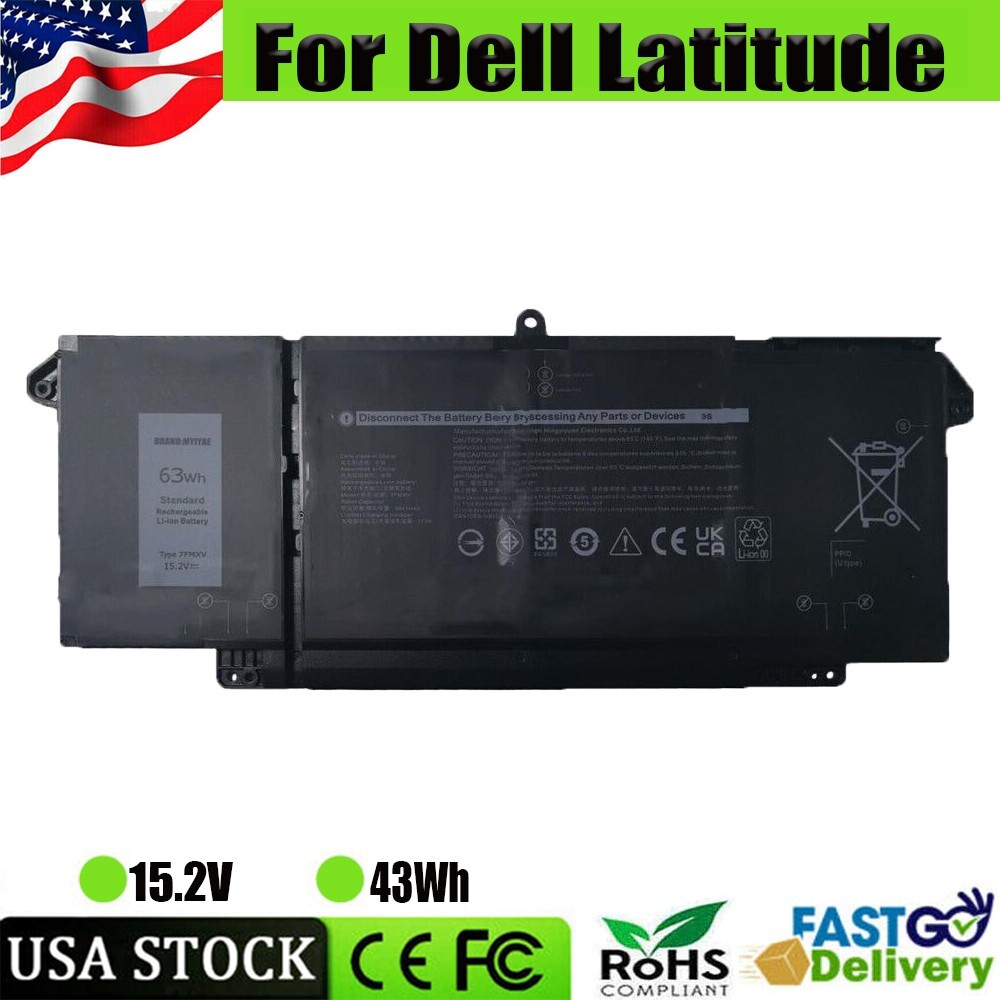
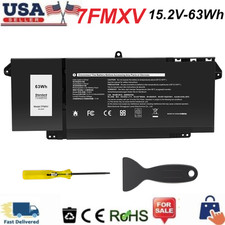
Specifications:Condition: Brand New , 'A' grade cells,100% Compatible!Battery type: Li-ion BatteryVoltage: 15.2VCapacity: 3941mAh / 63WhNumber of Battery Cells: 4Certification: CE FCC RoHSColor: black as picturesOperation time: approx 1.5-3 hoursPackage including: 1×battery (in packing box)Compatible Model:For Dell Latitude 5320 seriesFor Dell Latitude 7320 seriesFor Dell Latitude 7420 seriesFor Dell Latitude 7520 series(Note: Not fit fot Latitude 7320 Detachable)Compatible Part Numbers:7FMXV 0TN2GY TN2GY 9JM71 4M1JN 1PP63 HDGJ8 MHR4GNote:Please check carefully about your laptop model name/battery part number/battery shape and size to make sure you purchase the correct battery.
7FMXV LAPTOP BATTERY FOR LATITUDE 5320 7320 7420 7520 9JM71 0TN2GY TN2GY 63WH USSpecifications:Condition: Brand New , 'A' grade cells,100% Compatible!Battery type: Li-ion BatteryVoltage: 15.2VCapacity: 3941mAh / 63WhNumber of Battery Cells: 4Certification: CE FCC RoHSColor: black as picturesOperation time: approx 1.5-3 hoursPackage including: 10PCS × Battery (in packing box)Compatible Model:For Dell Latitude 5320 seriesFor Dell Latitude 7320 seriesFor Dell Latitude 7420 seriesFor Dell Latitude 7520 series(Note: Not fit fot Latitude 7320 Detachable)Compatible Part Numbers:7FMXV 0TN2GY TN2GY 9JM71 4M1JN 1PP63 HDGJ8 MHR4G
Note:
Please check carefully about your laptop model name/battery part number/battery shape and size to make sure you purchase the correct battery.
How to confirm that the battery is suitable for your laptop?
Method 1: Use System Information to find your laptop model
Step 1: Press Windows + R to open Run window.
Step 2: Input "msinfo32" in the empty box and click OK to open System Information.
Step 3: Keep in the System Summary section, and you will find the System Model item in the right pane.
Method 2: Remove Battery from Laptop to find your laptop battery part number
Step 1: Switch off the laptop and unplug the power cable in case of electric shock
Step 2: Remove the back panel with the screwdriver. You should to this with care avoiding any harm to the laptop components.
Step 3: Disconnect the cable connected to the battery and then take out the battery. After that, you can check the specifications of your battery.
Compatible BrandFor DellColorBlackCompatible ModelFor Dell Latitude 5320 7320 7420 7520 seriesMPNDoes Not ApplyBattery TypeLiPoCompatible Product LineFor Capacity63WHUnit TypeUnitManufacturer Warranty3 YearsVoltage15.2VUnit Quantity1Number of Battery Cells4Warranty3 Years Warranty + 60 Days Money Back