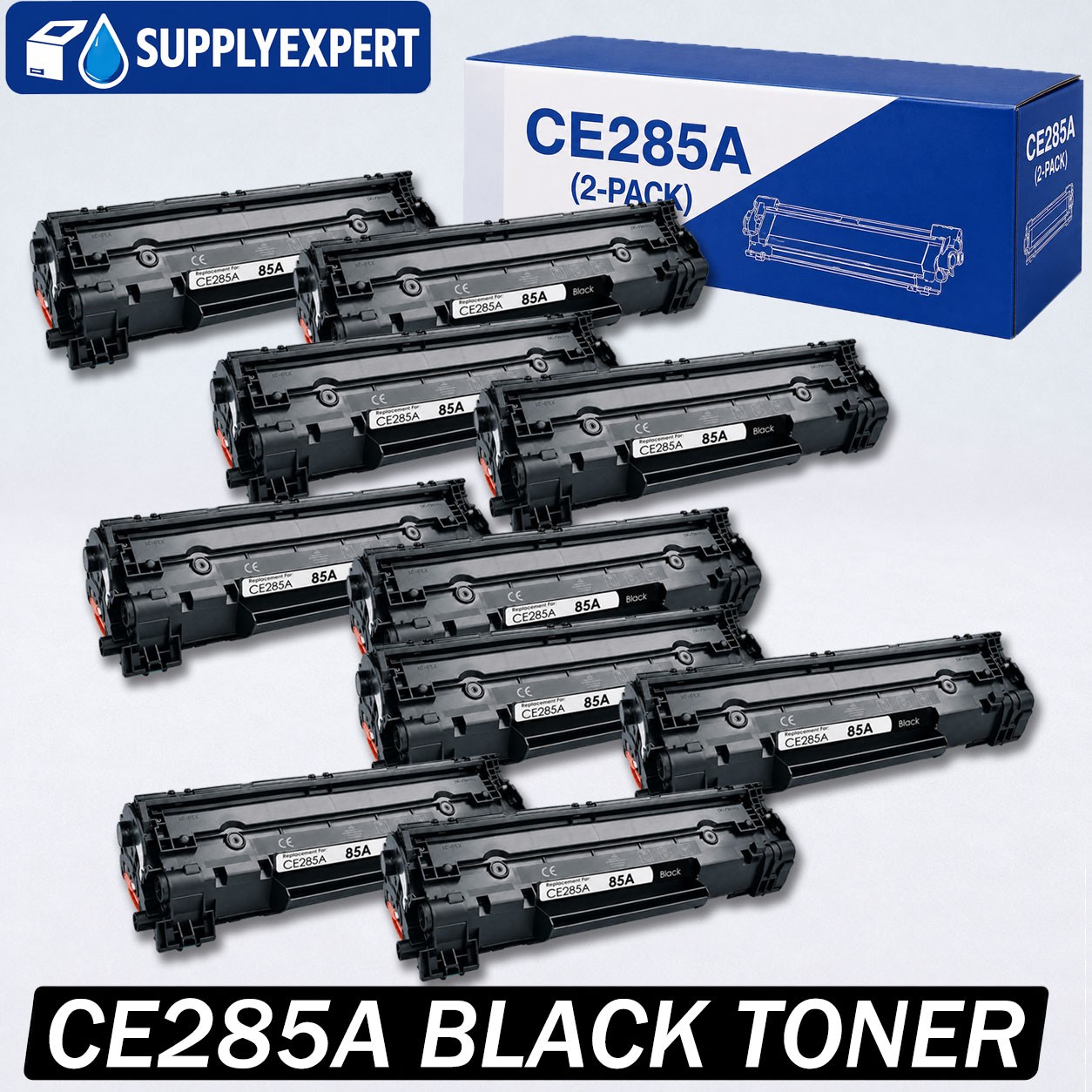
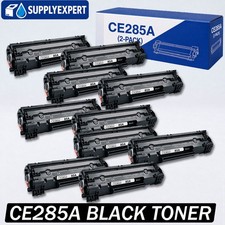
Header Compatible Black Toner Cartridge for HP CE285A / 85A
Upgrade your everyday printing with this compatible black toner cartridge designed for HP CE285A / 85A toner models. It is a practical replacement choice for home, school, and office printing needs.
This toner is built with a chip for easy installation and printer recognition. It is suitable for printing clear black text, invoices, forms, labels, reports, schoolwork, and other daily documents.
Key Features Key FeaturesCompatible Replacement Toner
Designed as a compatible replacement for HP CE285A / 85A toner models.
Built with Chip
Comes with a chip to help with installation and printer recognition.
Clear Black Printing
Delivers sharp and readable black text for everyday document printing.
Up to 1,600 Pages
Page yield is up to 1,600 pages based on 5% page coverage. Actual yield may vary depending on printed content, printer settings, paper type, and usage conditions.
Reliable Daily Use
Suitable for home office, small business, school, warehouse, front desk, and general office printing.
Compatibility Compatibility
Compatible Toner Model: HP CE285A / 85A
Compatible Printer Models:
- HP LaserJet Pro P1005 / P1006 / P1007 / P1008 / P1009
- HP LaserJet Pro P1100 / P1102 / P1102W
- HP LaserJet Pro M1130 / M1132 / M1210 / M1212NF / M1217NFW
- Canon imageCLASS LBP3250 / MF3010 / LBP6030w / LBP6000
Please check your printer model or original toner model before purchase. If you are not sure whether this toner fits your printer, please contact us before ordering.
Installation Tips Installation Tips
- Turn off the printer before installing the toner.
- Remove all protective covers and sealing tape before use.
- Gently shake the toner side to side several times to distribute the toner evenly.
- Install the toner firmly into the printer.
- If the printer does not recognize the toner, remove it and reinstall it.
Important Notes Important Notes
This is a compatible replacement toner cartridge, not an OEM product. Brand names and model numbers are used only to show compatibility.
Page yield is based on 5% page coverage. Actual page output may vary depending on your printing habits and printer settings.
Warranty & Support Warranty & Support
This product comes with a 3-year warranty. If you have any questions about compatibility, installation, print quality, or after-sales service, please contact us. We will help resolve the issue as soon as possible.