Description
Feature:
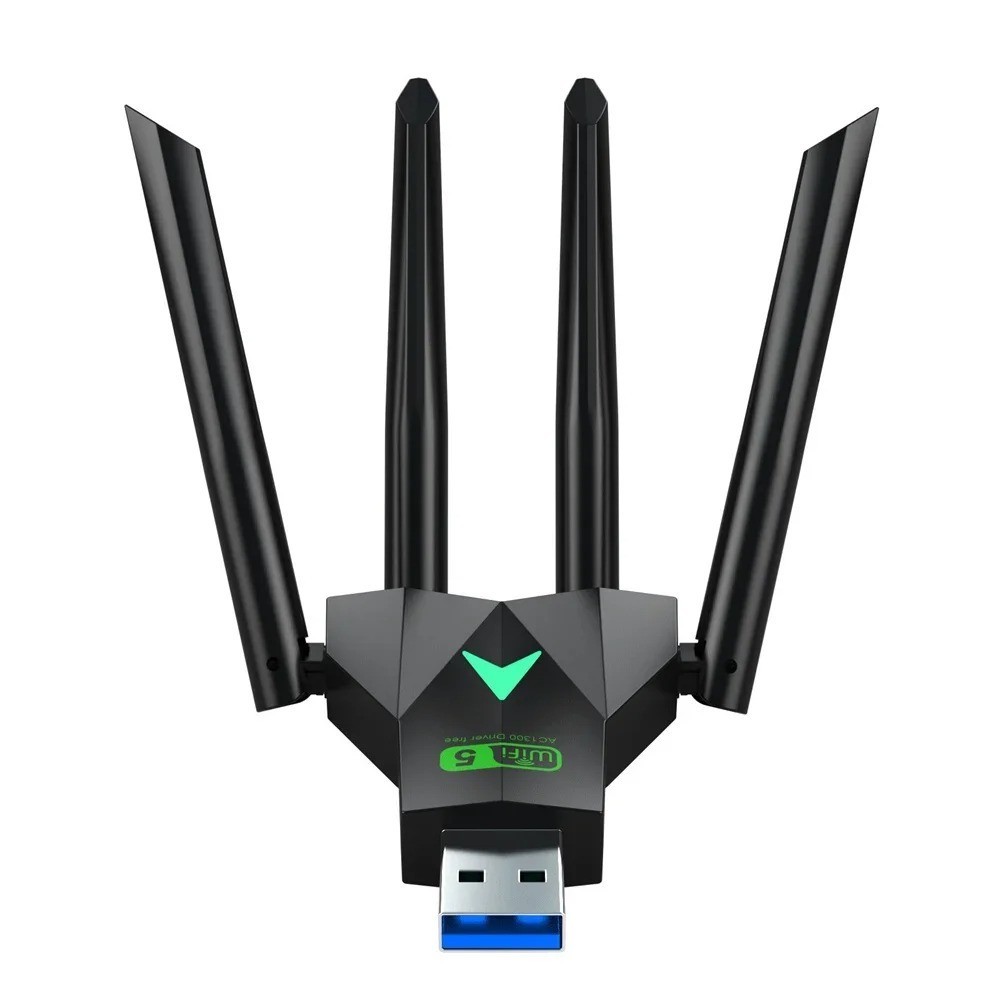
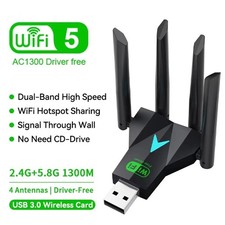
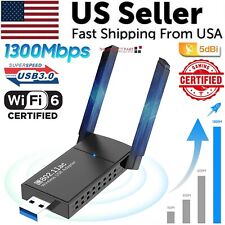
• Product interface is USB3.0
• Dual-band support 2.4G+5.8G
Frequency Range: 5.8Ghz:4905-5915MHz 2.4Ghz:2412-2484MHz
Transmission Rate: 400Mbps+867Mbps=1300Mbps
•4 External antennas,support IEEE802.11b/g/n,IEEE802.11ac
•Driver-free,plug and play
•Support system: WindowsXP/7/8/8.1/10/11
Fast Installation Guide:
1. Plug the WIFI adapter into the computer USB3.0 port
2. Open "This PC" or "My Computer"
3. Double-click to open [Setup.exe]
4. Click [Install] to automatically install the driver. After the driver is installed, the interface will automatically disappear.
5. Click the "WIFI logo" in the lower right corner of the [Task Bar], select Connect to WIFI, click Connect, and you can use it.
●Supported operating systems: style="margin: 0px; line-height: inherit;">(Since Microsoft has stopped service support for XP system, it is not recommended to use XP system)
●Since the WIFI adapter itself does not have a soft AP launch driver, the "WIFI hotspot function" needs to be used with third-party applications, such as 360, WIFI Sharing Master, and other APPs.
Package List:
1x1300Mbps WiFi USB Adapter
(Warm Tips:We suggest you to insert wireless dongle into back USB3.0 port of your desktop,because usb port in the back can provide more power.)
class="extend--iframe--to7hHIV" style="box-sizing: border-box; -webkit-tap-highlight-color: transparent; outline: 0px; margin: 0px; padding: 0px; height: 5119px; position: absolute; top: 0px; visibility: hidden; width: 912.6px; z-index: -1;">