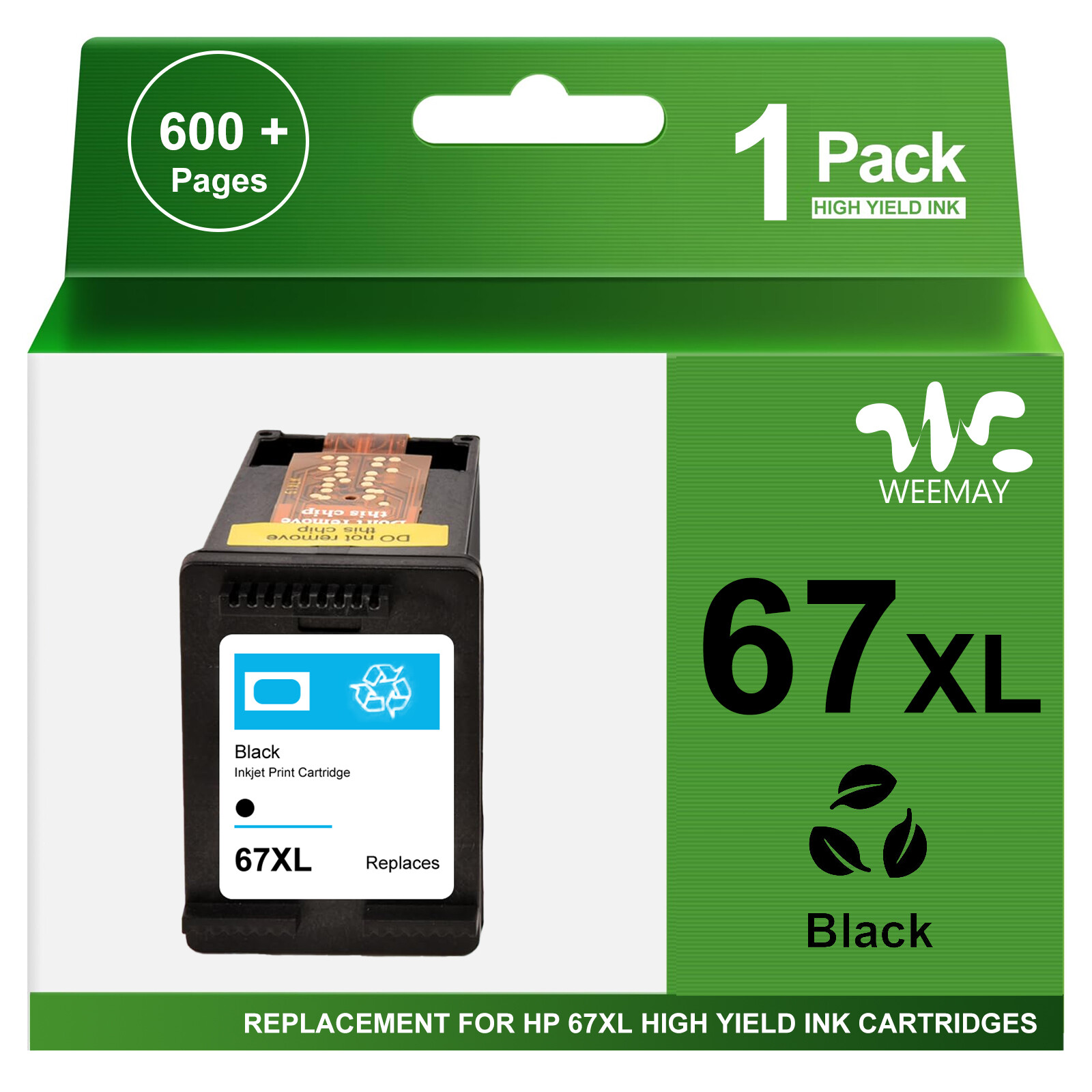
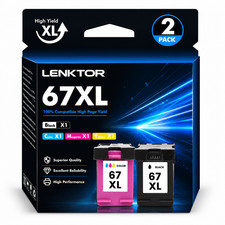
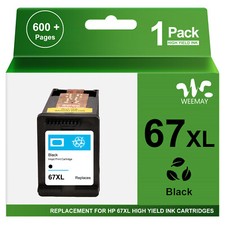
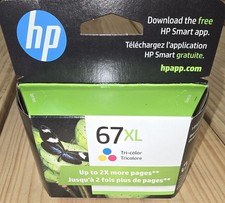
Store CategoriesStore Categories4110 4120 4121 4122 4123 4130 4132 4140 4152 4155 4155e 4158 4158e
6010 6020 6022 6030 6032 6034 6050 6052 6055 6055e 6058 6065e 6075
- For HP Envy Pro 6400 Series:
6420 6422 6430 6432 6450 6452 6455 6455e 6458 6464 6475
- Please ensure your printer model before purchase
Note & Tips1.If the printer does not work after installing the cartridge, clean the chip contacts of the cartridge with an eraser or cotton swab. Be careful not to touch the ink nozzles at the bottom of the cartridge.
2.If the printer prompts "Low Ink" or "Empty" (or similar messages), you can click "OK", "Continue" or "√" to bypass the printer prompts and use the cartridge directly.
3.Do not remove the electrical contacts except for the protective tape. Otherwise the machine will not work properly.Contact us
1.Please contact us via message
before making a request to have the opportunity to resolve or correct the problem
2.All emails will be answered within 24 hours (except Saturday and Sunday)
- Shipping Policy
- Payment Method
- Returns Policy
Shipping Policy
Free shipping (US stock)
Most items will beshipped within 1 days
And delivered in 1-10 business day
Payment MethodReturns Policy
Copyright© 2018 DataCaciques
Store CategoriesStore Categories