 When you click on links to various merchants on this site and make a purchase, this can result in this site earning a commission. Affiliate programs and affiliations include, but are not limited to, the eBay Partner Network. When you click on links to various merchants on this site and make a purchase, this can result in this site earning a commission. Affiliate programs and affiliations include, but are not limited to, the eBay Partner Network.
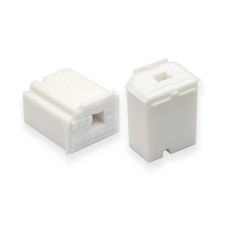
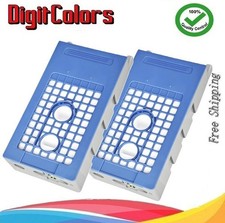
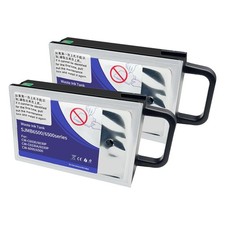
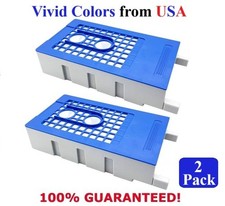
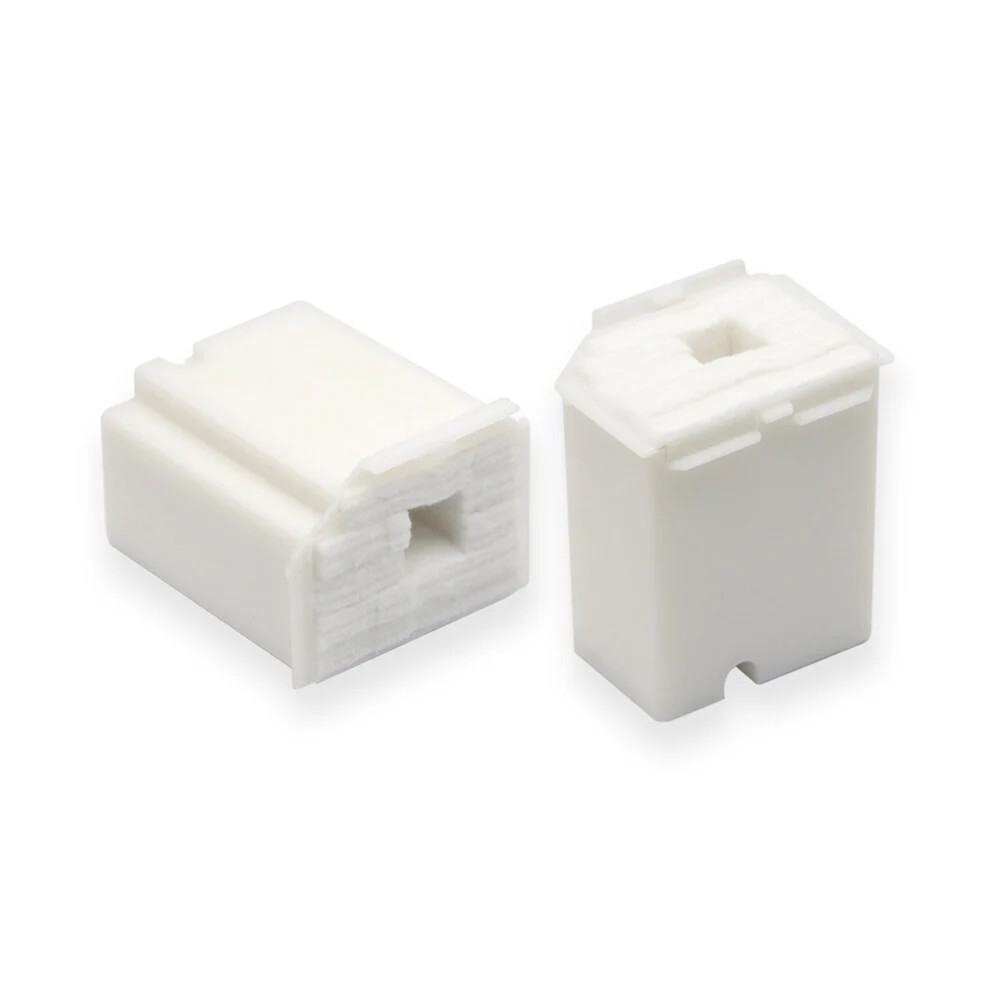
Keep your printer running smoothly without printing interruptions with this 2-Pack Maintenance Tank / Waste Ink Box Pad set. Tailored for the L-series and EcoTank models, this replacement pad absorbs ink waste produced during head cleanings and flushing, so your printer doesn’t get stuck displaying “ink pad full” errors. This pad works with plenty of models: ET-2800, ET-2803, ET-2720, ET-2711, ET-4700, L1110, L1210, L3110, L3116, L3150, L3156, L3210, L3216, L3250, L3256. Keeping a spare pad on hand means you're ready when the one in your printer reaches its end of service. Each pad is made with absorbent material that captures ink efficiently. Swap out the old pad simply: pull it from its slot, insert the fresh one, and ensure any needed reset of the waste ink pad counter is performed following Epson’s instruction. The included 2-pack gives you double the usage before replacing again. Backed by strict quality testing and friendly customer service, it's an easy way to get premium results at a great price. - Wide Model Compatibility: Each pack works with EcoTank / L-series printers including ET-2800, ET-2803, ET-2720, ET-2711, ET-4700, L1110, L1210, L3110, L3116, L3150, L3156, L3210, L3216, L3250, L3256. Be sure to check your model before purchase.
- Full 2-Pack Value: Includes two replacement waste ink pads so you’ll have a spare when needed—perfect for frequent users or shared printer environments.
- Reliable Ink Absorption: Designed to collect waste ink from printhead cleanings and daily printing tasks. Maintains print quality and prevents error messages about “ink pad full.”
- Easy Swap-Out Installation: No tools required. Remove the used ink pad, insert the new one, reseal, and reset any required counter as needed according to your printer’s maintenance prompts.
- Cost-Effective Option: Trusted alternative to OEM parts. Delivers comparable performance and compatibility for a better price, helping keep maintenance costs down.
- Worry-Free Shopping: Friendly customer support is standing by — if you have any questions about compatibility or performance, reach out and we'll make it right.
 |
|