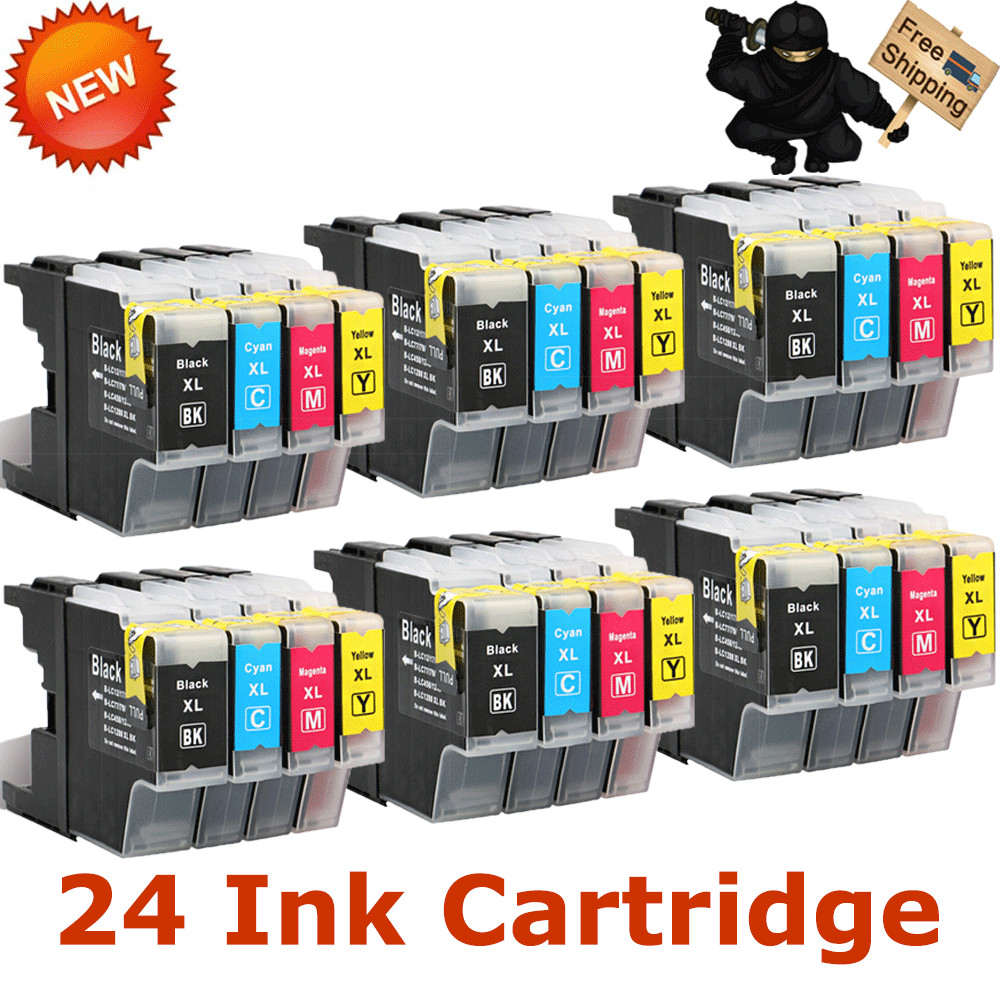
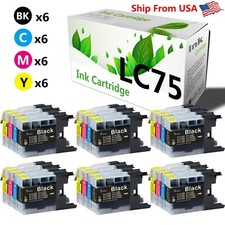
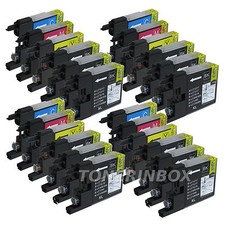
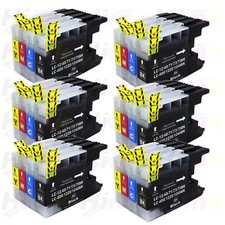
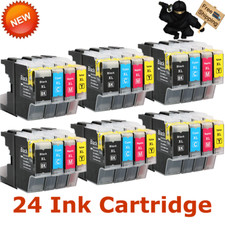
NINJATONER "PROVIDE PROFESSIONAL TONER CARTRIDGE FOR YOU " Description PA4_Description_Begin 24PK LC-75 LC71 Ink Cartridges for Brother MFC-J6510DW MFC-J625DW MFC-J5910DW ALL SHOW INK LEVEL
Features
New Compatible Toner (NON-OEM / GENERIC) with NEW CHIP
It is certified with ISO 9001 and ISO 14001
Condition Brand New
Package includes
6 PL LC75 Black
6 PK LC75 Cyan
6 PK LC75 Magenta
6 PK LC75 Yellow
Page Yield:
600 Pages at 5% coverage
Compatible Printer MFC-J280W
MFC-J425W
MFC-J430W
MFC-J435W
MFC-J5910DW
MFC-J625DW
MFC-J6510DW
MFC-J6710DW
MFC-J6910DW
MFC-J825DW
MFC-J835DW
PA4_Description_End Payment and shipping We only accept PAYPAL for the time being. All goods will be sent within 1 business day. Send to all USA areas eccept for APO/FPO, Alaska/Hawaii, US Protectorates, PO Box. Customer service Any of your messages will be attended to in the quickest manner. Guaranteedrefund for product issues caused by us. Tips for usage Wait to unwrap the toner cartridge until just before putting it in the printer. If toner cartridges are left uninstalled for a long time outside the package, the toner life will be shortened. Replace the toner cartridge gently. If you're doing it right, it won't need to be forced. Be careful when handling the toner cartridge. If toner gets on your hands or clothes, ensure to wash them with cold water right away. Instructions Navigate through the menu of your laser printer using the keypad. Choose "Replace Toner." Select the cartridge that you want to replace, The selected cartridge will rotate to the inside front of the printer. Open the printer door and lift up the handhold. Gently dislodge the cartridge for removal. Take a new toner cartridge out of the box and shake it gently. Remove the protective tape. Insert the new cartridge into the laser printer and align the cartridge with the arrows. Push down gently to make sure it is locked into place. Close the front panel of the printer, and it is ready for use. Print a test page. PA4_HTMLBottom_Begin24PK LC-75 LC71 Ink Cartridges for Brother MFC-J6510DW MFC-J625DW MFC-J5910DWPA4_HTMLBottom_End
Powered by SoldEazy