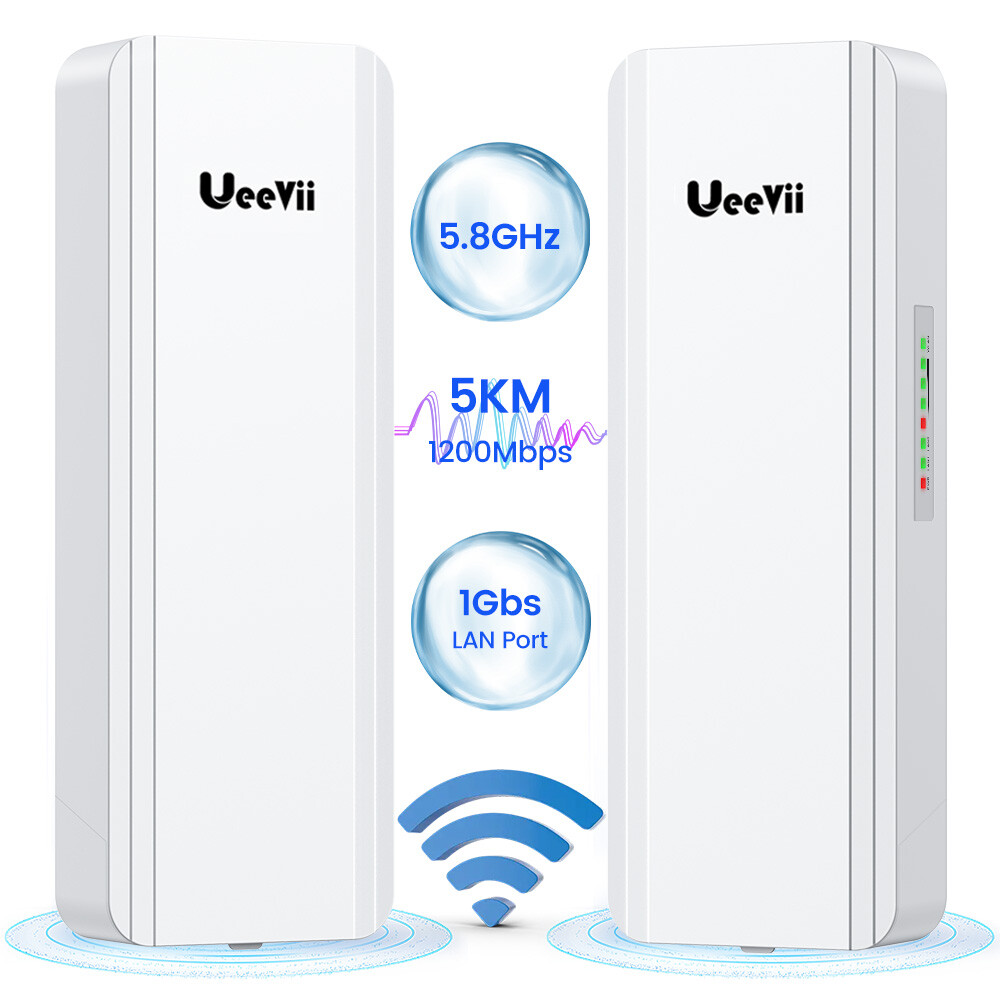
Point to Point Wireless Bridge Outdoor,UeeVii CPE850 5.8G 1200Mbps 5KM CPE for Extend Network to Outbuildings Barn Shop Garage with 16dBi WiFi Antenna 24V PoE Power IP65 Waterproof 2-Pack
- Starlink Optimal Network Extension: Extend the reach of your Starlink internet receiver with our high-performance wireless bridge, it is ideal for connecting remote outbuildings, barns, and secondary structures to your main Starlink receiver
- 5G Gigabit Wireless Bridge: The CPE850 is a 5G outdoor CPE designed for long-range WiFi extension, it supports lightning-fast data transfer rates of up to 1200Mbps between bridges, and the maximum achievable network speed is 750Mbps
- Easy to Use: This outdoor wireless bridge comes pre-paired at the factory, pairing can be initiated effortlessly through a code dialing process, eliminating the need for GUI access, moreover, it automatically re-pairs after power restoration
- 5KM Wide Range: Featuring a built-in 16dBm directional antenna with a transmission distance of up to 5 kilometers (barrier-free). With automatic power adjustment up to 27dBm, it adapts to environmental changes effectively
- Network and Surveillance Expansion: This point-to-point internet bridge facilitates seamless network extension to secondary buildings like barns, shops, garages, or warehouses, as well as wireless expansion of IP camera surveillance ranges
- POE Power Supply: Support for 24V POE power supply, installation, and deployment of the UeeVii wireless bridge is a breeze, simplifying construction processes, and ensuring smooth wireless video guaranteeing high-speed and uninterrupted surveillance
UeeVii CPE850 WiFi bridge is widely used in warehouses, farms, and house lane monitoring systems. Point to point extend network WiFi range, extend the network in the house to your barn, garage, church, warehouse, and even neighbor's house through wireless bridge signal transmission.CPE850 is a 5Km 5.8G wireless transmission equipment. It uses wireless communication technology to transmit network data using air as a medium to carry out long-distance PtP or PtMP interconnection. The working data link layer realizes the interconnection and transmission of local area networks.How to Access and Setting the Wireless Bridge CPE Through Computer Access:
Step 1. Use a PoE adapter to power the wireless bridge through a network cable. Pay attention to the "PoE" and "LAN" ports marked on the PoE adapter, and power is supplied by POE instead of a DC power interface.
Step 2. Use a network cable to connect the CPE "LAN" port, connect the network cable other ends to the PoE Adapter "POE" port, use another network cable to connect to the "LAN" port of the PoE adapter, and connect the other end of the network cable to the computer's "LAN" port.
Step 3. Find the number of the Wireless Bridge CPE digital display tube. For example, the number is 1 and the CEP is the A master bridge, then the IP of this CPE is 192.168.255.101; if the CPE is the B slave bridge, then the IP address of the CPE is 192.168.255.201.(There is a table corresponding to a number and IP in the manual)
Step 4. Very important step: Modify your computer's IP address, change your computer's IP address to 192.168.255.xxx(192.168.255.xxx cannot be the same as the IP of the CPE), make your computer's IP and the bridge's IP address be on the same network segment so that you can access them. Please refer to the manual to modify the computer IP address step or Google searches how to modify the computer IP address, it is very simple.
Step 5. After you modify your computer's IP address, you open the computer browser and enter the IP address of the wireless bridge to access. For example, enter 192.168.255.101 to access.
Step 6. Enter the account password "admin/admin" to access, and set it after successful access.
How to find and change CPE850 WiFi SSID and password?
1. Find the WiFi hotspot password of CPE850, path: Setting-->Wireless--> Name(SSID) and Password.
2. Enter the new SSID and password and save.