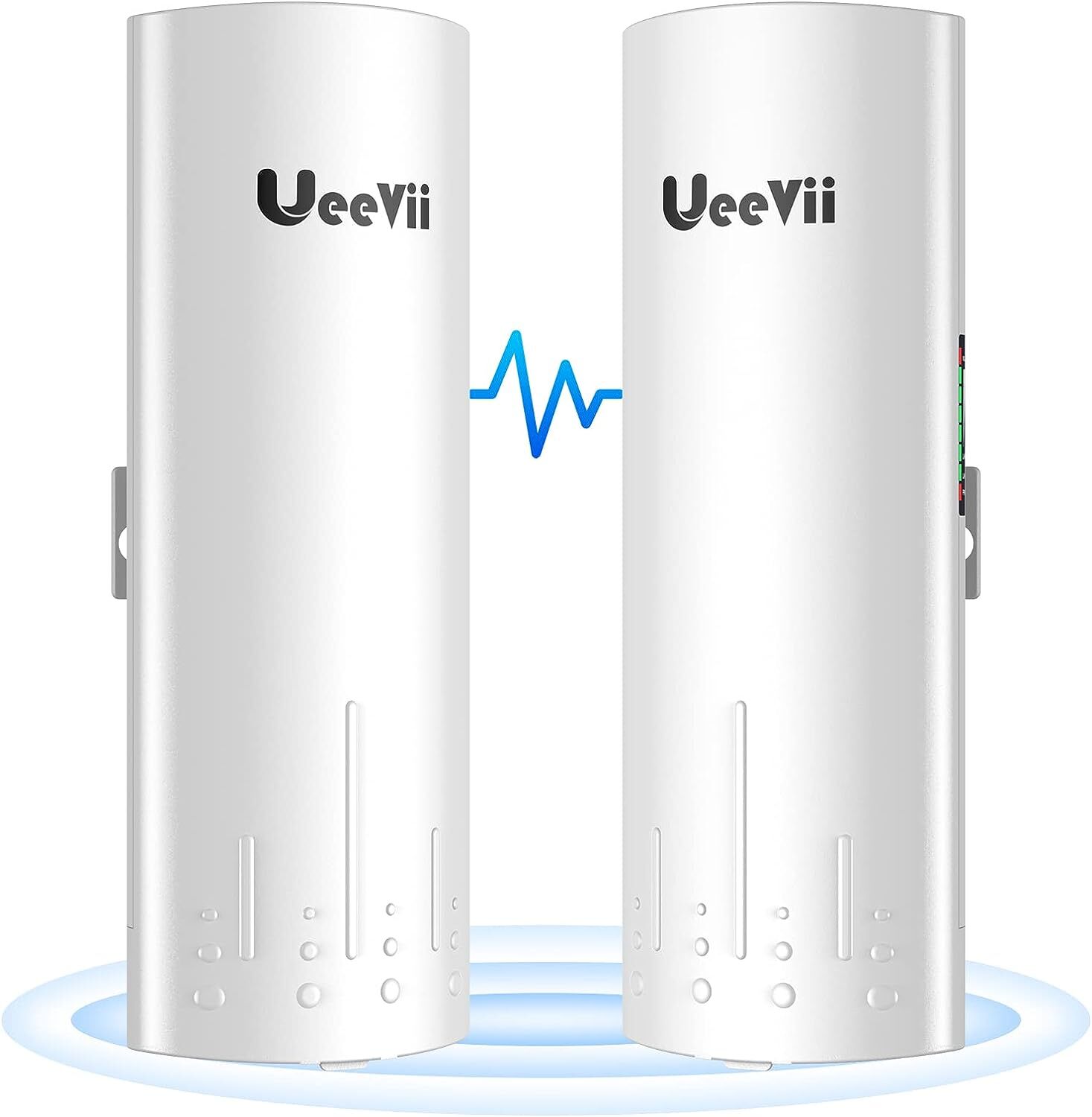
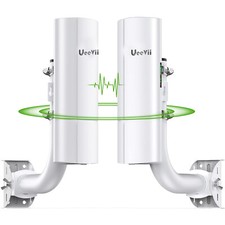
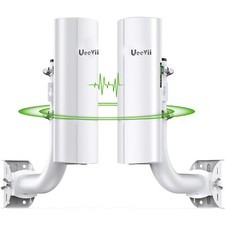
Wireless Bridge,UeeVii CPE450 5.8G Access Point to Point WiFi Bridge Outdoor to Shop Barn Garage Building,Plug and Play,3KM Long Distance,14dBi Antenna,24V PoE Injector,2 RJ45 LAN Port,2PCSAbout this item
- CPE450 is a 5.8G Long Range WiFi Extender Outdoor Wireless Bridge CPE with LED display. Point-to-point pairing can be done by dialing without having to access the GUI, avoid the complex setup program, save much human work and cost, make the long-range wireless coverage, data transmit and wireless monitoring simple and professional
- 300Mpbs digital display wireless bridge, transmission/receiver automatic networking, support point-to-point, point-to-multipoint, transmission/receiver flexible switching. WDS networking mode, video network dual compatible.The transmission speed between 2 bridges max is 300Mbps. The highest network speed that can be achieved max is 100Mbps.
- Deep protocol optimization for wireless video surveillance transmission to ensure high-speed video transmission and smooth video surveillance, and the underlying wireless driver is optimized in-depth, with stronger anti-interference ability and better stability
- Adopting low power consumption and high-performance design, the RF index and radiation index are in full compliance with national standards. Supports dynamic MIMO power saving mode (DMPS) and automatic power-saving transmission (APSD),support 24V POE power supply, easy to install and deploy, simplify construction, safe and reliable
- Automatic power adjustment to adapt to environmental changes, ensuring smooth video regardless of ultra-close distance, transmission distance up to 3km(Barrier-free), actual application distance should be less than 3KM
Product DescriptionCPE450 is a 3Km 5.8G wireless transmission equipment. It uses wireless communication technology to transmit network data using air as a medium to carry out long-distance PtP or PtMP interconnection. The working data link layer realizes the interconnection and transmission of local area networks.
UeeVii CPE450 WiFi bridge is widely used in warehouses, farms, and house lane monitoring systems. Point to point extend network WiFi range, extend the network in the house to your barn, garage, church, warehouse, and even neighbor's house through wireless bridge signal transmission.How to Access and Setting the Wireless Bridge CPE Through Computer Access:
Step 1. Use a PoE adapter to power the wireless bridge through a network cable. Pay attention to the "PoE" and "LAN" ports marked on the PoE adapter, and power is supplied by POE instead of a DC power interface.
Step 2. Use a network cable to connect the CPE "LAN" port, connect the network cable other ends to the PoE Adapter "POE" port, use another network cable to connect to the "LAN" port of the PoE adapter, and connect the other end of the network cable to the computer's "LAN" port.
Step 3. Find the number of the Wireless Bridge CPE digital display tube. For example, the number is 1 and the CEP is the A master bridge, then the IP of this CPE is 192.168.255.101; if the CPE is the B slave bridge, then the IP address of the CPE is 192.168.255.201.(There is a table corresponding to a number and IP in the manual)
Step 4. Very important step: Modify your computer's IP address, change your computer's IP address to 192.168.255.xxx(192.168.255.xxx cannot be the same as the IP of the CPE), make your computer's IP and the bridge's IP address be on the same network segment so that you can access them. Please refer to the manual to modify the computer IP address step or Google searches how to modify the computer IP address, it is very simple.
Step 5. After you modify your computer's IP address, you open the computer browser and enter the IP address of the wireless bridge to access. For example, enter 192.168.255.101 to access.
Step 6. Enter the account password "admin/admin" to access, and set it after successful access.
How to find and change CPE450 WiFi SSID and password?
1. Find the WiFi hotspot password of CPE450, path: Setting-->Wireless--> Name(SSID) and Password.
2. Enter the new SSID and password and save.