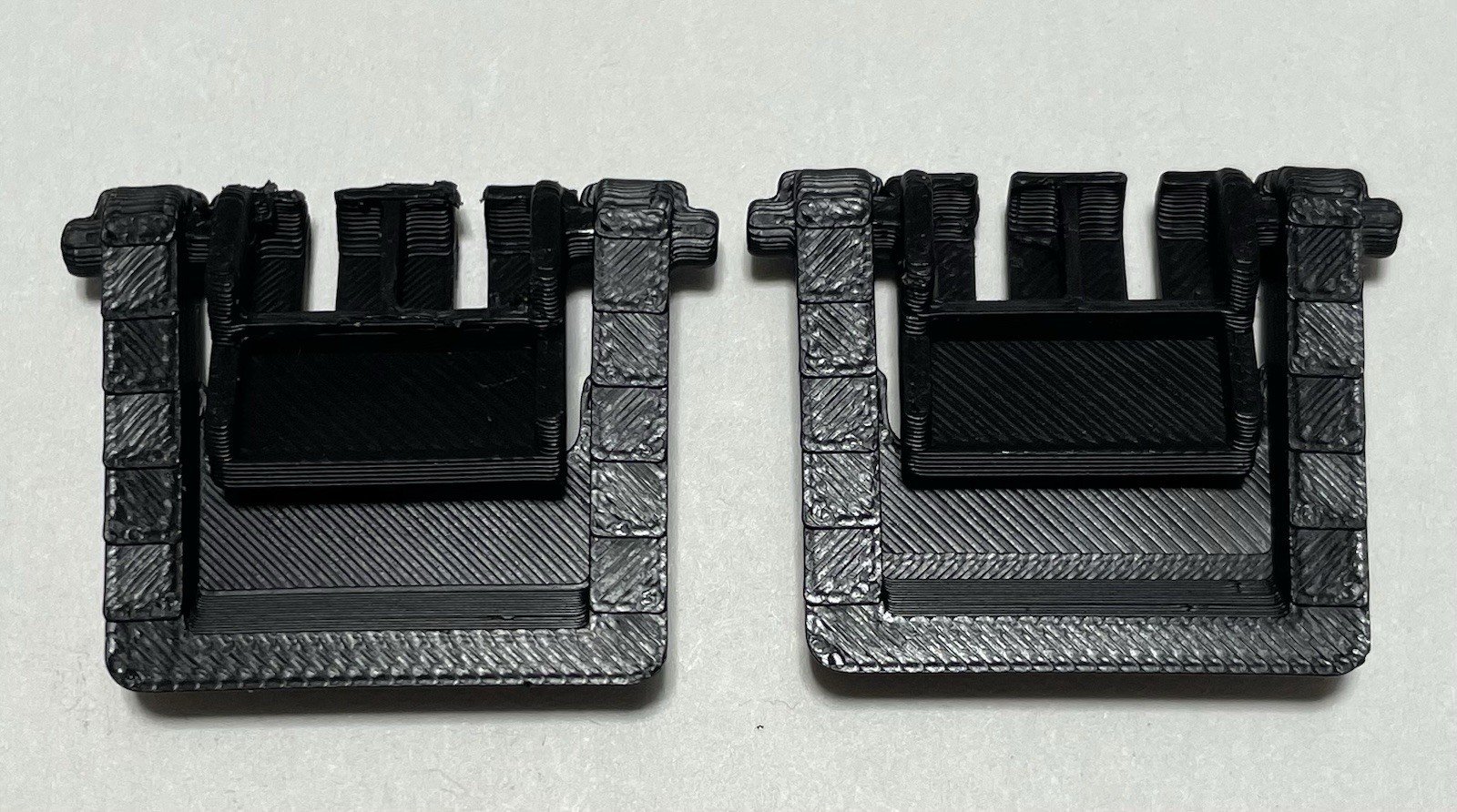
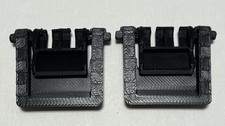
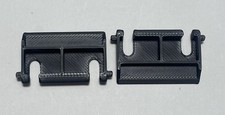
3D Printed HyperX Keyboard Replacement Feet PETG - Inner & Outer Feet (Pair of 2)
Premium PETG replacement feet for HyperX gaming keyboards — complete inner and outer feet set restores stability and grip. Professional-grade durability for competitive gaming and daily use.
⚠ IMPORTANT — COMPLETE INNER & OUTER SET
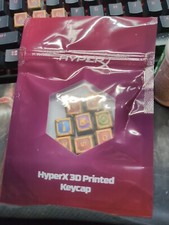
- This is a3D printed replacement part, not genuine HyperX OEM.
- Printed in premium PETG — engineered for durability far exceeding HyperX's original plastic feet.
- Pair of 2 feet (inner + outer)—COMPLETE foot set for your HyperX gaming keyboard.
- Installation: Snap-fit replacement — no adhesive or tools needed.
- Perfect for HyperX keyboard owners who demand stability and precision in their gaming or professional setup.
Part Details
- Keyboard Compatibility:HyperX gaming keyboards (Alloy Elite, Alloy Origins, and compatible variants)
- Material:PETG (professional-grade plastic — exceeds HyperX original specifications)
- Color:Black (matches HyperX keyboard finish)
- Quantity:Pair of 2 feet —inner foot + outer foot (complete set)
- Foot Types:Inner foot (support) + Outer foot (front contact) — full replacement solution
- Grip Surface:Textured finish on both foot types prevents keyboard sliding
- Installation:Snap-fit replacement — no modifications or tools required
Why HyperX Feet Deteriorate
- Thin plastic fails under gaming intensity:HyperX uses minimal plastic for both inner and outer feet — they wear smooth immediately from aggressive keyboard use
- Inner foot support loss:The inner foot bears the keyboard's weight — when it wears, stability fails completely
- Outer foot slip:The outer foot provides desk grip — worn outer feet cause keyboard sliding during intense gameplay
- Combined failure:When BOTH inner and outer feet wear, your keyboard becomes unstable and unreliable
- Gaming environment stress:Competitive use = rapid key presses + keyboard repositioning = feet wear 3-5x faster than office use
PETG Professional Grade vs HyperX Original (Inner & Outer)
- Complete solution:Both inner and outer feet are PETG — no weak links in the foot structure
- Inner foot support:PETG reinforced design maintains keyboard support under full weight and gaming stress
- Outer foot grip:Textured PETG outer foot provides rock-solid desk grip — zero movement during aggressive gameplay
- Balanced durability:Inner and outer feet both engineered to last — neither will fail prematurely
- Gaming reliability:Professional gamers need equipment they can depend on — this delivers
Why Inner & Outer Feet Matter
- The inner foot is critical:Supports your keyboard's entire weight — if it fails, your keyboard is unstable
- The outer foot prevents slip:Provides desk grip — worn outer feet = keyboard sliding during gameplay
- Both must work together:A complete solution requires BOTH feet types to be perfect
- Many competitors only replace one:Real solutions require both inner and outer feet properly engineered
For HyperX Keyboard Owners
- Gaming stability restored:Both inner and outer feet working perfectly = locked-down, stable gaming setup
- Investment protection:You invested in premium HyperX hardware — your feet should be premium too
- Esports-grade reliability:Professional equipment needs professional replacement parts
- Complete foot replacement:No compromises — both inner and outer feet are professional-grade
HyperX Keyboard Compatibility
- HyperX Alloy Elite
- HyperX Alloy Elite RGB
- HyperX Alloy Origins
- HyperX Alloy Origins Core
- HyperX Alloy FPS
- Other HyperX keyboards with standard snap-fit feet
Installation Instructions
- Turn your HyperX keyboard upside down — you'll see the inner and outer feet at their mounting points.
- Gently pry out the original feet using a flat tool (plastic spoon, card, or guitar pick).
- Clean any debris from the mounting holes on the keyboard base.
- Align each PETG foot (inner and outer) with its mounting point and snap firmly into place — you should hear/feel a click.
- Verify both feet are secure — inner foot supports the weight, outer foot contacts the desk.
- Flip the keyboard right-side up — both feet should provide perfect stability and grip.
Who This Is For
- Competitive gamers using HyperX keyboards who need complete foot replacement
- Esports players who demand both inner support and outer grip perfection
- Streamers who need rock-solid keyboard stability on-camera
- Anyone with HyperX keyboard feet that have worn or lost stability
HyperX is a registered trademark of HP Inc. This product is a third-party replacement accessory and is not affiliated with, endorsed by, or manufactured by HyperX or HP. Product names are used for compatibility reference only.