 When you click on links to various merchants on this site and make a purchase, this can result in this site earning a commission. Affiliate programs and affiliations include, but are not limited to, the eBay Partner Network. When you click on links to various merchants on this site and make a purchase, this can result in this site earning a commission. Affiliate programs and affiliations include, but are not limited to, the eBay Partner Network.
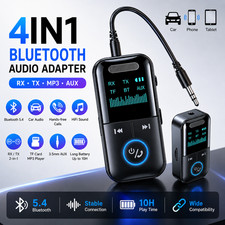
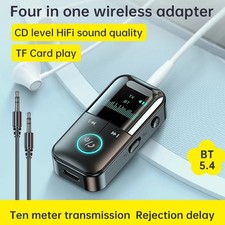
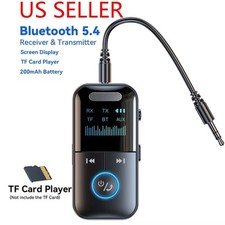
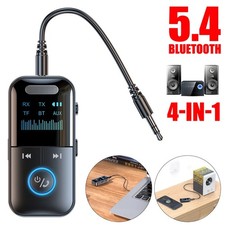
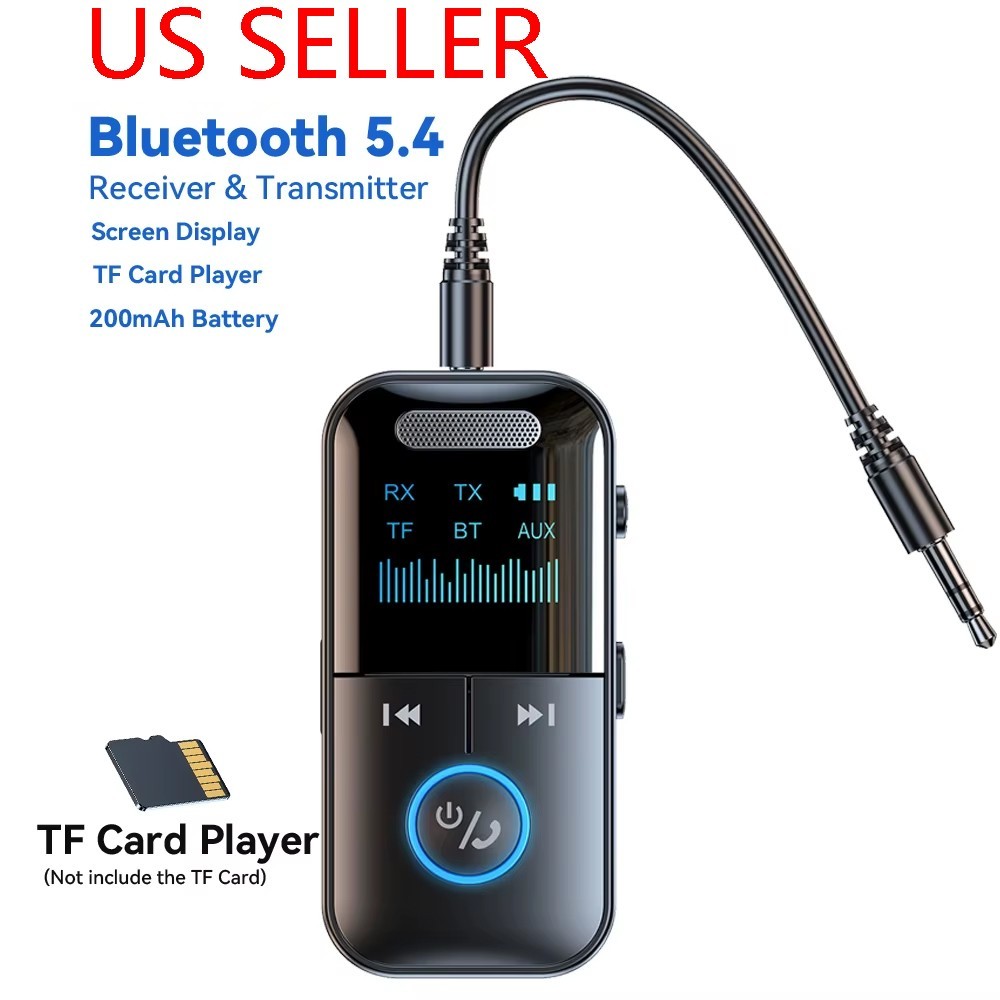
Item number:4102 Product description: Type Adapter Color Black Model GT69 Bluetooth Standard Bluetooth v5.4 Connectivity 3.5mm Aux, Bluetooth, Wireless Battery capacity 200mAh Ports 3.5 mm Jack, USB-C PPower supply Type-C TF card support up to 32G [not included] Transmission speed 100M (Mbps) Transmission distance Approx. 30 ft Working frequency 2.4 (MHz) Item Height 2-9/16in Item Length 1-1/4in Item Width 5/8in To Fit Audio Receivers, Car Auxiliary, iPod, PC, Television Set Features Digital display screen, MP3 Player, Supports TF card expansion, Transmitter &Receiver Function: Receive/transmit/MP3 playback/3.5mm audio cable connection Features: 1. High quality chips with good stability and superior performance 2. Integrated reception/transmission/MP3 playback 3. The product is equipped with a built-in battery, providing long-lasting battery life 4. Digital display screen design, clear and visible 5. Compact and exquisite, with powerful functions 6. Supports TF card expansion, with a maximum support of 32GB for TF cards 7. Equipped with a 3.5mm audio cable that can directly connect to the device 8. Improve cars, audio systems, computers, televisions, tablets, and more
TX (transmission mode) 1. Connect the adapter to a computer, TV, or other device that needs to be used with an audio cable, and turn the side switch to TX 2. Power on, when "TX" is displayed and continuously blinks, the adapter is in emission mode 3. Turn on the Bluetooth earphones or Bluetooth speakers and make sure they are in Bluetooth pairing mode. Wait for the adapter to automatically pair with Bluetooth headphones or Bluetooth speakers. After successful pairing, the display screen "TX" stops blinking and remains constantly on. Then, you can play music on your computer or TV, and the sound will be transmitted to Bluetooth headphones or Bluetooth speakers.
RX (receiving mode) 1. Connect the adapter to the speaker using an audio cable and turn the side switch to RX 2. When turned on, the display screen will display "RX" and flash. At this point, the adapter is in receive mode. 3. Turn on Bluetooth, search for "GT69" and connect. After successful pairing, the "RX" on the display screen stops flashing and remains on, allowing music to be played.
Play music from TF card 1. Insert the TF card into the TF card slot on the side, the screen will display "TF", and the adapter will automatically start playing. 2. Long press simultaneously: Press and hold the up and down buttons while switching modes
NOTE: If pairing fails, please confirm that the device to be paired is not being used by other devices. You can try pressing the "R" key a few more times. If it fails multiple times, please restart the adapter and Bluetooth earphones or Bluetooth speakers, and then repeat the above steps.
Package included: 1x Adapter 1x audio cable 1x charging cable 1x instruction
 |
|