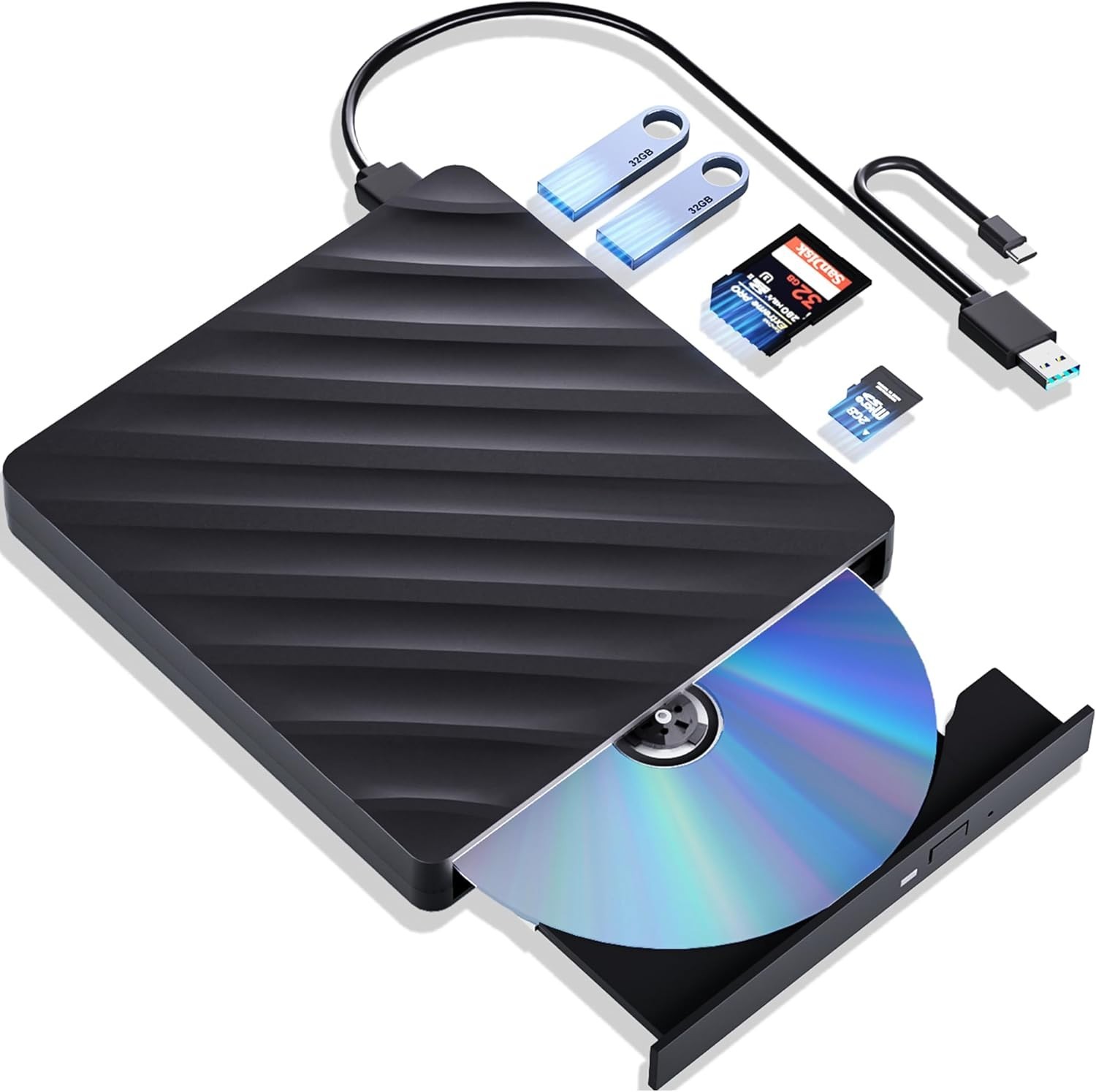
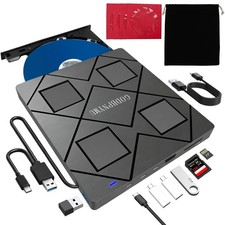
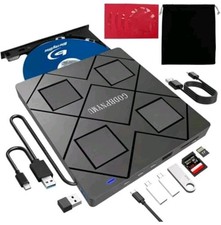
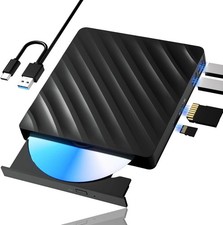
⭐High Performance: The Blu ray DVD drive has impressive high-performance capabilities. Its cutting-edge high-speed 3.0 interface and Type-C interface exhibit exceptional error correction capabilities, impact resistance, low noise, and low power consumption. It can read CDs at speeds of up to 24x, DVDs at up to 8x, and BDs at up to 6x. Additionally, the usb bluray drive external supports burning normal CDs and DVDs in sizes of 8.5GB, 4.7GB, and 700MB, as well as 3D discs.
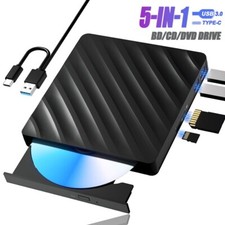
⭐Multifunction Blu Ray Drive:This 5 in 1 blu ray player external offers versatile features, plug and play. It can read BD/DVD/CD discs and has 1 SD card slot, 1 TF card slot, and 2 USB 3.0 ports for data transfer or charging purposes. You can easily transfer music, blu ray uhd movies, and data files from SD cards, TF cards, or through the USB/Type-C ports to your computer. Additionally, you can transfer files from a external blu ray drive to an SD card, USB hard drive, or USB flash drive. Please note that you can only use either the SD card or the TF card at a time. However, both can function simultaneously with the 2 USB 3.0 ports.
⭐Portable Blu Ray Player: The unique design of our blu ray player for laptop combines both the drive and two different USB cables in one, and the usb bluray player features two concealed wire grooves that are specifically designed to store and carry both USB3.0 and Type-C interfaces. This feature helps users to easily store and transport the external usb blu ray drive without taking up too much space or risk losing one or both cables. The design is both stylish and functional, allowing for hassle-free connectivity and setup. With its innovative design and practical features, our Blu ray drive is an great choice for users seeking a reliable and versatile external optical drive.
⭐Wide Compatibility: The blu ray dvd drive external is fully compatible with a wide range of operating systems, including Windows 7, 8, 10,11, Vista, ME, SE, XP, and 2000, as well as Linux and all versions of MAC OS 10 or below. However, that it is not compatible with BD recorders, tablet iPads, Surface tablets, TVs, projectors, smartphones, or cars.(Not support for Blu Ray disc burning.)
⭐⭐Note⭐⭐(1) Check whether your computer is compatible with the blu ray rw drive external to play by downloading the software 'Cyberlink BD & 3D Advisor’.(2) Make sure you have the appropriate software installed before playing a CD/DVD on your laptop with this BD player. When playing BDs, it is recommended to use the professional BD player 'PowerDVD10-19' (For Mac OS, Macgo Blu ray Player is recommended).(3) Note that including the initial setting, the region code can only be changed 5 times.
FREQUENTLY ASKED QUESTIONS
⭐⭐⭐Why the optical drive loses connection while reading discs?⭐⭐⭐
The issue may be caused by insufficient power. Recommended fixes: a. Use a "Powered" USB hub (with external power adapter); Avoid laptop Type-C adapters (may lack sufficient power) b. System Adjustments Windows: Device Manager → Universal Serial Bus controllers → Right-click USB Root Hub → Properties → Power Management → Uncheck "Allow the computer to turn off this device to save power" Mac: Run sudo pmset -a disablesleep 1 in Terminal (temporarily disables USB sleep)
⭐⭐⭐Why the optical drive don't work in Macbook or Windows?⭐⭐⭐1. For Windows: Check for Windows Updates, Sometimes a system update may resolve compatibility issues;
2. Ensure the Cable and Connection; Must be plugged into the computer and can not be plugged into the HUB; Try different ports if possible and try the Optical Drive on Another Computer. This will help customer determine if the issue is with the optical drive itself or the computer.
3. This is due to the lack of dedicated playback software. Blu ray Players for Windows: VLC, Aurora,iDeer,KMPlayer, Blu ray Players for Mac: IINA, Macgo, Elmedia Player, Cisdem Video Player.(Mac OS does not natively support playback of commercial Blu ray movie discs, you'll need third-party Blu-ray playback software.) Furthermore, this optical drive only supports playing Blu-ray videos and cannot burn discs.
⭐⭐⭐Why the CD drive did not function, or stopped working after they received?⭐⭐⭐1. Ensure the disc is clean and free from scratches. Use a soft cloth to wipe the disc in a circular motion. Also, check if the disc is supported by the drive (e.g., some drives may only support certain formats like CD-R, DVD-R, or Blu-ray).
2. Ensure that the drive is properly connected (internally or via USB) and securely plugged into the computer. For external drive, try using a different USB port to rule out connection issues.
3. Update or Reinstall Drivers (Windows): A. Device Manager > DVD/CD-ROM Drives; B.Right-click the optical drive and select Update Driver; C. Choose Search automatically for updated driver software; D. If no updates are found, try uninstalling the driver and rebooting the system; E. Windows should automatically reinstall the drivers.