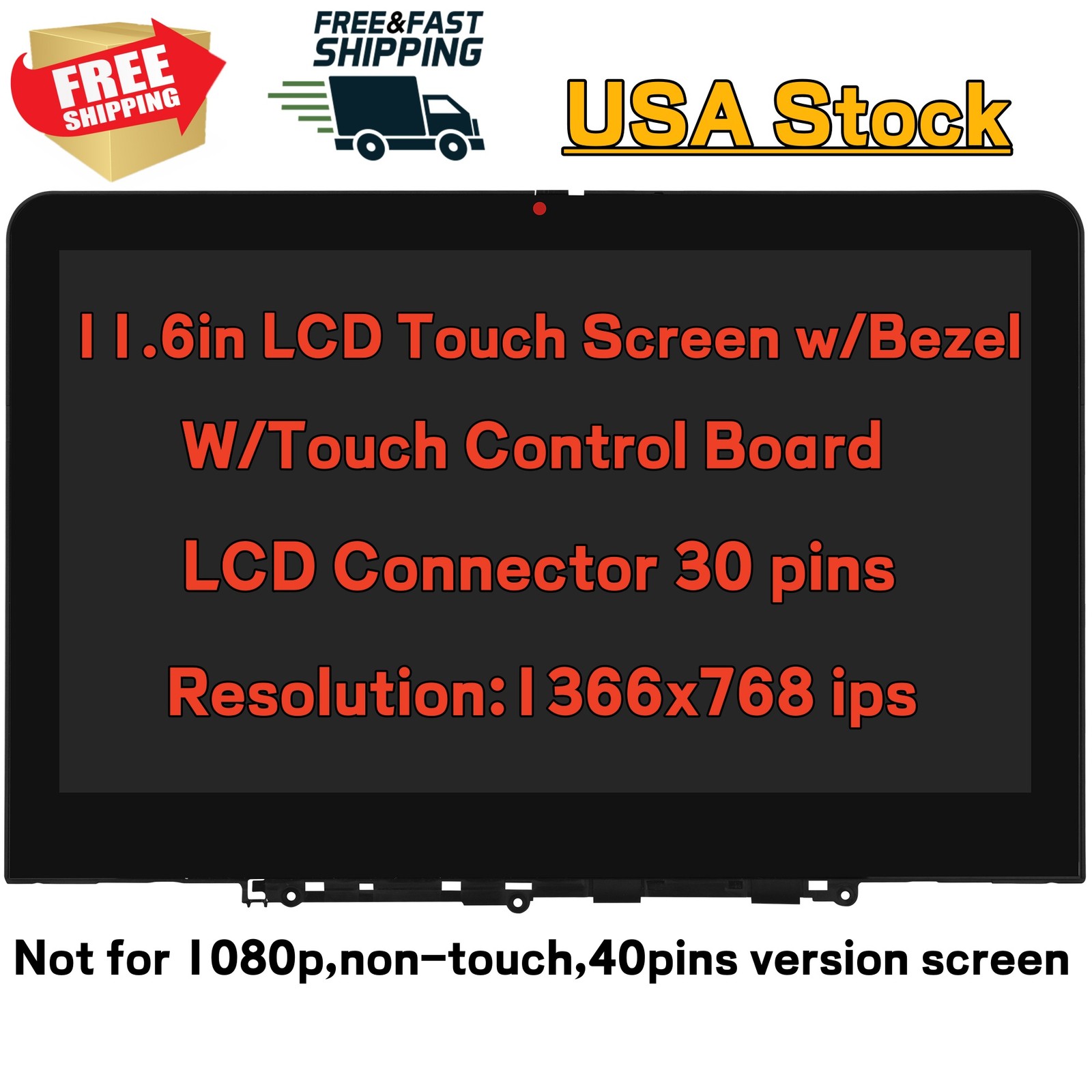
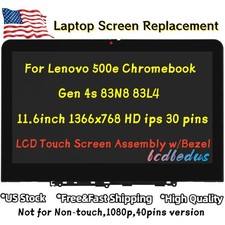
5M11Q54434 New for Lenovo 500e Chromebook Gen 4s HD LCD Touch Screen Replacement
Unplug the power and remove the battery before connect the cable until all cable was fixed correctly
Test the screen before install totally
ProductParameters:
- Condition: New
- Screen Size: 11.6inch
- Screen Connector: 30 Pins
- Max. Resolution:1366x768 HD
- Display Technology:IPS LCD
- Part Number:5M11Q54440 5M11Q54434 5M11Q54436 5M11U29234
- Touch Screen:Yes
- Attention:Not for resolution 1920x1080,non-touch,40 Pins Version LCD!
Compatible Laptop Model:for Lenovo 500e Chromebook Gen 4s type 83N8 83L4
- 83N8000EUS 83N8000GUS 83N80004US 83N80000US 83N80001US 83L4000NUS 83L40000US 83L40001US
Product Include:1*LCD Touch Screen assembly w/Bezel
**Note**
Contact USDelivery detailsReturn PolicyPaymentFAQContact US
● Any questions, please don't hesitate to contact us at any time, ( Message or e-mail), We will reply and help youwithin 24 hours in working days.
● Do not leave neutral or negative response before contact us please.We will do our best for you! Your understanding will be greatly appreciated!
Delivery details
● We'll ONLY ship the item to your Confirmed Address.Buyers are responsible to provide us with the correct address.Please confirm your address.
● We have no responsibility for shipping address provided wrongly and will not accommodate address change requests.
Return Policy
● You have 90 days to return the item for free!
● Please do not open return request directly before contact us. We will try our best to solve your problem through messages!
● Defective items will be exchanged or fully refunded on buyers request.
● All returned items must be in the original packaging and we will provide buyers with return label and the RMA number.
●Please kindly provide us the front and back pictures of the item you received before you return it must be made within 4 working days of sale closing.
● Please list your special requests (color, packages, etc.) in the notes section when you make payment.Or contact us via message.
● One of the best on-line shop for laptop parts replacement.
● Welcome for a long term business cooperation,we will provide the lowest price and the best quality!
FAQ● How to check your laptop model number?On the backside or the bottom part of the screen or laptop, Usually the laptop model info is in there,you can see one or several labels with numbers.● How to replace your LCD Screen?We do not responsible for install, but if you are not professional and do not know how to replace, please send us message for help.
On Jul 15, 2026 at 09:00:41 PDT, seller added the following information: