PLEASE READ CAREFULLY BEFORE PURCHASING
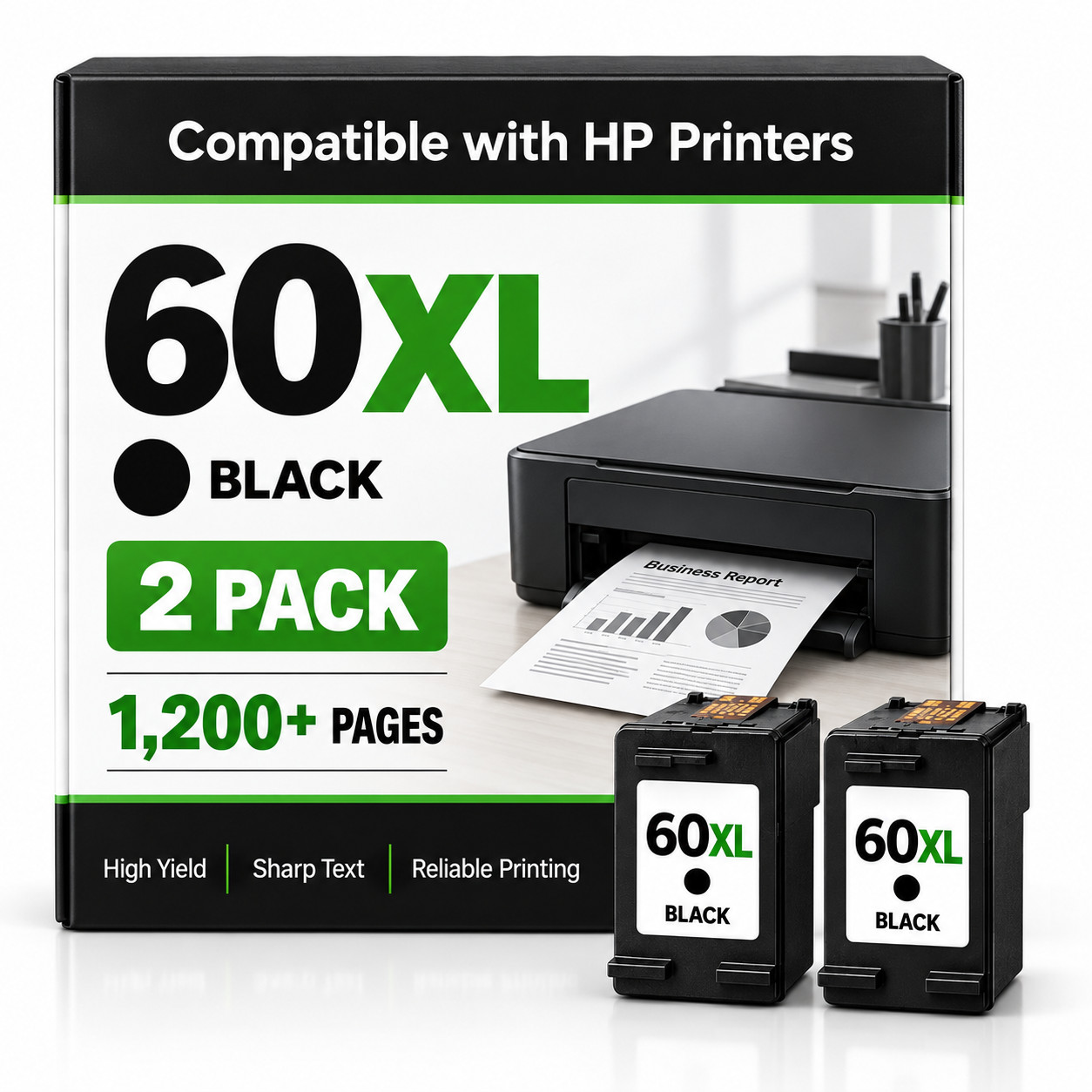
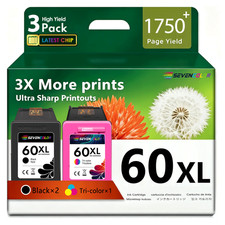
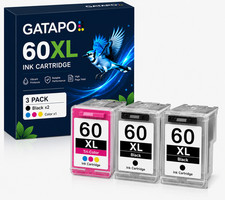
High-yield 60XL black ink cartridges designed for dependable everyday printing. This package includes two compatible NON-OEM black cartridges. Each item is inspected before shipping.
Package Includes
• 2 × 60XL Black Ink Cartridges
• Total: 2 Black Cartridges
Approx. Page Yield
• Up to 600 pages per black cartridge
• Up to 1,200 combined pages
Page yield is based on approximately 5% coverage. Actual results will vary depending on printer settings, document content and printing frequency.
Compatible Printers
HP DeskJet:
• D1620, D1630, D1658, D1660, D1663, D1668
• D2500, D2530, D2545, D2560, D2563, D2566, D2568
• D2645, D2660, D2663, D2666, D2668
• D2680, D5545, D5560, D5563, D5568
• F2400, F2410, F2418, F2420, F2430, F4440, F4480
HP PhotoSmart:
• C4600, C4610, C4635, C4640, C4650, C4670
• C4680, C4683, C4685, C4688, C4690
• C4700, C4740, C4750, C4780, C4783, C4785, C4788, C4795
HP ENVY:
• 100, 110, 111, 114, 120, 121
Please confirm your exact printer model uses 60 or 60XL black ink before purchasing.
Product Features
• High-yield black ink cartridges
• Updated cartridge chips
• Clear, sharp black text
• Suitable for documents, reports and everyday printing
• Ink-level monitoring when supported by the printer
• Individually inspected before shipment
• Compatible NON-OEM replacement product
Shipping
• Fast and free shipping
• Ships within 2 business days
• USPS tracking included
• Carefully packaged to help prevent shipping damage
Returns
A 14-day money-back guarantee applies only if the item is defective or materially not as described.
• The cartridge must be returned for inspection.
• The buyer is responsible for return shipping.
• A clear photo of the printer’s error message or error code is required before a return can be approved.
• Ordering for an incompatible or unlisted printer is not considered a product defect.
Important
These are compatible NON-OEM ink cartridges. They are not manufactured, sponsored or endorsed by HP.
Compatible cartridges may occasionally require basic troubleshooting. If the printer does not recognize a cartridge:
Disable automatic printer firmware updates.
Remove the cartridge from the printer.
Turn off and unplug the printer.
Wait approximately two minutes.
Reconnect and restart the printer.
Carefully reinstall the cartridge until it is fully seated.
These cartridges are best suited for users who are comfortable installing and troubleshooting compatible printer supplies.
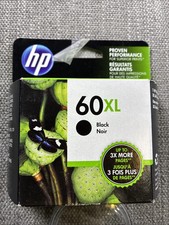
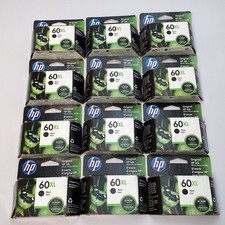
Manufacturer stock images may be used. Packaging, labels and minor design details may vary from the photographs without affecting cartridge compatibility or function.
HP, DeskJet, PhotoSmart and ENVY are trademarks of their respective owner and are used only to identify compatible printer models.
By purchasing this item, you acknowledge that you have reviewed the compatibility list, understand that these are compatible NON-OEM cartridges and accept the troubleshooting and return requirements stated above.