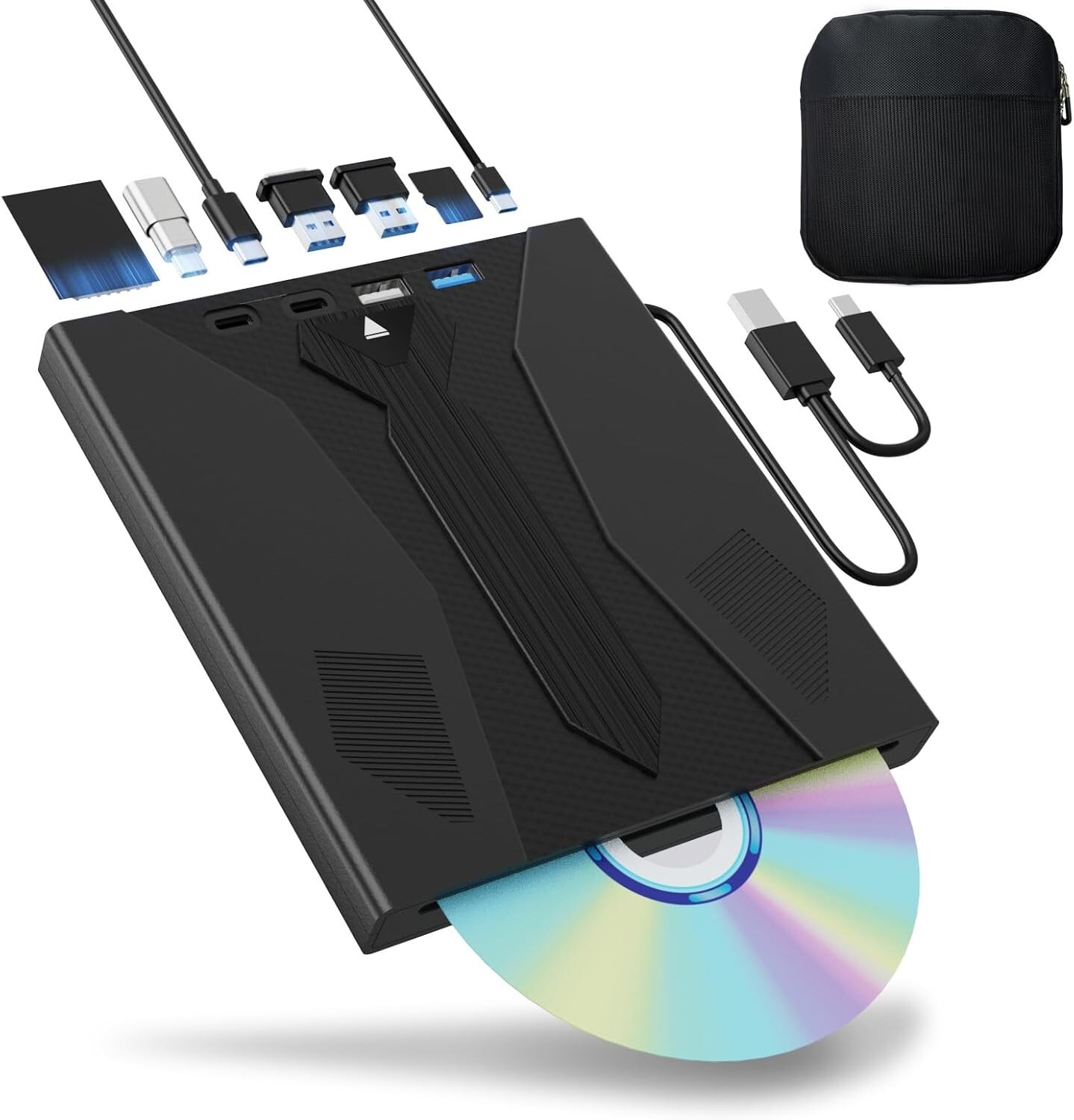
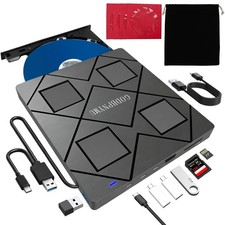
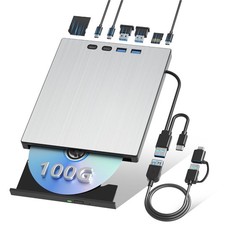
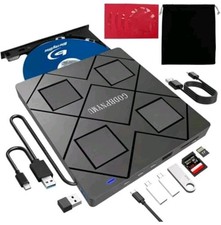
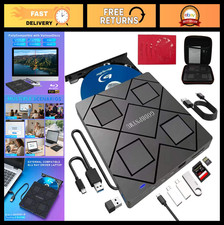
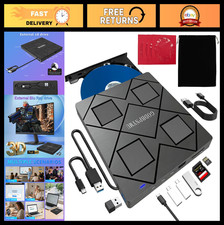
Support 100G Disc Read & Write: The external Blu ray drives have impressive high-performance capabilities. The external bluray drive cutting-edge high-speed 3.0 & Type-C interface exhibits exceptional error correction capabilities, impact resistance, minimal sound, and low power consumption. Blue ray/DVD/CD player can read CDs at speeds of up to 24x, DVDs at up to 8x, and BDs at up to 6x. Additionally, Wbacon bluray drive external supports burning normal CDs and DVDs in sizes of 8.5GB, 4.7GB, and 700MB, as well as 3D discs.8 IN 1 Blu Ray Drive: USB bluray drive compact design measures 5.78*6.22*0.78 inches, and our external blu ray player can not only burn and read CD/DVD/BD, but also can be used as an external laptop USB hub, including 1 USB 3.0 port, 1 USB 2.0 port, 2 type-c 3.0 ports, 1 TF slot, 1 SD card slot, and there is also a built-in 2 in 1 TYPE C & USB 3.0, Length 9.84inch. Blu ray burner compatible with USB hard drive, limited/wireless mouse & keyboard, computer cooler, and other USB computer accessories, The card slot for transferring photo and video files from your camera from cards to computer.Wide Compatibility: The blu ray external drive for pc is fully compatible with a wide range of operating systems, including Windows 7, 8, 10, 11,Vista, ME, SE, XP, and 2000, as well as Linux and all versions of MAC OS.
Note:>External bluray burner is not compatible with tablet iPads, Surface tablets, TVs, projectors, smartphones, or cars. If copyrighted Bluray has zone-bit code protection, you need to download the shielding software on Any DVD to decode the zone-bit code.>The order does not include Blu ray playback software. If playing Blu ray disc, it is necessary to download Blu ray playback software in advance.(For Windows, such as PowerDVD etc. For Mac OS, such as Macgo Blu ray Player,etc.)
Troubleshooting Steps:If your cannot use this CD/DVD/BD drive, please try the following suggestions:1. Pls check if the optical drive is being recognizes by your computer.[For Windows OS] You can see the BD RW icon in Windows Explorer. Use the data cables on the back (bottom) of the optical drive to connect your computer's USB port or desktop computer host. Do not connect USB extension hub.[For Mac OS] The Mac OS computer will not display the device icon until the disc is placed in the optical drive and the disc is read successfully.2. Pls check the Device Manager: If the optical drive displays a yellow exclamation mark or question mark, there may be a driver issue. You need to right-click and select 'Update Driver', or uninstall the driver and restart the computer, then connect the optical drive, and the system will reinstall the driver automatically.3. Pls check the BIOS settings: Enter the computer's BIOS settings interface to see if the optical drive is disabled. If it is disabled, enable it.4. Pls ensure that the optical drive is clean: As any dirt may prevent it from functioning correctly. It is recommended that a professional optical drive cleaner or cotton swab be used to gently clean the read-write head of the optical drive.5. Unable to eject disc: Please right-click on the “BD-R” folder, select the "Eject" option, wait a few seconds for recognition, and the disc will automatically eject.