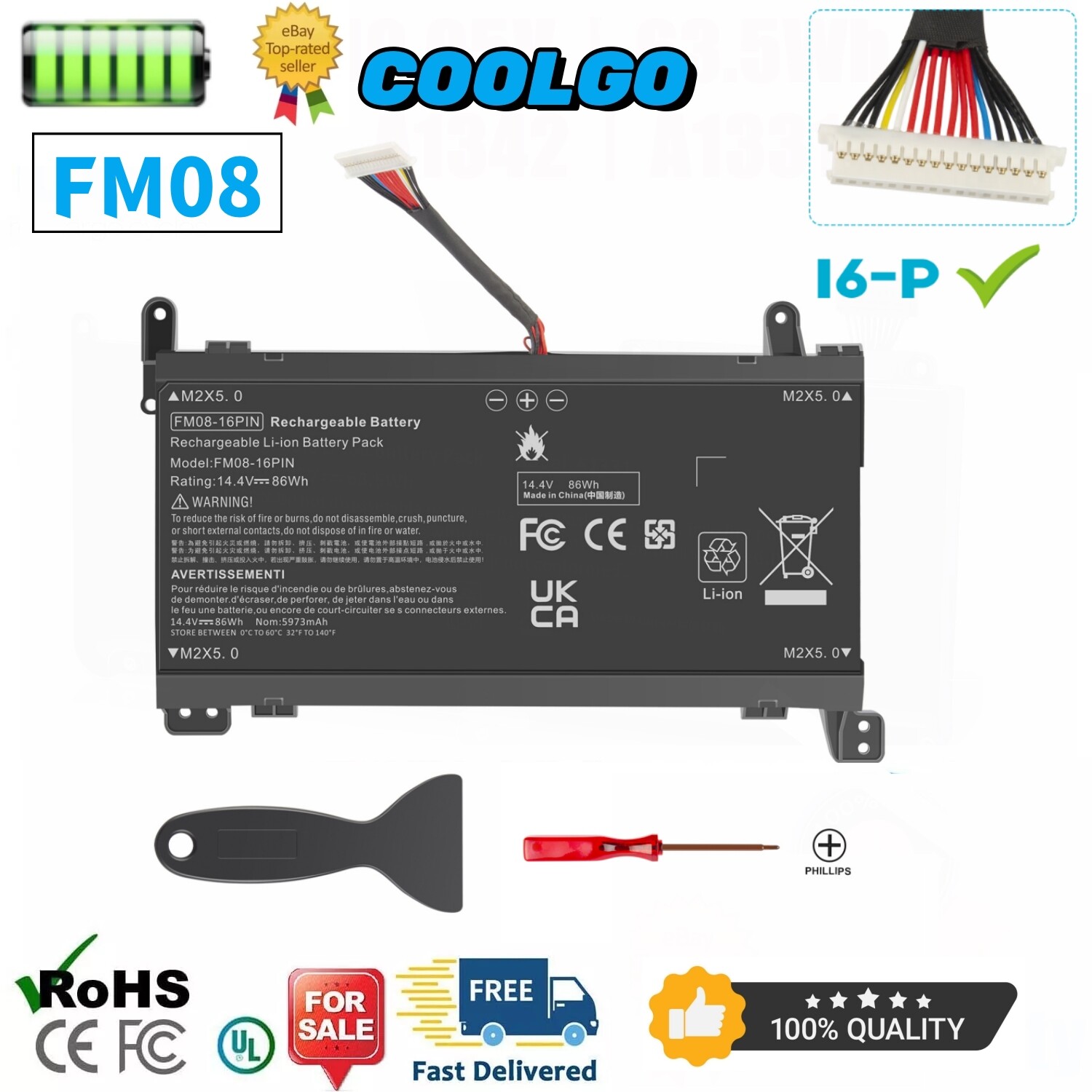
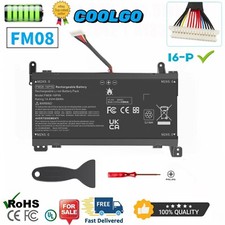
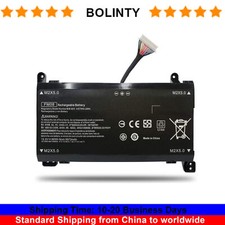
Specification:Battery type: Li-ionVoltage:14.4VCapacity: 86WhCell: 8
Cellsrecharge cycles: 500Operation time: Around
1.5-3hours Note: this is a 16-Pin
Connector, NOT 12-PinReplacement for Part
Number : FM08,HSTNN-LB8B, HSTNN-LB8A, HQ-TRE,
TPN-Q195, 922752-421, 922753-421, 922976-855, 922977-855
.Replacement for: (use "ctrl+F" to
find your model quickly)Fit for
HP OMEN 17T-AN000 17T-AN100 17-an1xx
17-an1xxx 17-an014na SeriesFit for HP
OMEN 17-AN008CA 17-AN012DX 17-AN013DX 17-AN020CA
17-AN030CA SeriesFit for HP OMEN
17-AN053NR 17-AN110CA 17-AN120CA 17-AN120NR 17-AN124CL
SeriesFit for HP OMEN 17-AN130CA
17-AN179WM 17-AN188NR 17-AN190NR 17-AN198MS SeriesFit
for HP OMEN 17-an001TX 17-an002TX
17-an003TX 17-an003la 17-an004TX SeriesFit for
HP OMEN 17-an005TX 17-an007TX 17-an008TX
17-an009TX 17-an010TX SeriesCompatible Notebooks:Fit for
HP 17-ab007ur, 17-ab080nz, 17-w219nf, 17.3
i7-6700HQFit for HP Omen 17-an000
/ 17-an000ng /17-an000TXFit for HP
Omen 17-an004ng / 17-an008ur /
17-an009ng / 17-an009txFit for HP
Omen 17-an010ng / 17-an011ng /
17-AN012DX / 17-AN013TXFit for HP
Omen 17-an014ng / 17-AN014TX /
17-an015ng / 17-an016ngFit for HP
Omen 17-an023ng / 17-an024ng /
17-an025ng / 17-an026ngFit for HP
Omen 17-an027ng / 17-an028ng /17-an029ng/
17-an030ngFit for HP Omen 17-an031ng
/17-an032ng / 17-an033ng/ 17-an034ngFit for
HP Omen 17-an035ng / 17-an037ng
/ 17-an038ng/17-an039ngFit for HP Omen
17-an040ng / 17-an041ng / 17-an042ng
/ 17-an043ngFit for HP Omen
17-an044ng / 17-an048ng / 17-an049ng
/ 17-an051ngFit for HP Omen
17-an072ng / 17-an080nz / 17-an090nz
/ 17-an100Fit for HP Omen
17-an101ng / 17-an102ng/ 17-an103ng /
17-an103txFit for HP Omen 17-an104np
/ 17-an106ng/ 17-an107ng / 17-an108ngFit
for HP Omen 17-an109ng /
17-an180nz/ 17-w007ur / 17t-3AW55AV_1Fit for
HP Pavilion 17-ab011nl, Pavilion 17-ab202nf.Fit
for HP Pavilion 17-ab300nf, Pavilion
17-w033dx.Fit for HP Pavilion 17t-ab000. Easy
to deal a variety of
use environmentInstall A New Battery:1,
You need to turn off
your laptop and disconnect the
power.2, Disconnect the connection between
the old battery and the
motherboard to avoid unnecessary damage
caused by disassembling the battery.
Then unscrew the old battery
screws one by one and
carefully save each screw.3, Remove
the old battery, carefully install
the new battery on the
battery case, screw in the
screw, and connect the wiring
of the new battery.4, If
you don't understand the above
steps, you can search for
the video about laptop battery
installation on YouTube. Maybe it
will help you.Installing New Battery
Frequently Asked Question Solution:Q: Why
my computer didn't recognize this
battery or I install this
battery and it doesn't seem
to work?A: The reason is
residual power stored in the
laptop components that was preventing
the battery from working properly.
Please disconnecting the old battery,
and holding down the power
button for 20 seconds, then
connect the new battery. This
drains the residual or flea
power and once the laptop
is reassembled the battery will
function properly.The following are troubleshooting
methods:1.Turn off the laptop.2.Unplug AC
power.3.Remove the battery.4.Replace AC power.5.Turn
on laptop,allow OS to boot.6.Once
logged in to the machine,perform
a normal shut donw.7.Unplug AC
power.8.Replace battery.PaymentDelivery detailsTerms of salesAbout
usWarranty PolicyPayment1. We accept payment
via PayPal, Visa, Maste