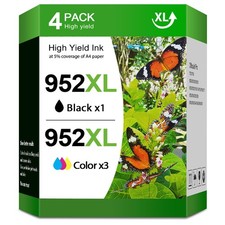
952 XL 952XL Ink Cartridges Compatible for HP 952XL Ink Cartridges (4 Pack) For Sale
When you click on links to various merchants on this site and make a purchase, this can result in this site earning a commission. Affiliate programs and affiliations include, but are not limited to, the eBay Partner Network.
952 XL 952XL Ink Cartridges Compatible for HP 952XL Ink Cartridges (4 Pack)
Price: LK $38.94
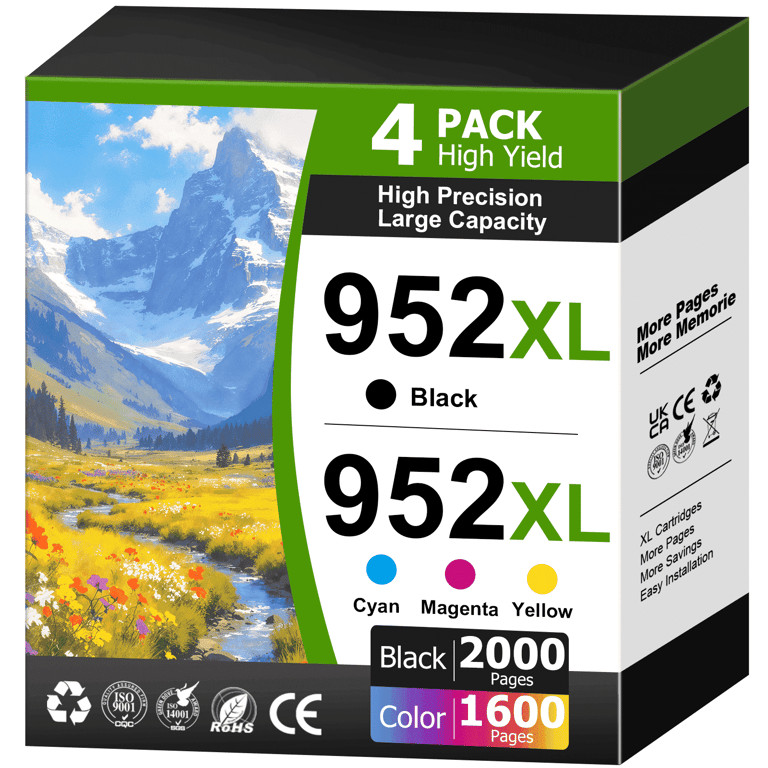
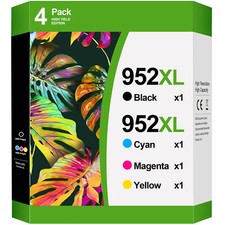
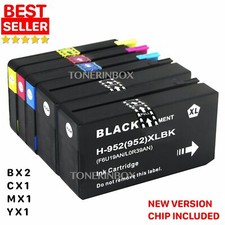
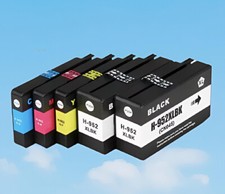
💡Product information of 952 xl ink cartridges for hp printers:HIPAGE 4 Pack of 952XL Ink Cartridges Replacement for International HP 952XL Ink Cartridges.📦Pacakge Contains:1x 952XL Black Ink Cartridge ⚫1x 952XL Cyan Ink Cartridge 🔵1x 952XL Magenta Ink Cartridge 🔴1x 952XL Yellow Ink Cartridge 🟡🖨Compatibility Printer of 952 xl ink cartridges :HP Officejet Pro 5000 5010 5012 5014 5020 PrinterHP Officejet Pro 8210 8216 8710 8714 8715 PrinterHP Officejet Pro 8716 8717 8720 8724 8725 PrinterHP Officejet Pro 8726 8727 8730 8734 8735 PrinterHP Officejet Pro 8736 8740 8743 8744 8745 8746 8747 Printer📃High Page Yield (at 5% coverage):2000 Pages Per 952XL Black Ink Cartridge1600 Pages Per 952XL Cyan Ink Cartridge1600 Pages Per 952XL Magenta Ink Cartridge1600 Pages Per 952XL Yellow Ink Cartridge⚒ink Cartridge of 952XL Installation Steps:Step1:Remove the yellow tapeStep2:Install the hp 952 ink cartridge combo pack into the corresponding slotTIPS:Do not touch the ink port👑Why choose HIPAGE:1. Excellent Print Quality: HIPAGE ink cartridges ensure great compatibility and easy installation.They provide sharp text, bright and vivid colors.2. Excellent Customer Service: Quick response to questions.If you have a question, please feel free to contact us and we will give you answers within 24 hours.3. Good after-sales service: Free returns and exchanges within 90 days.💝WARM TIPS:⭐ Please confirm your printer model before ordering.⭐ Please be careful not to touch the chip.⭐ If prints come with fading color, or broken lines, try performing nozzle cleaning once or twice in the printer settings.⭐ If the printer does not recognize the cartridge, remove the cartridge and gently wipe the chip with the eraser inside the cartridge,then put the cartridge back in and restart the printer.