Product Details
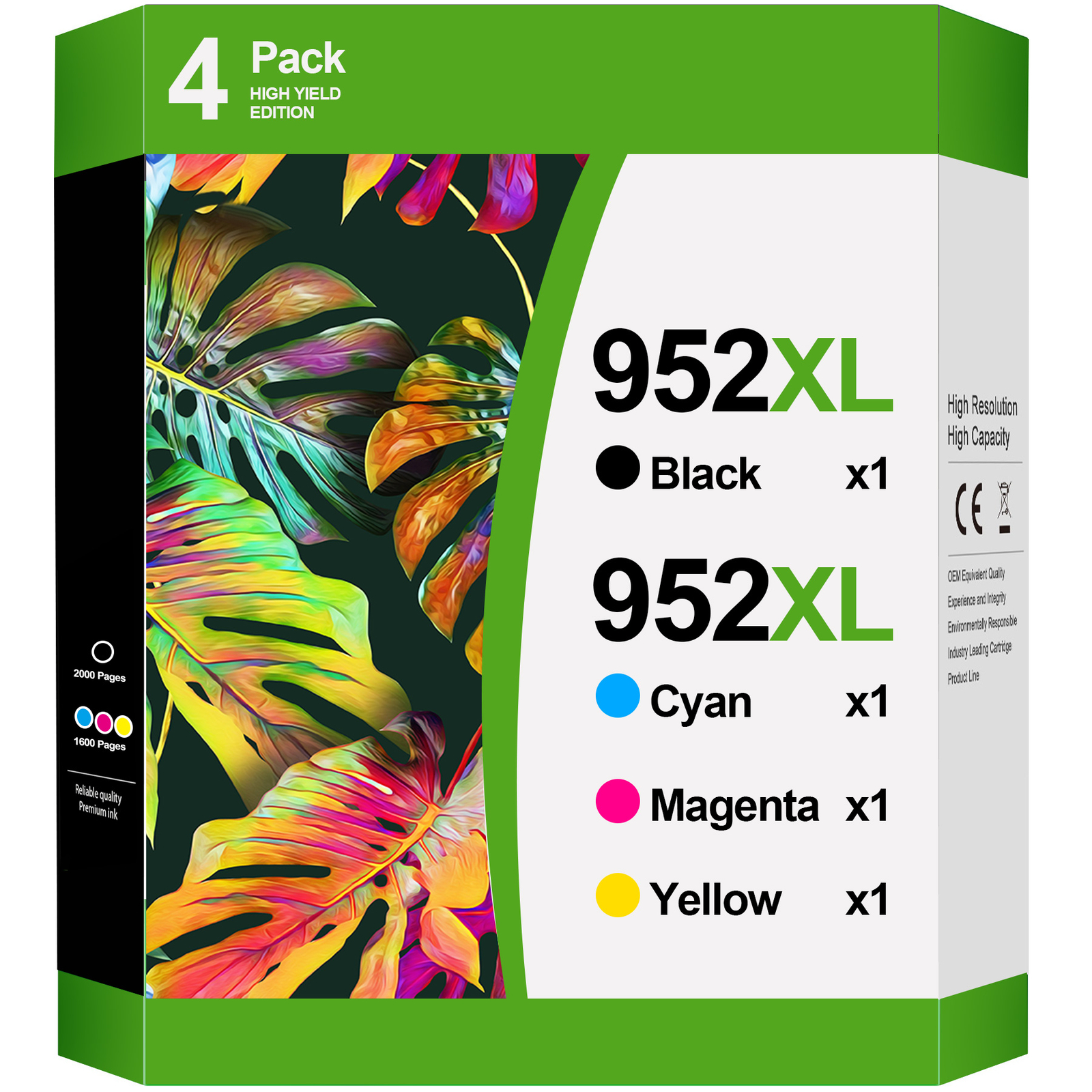
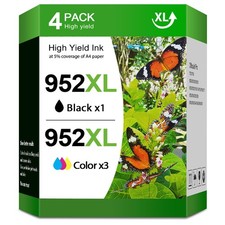
Note: Cartridges are similar to the pictures.Sometimes there are differences due to different Printer Ink 952 952XL Ink Cartridges Replacement For HP 952XL Ink Cartridge Black Color Combo Pack Works with HP OfficeJet 8702 , OfficeJet Pro 8200 8700 Series Printers
Type: Printer Ink Cartridge——Show Ink Level / High Yield
Color: Black & Tri-color ,Cyan/Magenta/Yellow
Package Include: 4PK 952XL Ink Replacement for HP 952 XL
Page Yield: Up to 2000 pages per Black , 1600 pages per Color, at 5% coverage.
Compatible Printers:
OfficeJet Pro 7720 7720 7730 7740
OfficeJet Pro 8200 8210 8216 8218
OfficeJet 8702
OfficeJet Pro 8700 8710 8714 8715 8716 8717 8718 8719
OfficeJet Pro 8720 8724 8725 8726 8727 8728
OfficeJet Pro 8730 8732M 8734 8735 8736
OfficeJet Pro 8740 8743 8744 8745 8746 8747
After-sales service: Whenever you have any questions orneed help during use, please don't hesitate to contact us directly, we'll always be here to help you!
<Note>
1. When handling new ink cartridge,don’t touch the electrical contacts or print head nozzle on a cartridge.
2. Please don’t remove the electrical contacts other than the protective tape.Otherwise, the machine will not function properly.
3. If the printer may prompt as Low Ink or Empty(or similar message), you can click "OK", "Continue" or " √ " to bypass what printer indicates and use the cartridge directly.
4.If the printer does not work after installing the cartridge, clean the chip contacts of the cartridge with an eraser or cotton swab. Be careful not to touch the ink nozzles at the bottom of the cartridge.
<Warm Tips>
1. For perfect printing results, we advice performing a print head cleaning procedure before printing begins, which will make a big difference.
2. After installing the new cartridge, a "Not Genuine" or “Empty Cartridge" message may pop up, please click ”Yes" and continue printing.
3. If the error message says "Cartridge not recoqnised" or "Cartridge damaged" , please wipe the chip contacts with an eraser and try to reinstall it.
❤️If you have any questions during purchasing or using our cartridges,please contact us,we'll do our best to help you out.