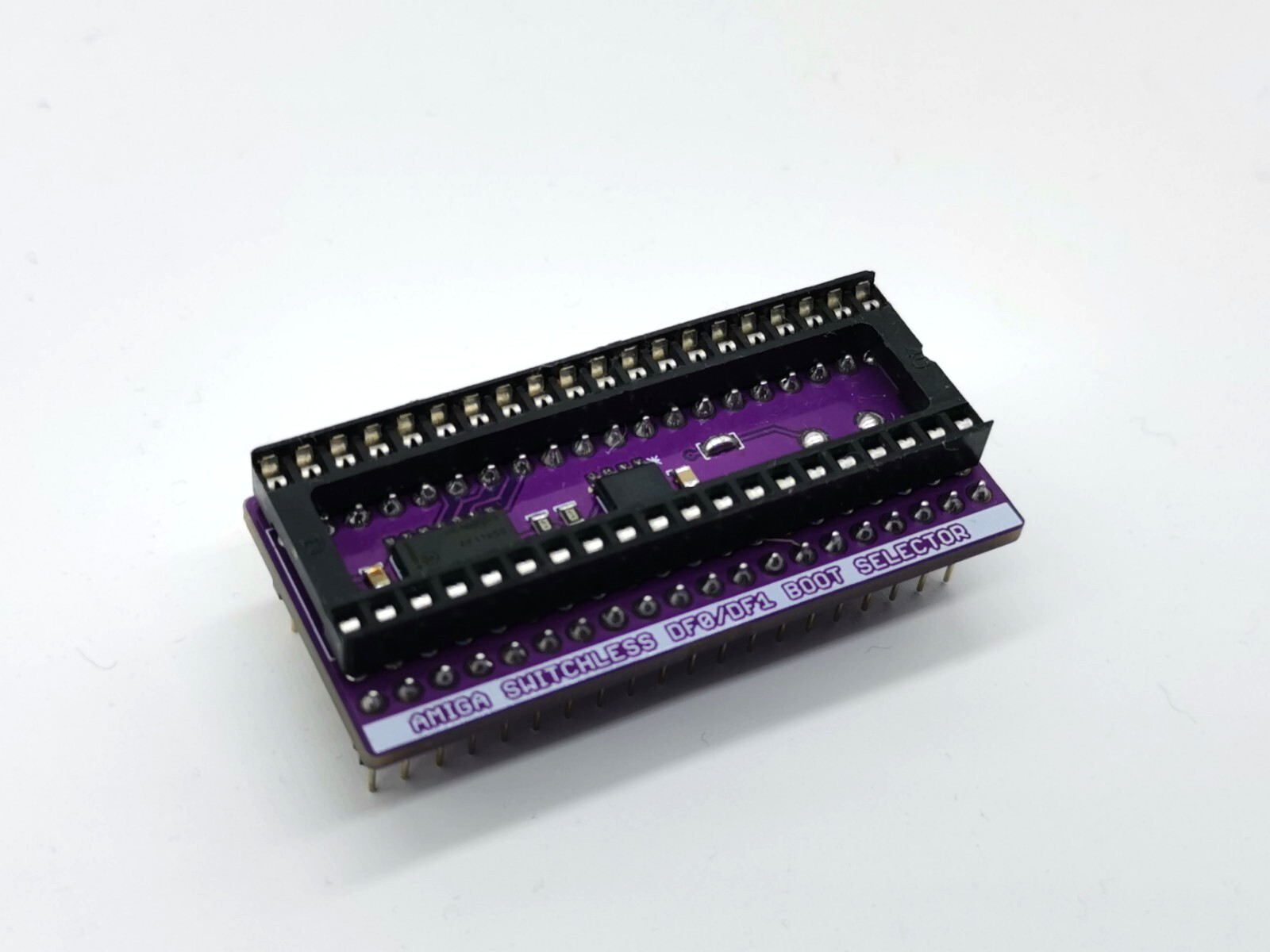
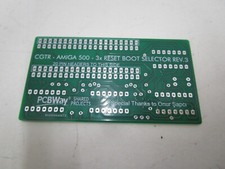
AMIGA DF0:/DF1: SWITCHER / SWITCHLESS FLOPPY DRIVE BOOT SELECTOR A500 A500Plus A1500 A2000
Need to change the boot priority of your DF0: / DF1: devices then simply press and hold the reset keys (Ctrl-Amiga-Amiga) for 3 seconds to be able to switch between the external floppy disk or GOTEK drive DF1: as the boot device and internal DF0: disk drive.
From now on your external DF1: drive will be used as the internal DF0: drive and the internal drive will be disabled.To get back to previous setting just press and hold the reset keys for another 3 seconds. The internal DF0: drive will act as a boot device and the external disk drive as DF1:
You will hear a noticeable beep sound every time you switch between your DF0: and DF1: drive.
It works fine with all external floppy drives and external and internal GOTEK devices.
How to install:
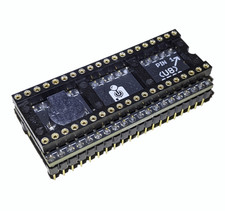
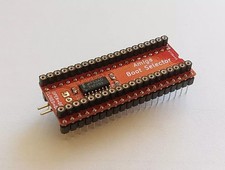
1. Switch off your Amiga2. Find and remove the EVEN CIA chip (8520A) from its socket. Please note, the correct orientation of the chip.3. Carefully insert the CIA (8520A) chip into the boot selector.4. Insert the boot selector into the empty 40-pin socket of the CIA chip with same orientation using the notch of the CIA chip.5. Please, see the pictures for correct fitting & installation they will help a lot.
Please note:We are not responsible for your mistakes during installationIf you have any doubts, please ask