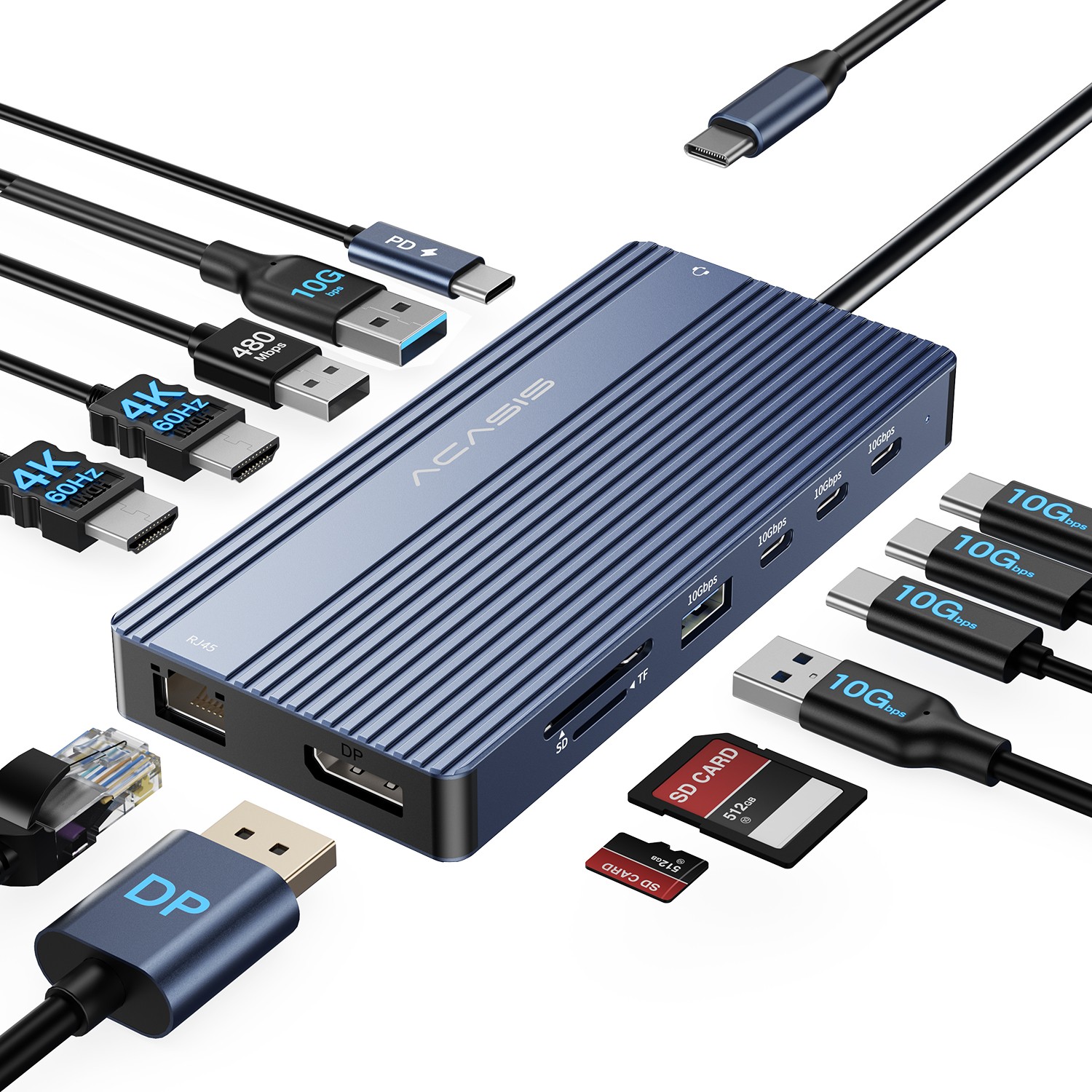
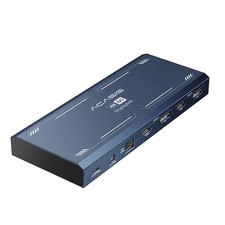
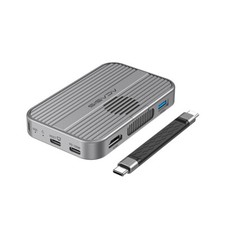
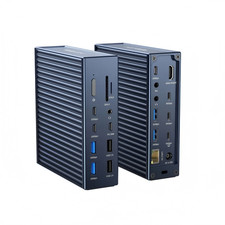
Dual HDMI + DisplayPort Outputs: Equipped withtwo HDMI ports and one DisplayPort, all supporting stunning4K UHD (3840 x 2160) resolution at 60Hz refresh rates. Enjoy crisp, detailed imagery and smooth motion for work and entertainment
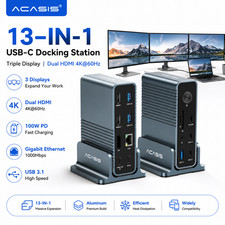
Transform your laptop into a powerful workstation with a single cable.This professional 12-in-1 Docking Station delivers unparalleled connectivity, enabling triple 4K monitor setups, blazing-fast data transfers, and high-speed laptop charging—all through one USB-C connection. Perfect for professionals, creators, and multi-taskers who demand peak performance and a clutter-free desk.
SuperSpeed Data Ports: Featurestwo USB-A 3.1 (10Gbps) ports and three USB-C 3.1 (10Gbps) data ports. Transfer a full 4K movie in under a minute or back up large project files almost instantly.
All-in-One Peripheral Support: Easily connect and useUSB flash drives, external HDD/SSD, wireless mouse/keyboard dongles, webcams, security U-Shield keys, and moresimultaneously.
Additional Convenience Ports:
SD 3.0 & MicroSD (TF) Card Slots: Quickly import photos and videos from cameras and drones.
Gigabit Ethernet (RJ45) Port: Get a stable, high-speed wired network connection for video calls, large downloads, and online gaming.
USB-A 2.0 Port: Perfect for low-power accessories like a keyboard or mouse receiver without occupying high-speed ports.
Here is a full breakdown of all ports and their capabilities:
Port TypeQuantitySpecificationKey FunctionVideo Output2 x HDMI4K @ 60HzConnect monitors, TVs, projectors-91 x DisplayPort4K @ 60HzConnect high-refresh-rate monitors-1Data & Charging1 x USB-C (Upstream)PD 100W Input / Data / VideoConnect to host laptop for all functions3 x USB-C (Downstream)USB 3.1, 10GbpsData transfer only (for storage devices)2 x USB-A (Blue)USB 3.1, 10GbpsHigh-speed data transfer1 x USB-A (Black)USB 2.0For keyboards, mice, or other low-speed devicesNetwork & Audio1 x RJ45Gigabit Ethernet (1000Mbps)Wired internet connection1 x 3.5mm AudioAUX In/OutHeadphones or microphoneCard Reader1 x SD / 1 x TF (MicroSD)UHS-I, SD 3.0Read photos and videos from memory cards
Get set up in seconds without any hassle.
Driver-Free Installation: The docking station is designed for trueplug-and-play operationon most modern systems. Just connect it, and it starts working immediately.
Broad System Support: Fully compatible withWindows 10/11, macOS, and major Linux distributions. It works with laptops that have afull-featured USB-C, Thunderbolt 3/4, or USB4 port.
⚠️ Important Usage Notes
To ensure the best experience, please verify the following before purchase:
Host Port Requirement: Your laptop'sUSB-C port must support DisplayPort Alternate Mode (DP Alt Mode) and Power Delivery (PD)to use the dock's video, data, and charging functions simultaneously. Not all USB-C ports support video output. Please check your laptop's specifications.
macOS Display Limitation: As noted, macOS does not natively support MST for multiple independent displays through a single dock. When using this dock with a Mac, all external monitors will mirror the same content.
Power Adapter Needed: To enable the full 85W laptop charging, you must use the included or a separate100W USB-C PD power adapter. The dock itself does not include a wall charger.
📦 What's in the Box?
Upgrade your workspace today!Click "Add to Cart" now to unlock professional-grade expansion, lightning-fast connectivity, and a streamlined desk setup with this all-in-one docking station solution.
On Jan 27, 2026 at 00:07:28 PST, seller added the following information: