Nearly 100% satisfied customers!
Very fast national & international postage!
responseOur itemsOur offerCables & Connectors
PC / Laptop / Tablet Accessories
Console Accessories
Mobile Phone Accessories
Car Accessories
Memory Cards & Pen Drives
Digital Scales
Gadgets & Batteries
Thermometers & Clocks
Power Tools & Hand Tools
Sport & Health Accessories
Toys & Games
Vintage Computing Accessories
ShippingEvery package is securely wrapped with bubbles, peanuts, foams, paper, cardboard to insure the safe arrival of your new product. We understand the certainty of receiving a product the way you purchased it, that is why we have a strong, experienced packaging team to work with your every need.All parcels are shipped within 24 hours from the moment we receive the payment. We deliver worldwide.ReturnsIf you are not satisfied with this product, you can return the item within 14 days.FrameThrower PiStorm for Amiga 500 2000 HDMI Output Scandoubler
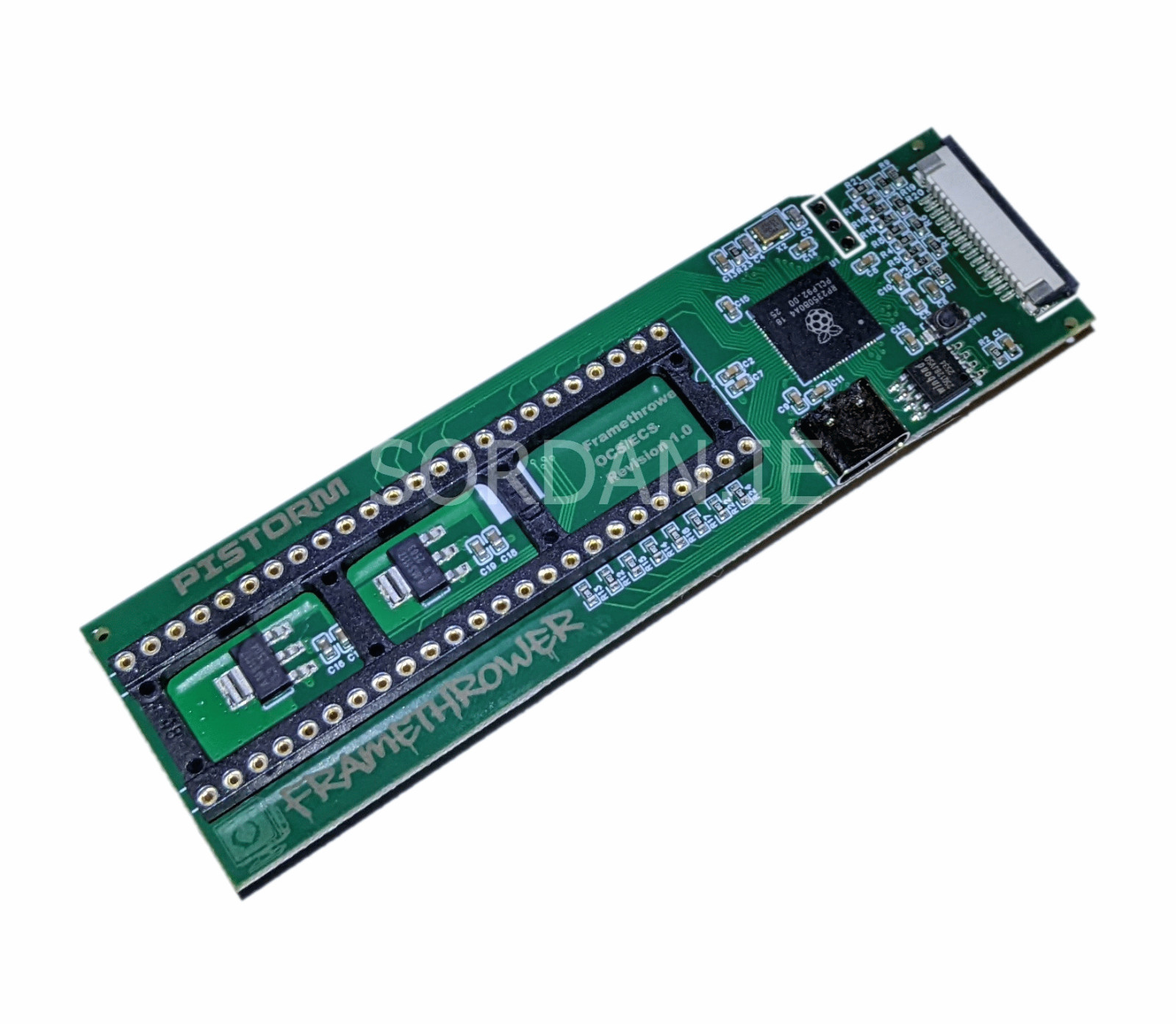
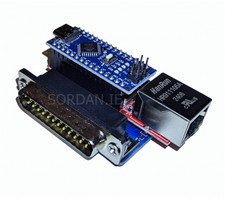
Amiga PiStorm Framethrower (Model FT_A500_2000)
This device works with the PiStorm for the Amiga A500 and A2000, functioning as a scandoubler. This eliminates the need to switch between different signal sources the Raspberry Pi captures the native 15kHz signal via the camera connector and outputs it directly through HDMI.
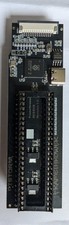
The adapter includes a 30cm FFC ribbon cable designed for connection with the Raspberry Pi 3A+. The connection method is shown in the attached photos.
Please note: For the RPi Zero 2 W, a different cable is required a 22-pin to 15-pin CSI cable (not included in the set).
To ensure proper functionality, you must update to the latest version of CaffeineOS/Emu68 and add the following entry to the cmdline.txt file (located in the boot directory):
logo=purple dbf_slowdown enable_c0_slow
vc4.mem=16 sd.unit0=rw emmc.unit0=rw
unicam.boot unicam.smooth unicam.b=0
unicam.c=0 unicam.phase=90