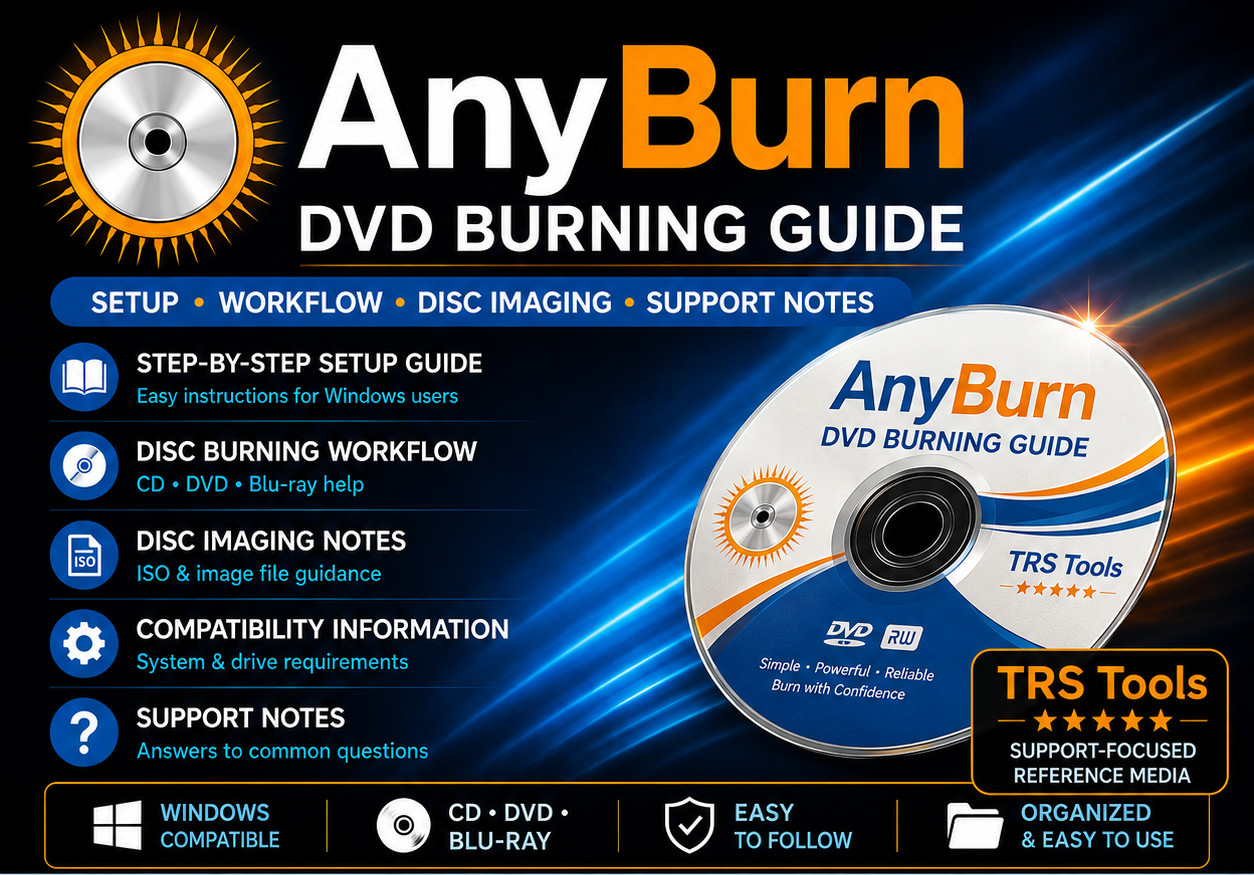
AnyBurn DVD Burning Setup Guide USB Media
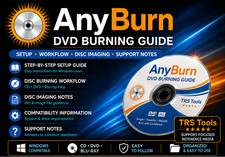
TRS Tools prepared reference media with setup notes, disc burning workflow help, compatibility guidance, and support-focused documentation.
Prepared Reference Media for Disc Burning Workflows
This TRS Tools prepared media is designed for users who want a clear, organized guide for getting started with AnyBurn disc burning and disc image workflows on Windows computers.
This item focuses on convenience, setup guidance, compatibility notes, and practical workflow support. It is intended to help users understand where to obtain the AnyBurn utility from the official publisher source and how common disc burning tasks are typically approached.
The value of this item is the prepared physical DVD media, TRS Tools organization, setup guide, support notes, compatibility reference, and workflow documentation. This item does not sell software ownership, a license key, activation, subscription, paid version, installer redistribution rights, or official software media.
Prepared DVD Reference Media • Setup Notes Included • Disc Burning Workflow Help • TRS Tools Support-Focused Presentation What You Receive
- 1 prepared TRS Tools DVD
- Step-by-step setup guide for Windows users
- AnyBurn reference notes for common disc burning workflows
- Compatibility notes for optical disc burning use
- Support notes for basic first-use questions
- Helpful guidance for locating official publisher resources
- General disc image, data disc, and audio disc workflow reference notes
Helpful For Common Tasks
- Learning how DVD and CD burning workflows are organized
- Understanding disc image file concepts such as ISO and related image formats
- Preparing data disc projects for systems with compatible optical drives
- Reviewing audio disc and MP3 disc workflow notes where supported
- Checking disc drive and media compatibility considerations
- Keeping a prepared physical reference guide with setup notes
Why Buyers Choose TRS Tools
- Prepared physical DVD media for convenient reference
- Clean organization for easier first use
- Plain-English setup and workflow notes
- Helpful compatibility reminders for Windows users
- Support-focused presentation backed by 30 years of Information Technology experience
- Designed for users who prefer simple documentation on physical media
Compatibility Notes
AnyBurn is a Windows disc burning and image utility. Compatibility may vary by Windows version, computer hardware, optical disc drive, blank disc quality, file type, software version, permissions, and system configuration.
Disc burning functions require a compatible CD, DVD, or Blu-ray writer and suitable blank media. Some features may require administrator permission or additional system support. Results can vary by drive model, disc type, burning speed, and media condition.
Important Software & License Notice
This TRS Tools item is prepared reference media and documentation. AnyBurn is published by Power Software Ltd. This item is not official AnyBurn media and does not include ownership of AnyBurn, AnyBurn Pro, a license key, activation code, subscription, account access, or paid software rights.
Buyers should obtain AnyBurn directly from the official publisher source and review the applicable license terms before use. Users are responsible for following all software license terms and applicable copyright laws.
This item does not include copyrighted movies, music, software, games, Windows installation files, activation tools, license generators, bypass tools, or any unauthorized disc copying resources.
Independent Seller Disclaimer
TRS Tools is an independent seller and is not affiliated with, endorsed by, sponsored by, authorized by, or certified by AnyBurn, Power Software Ltd, or any referenced software publisher. Software names are used only to identify compatibility, reference material, and setup guidance.
Setup Overview
- Insert the prepared TRS Tools DVD media into a compatible Windows computer.
- Open the included setup guide and review the compatibility notes.
- Review the official-source guidance for obtaining the current AnyBurn version.
- Install or launch the software only according to the publisher’s instructions and license terms.
- Use the included workflow notes to understand common disc burning and image file tasks.
- Confirm your optical drive, disc type, and files before beginning any burn operation.
- Check the official publisher website for current updates, documentation, and license details.
Frequently Asked Questions 1. Is this official AnyBurn software media?
No. This is independently prepared TRS Tools reference media. TRS Tools is not affiliated with, endorsed by, sponsored by, authorized by, or certified by AnyBurn or Power Software Ltd.
2. Does this include AnyBurn Pro or a license key?
No. This item does not include AnyBurn Pro, a license key, activation code, subscription, account access, paid software rights, or proprietary software ownership.
3. What am I purchasing?
You are purchasing prepared physical DVD reference media, setup notes, compatibility guidance, disc burning workflow notes, and TRS Tools support-focused documentation.
4. Can this help with DVD or CD burning?
Yes. The included notes are designed to help users understand common disc burning concepts, file preparation, disc image workflows, and compatibility considerations. Actual burning results depend on your computer, drive, blank media, and software setup.
5. Will this work on every Windows computer?
No compatibility is guaranteed. A compatible Windows computer, optical disc writer, suitable blank media, and supported software version may be required depending on the task.
6. Can this be used to copy protected movies, games, or software?
No. This item is not intended for copying protected discs, bypassing DRM, duplicating unauthorized media, or violating copyright law. Users are responsible for complying with all applicable laws and license terms.
7. Where should I get the software?
Users should obtain AnyBurn from the official publisher source and review the current license, version, and documentation before use.
Prepared, Organized, and Support-Focused
TRS Tools prepares physical reference media with organization, setup guidance, and practical support notes to make the first-use process easier for everyday Windows users.
TRS Tools • Prepared DVD Reference Media • Setup Notes Included • Support-Focused Documentation