 When you click on links to various merchants on this site and make a purchase, this can result in this site earning a commission. Affiliate programs and affiliations include, but are not limited to, the eBay Partner Network. When you click on links to various merchants on this site and make a purchase, this can result in this site earning a commission. Affiliate programs and affiliations include, but are not limited to, the eBay Partner Network.
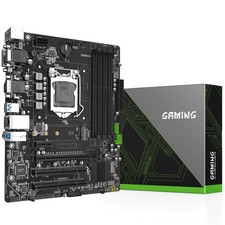
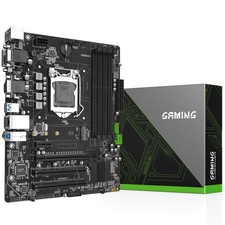
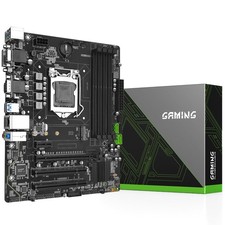
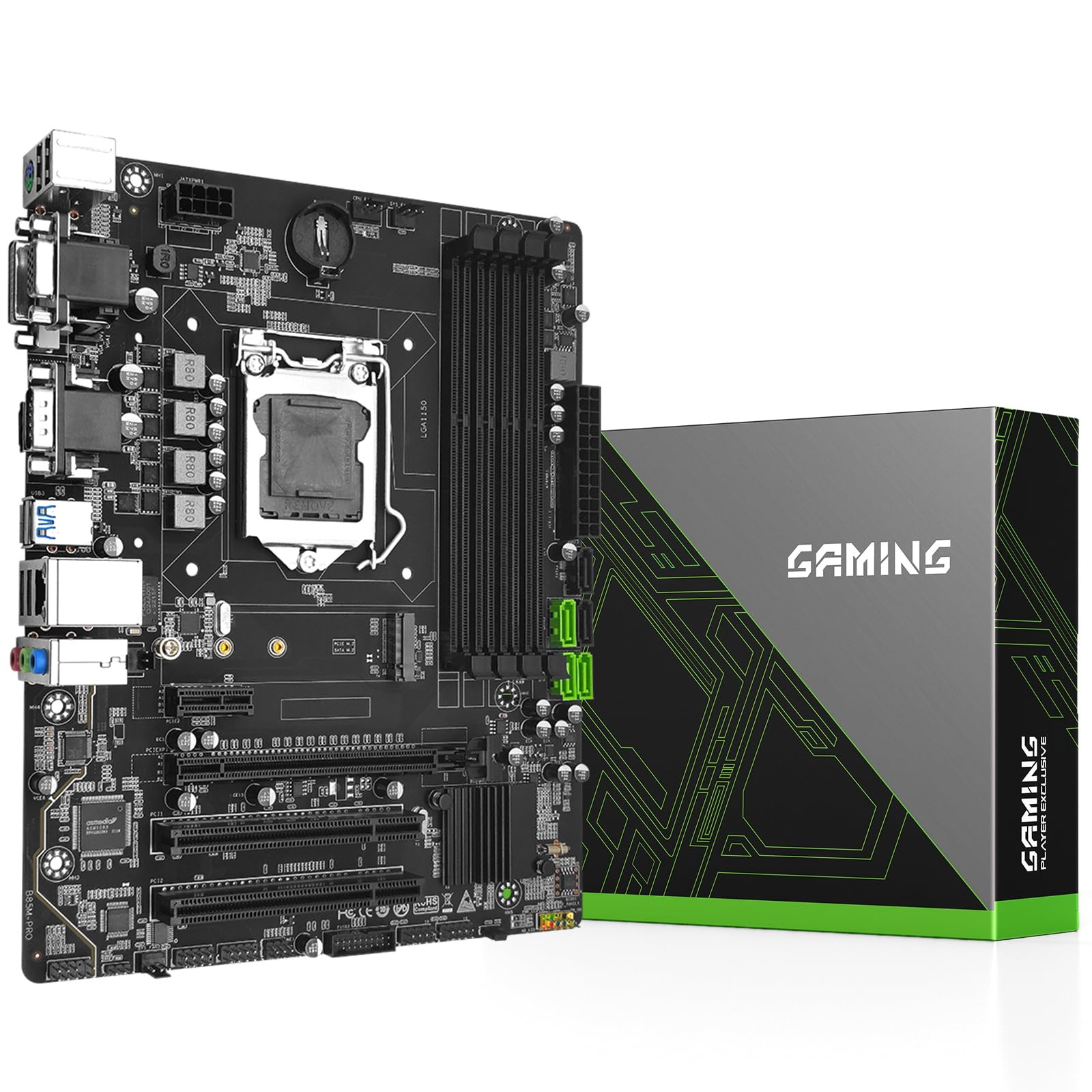
- LGA 1150 Socket: The gaming motherboard supports Intel 4th gen processor (Core i7/i5/i3/Pentium/Celeron/E3 series) with LGA 1150 CPU socket, e.g. i5 4570, i5 4690k, i7 4790, i7 4790k, etc.
- Dual-channel DDR3: The Intel LGA1150 motherboard supports dual-channel DDR3 desktop memory, 1333/1600/1866MHz frequency type, the maximum memory capacity is 32GB (4*8GB)
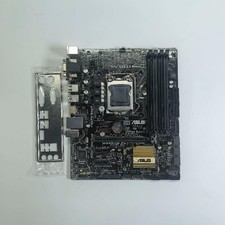
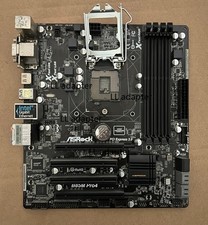
- High-speed Interface: The computer motherboard supports M.2 protocol, NVME and SATA mode automatic switching. And it is equipped with 1 RJ45 gigabit network, 1 PCIe x16 3.0, 1 PCIe x1 2.0, 2 PCI, 3 SATA 3.0, and VGA, DVI, HDMI-compatible high-definition multimedia transmission interface
- Stable Power Supply: 4-phase power supply, all-solid-state capacitor design, fine workmanship, professional stability. And the LGA 1150 M-ATX placa madre is equipped with 24+8 pin power interface (at least 500w brand power supply)
- Tips 1: If the motherboard does not boot and the fan does not work, please check whether the motherboard power supply and CPU power supply are correctly connected, whether the CPU model and memory model are compatible or good, and whether the memory module is installed in the correct position. If it still does not start after eliminating the above problems, please clear CMOS
- Tips 2: If there is no display (the fan is working, the Caps Lock key on the keyboard is pressed, and the keyboard light is off), please check whether the motherboard power supply and CPU power supply are correctly connected, check whether the memory module is installed in the correct position, and check whether the CPU and memory models are compatible and good. If there is still no display after eliminating the above, please clear CMOS
- Tips 3: If there is no display (the fan is working, the Caps Lock key on the keyboard is pressed, and the keyboard light is on). Please check whether the monitor is turned on and whether the display data cable is connected properly. If no external graphics card is installed, please check whether the CPU supports integrated graphics. If an external graphics card is installed, please check whether the data cable is correctly connected to the interface of the external graphics card. Check whether the display data cable, graphics card and monitor are in good condition. If there is still no display after eliminating the above, please clear CMOS
 |
|