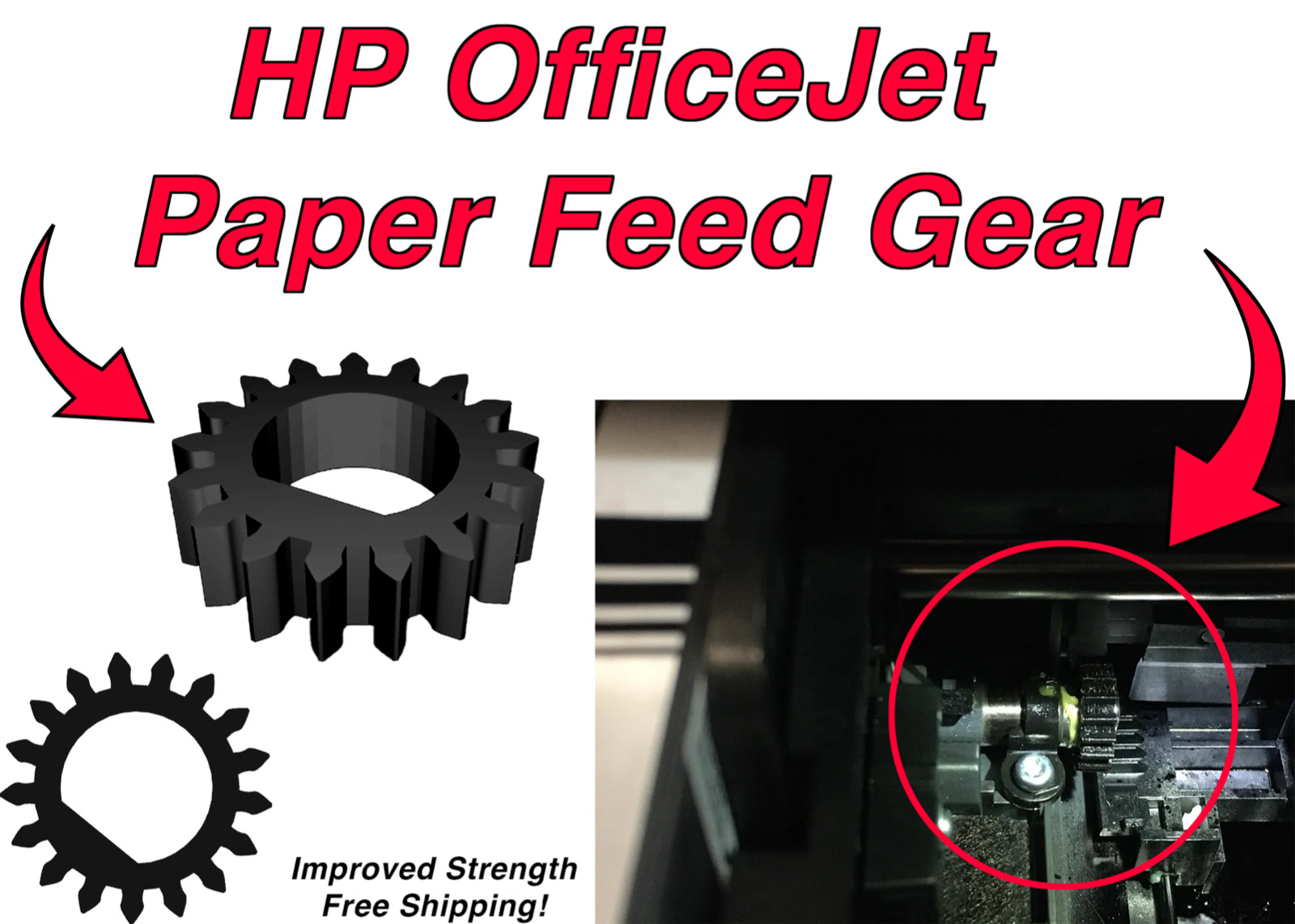
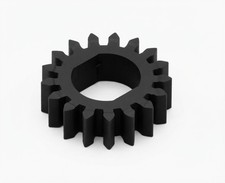
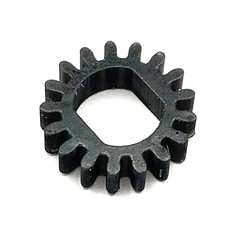
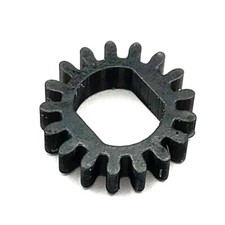
The PFG gear is used to fix carriage jams in which the cartridge no longer moves to the left. Instead, the print carriage is stuck to the right. Whether the printer is powered on or powered off, the carriage cannot be moved manually, not even with significant force. The error message shows "Paper Jam. The print carriage cannot move. Open the carriage access door, clear any paper jam or obstruction and select OK ." This replacement part replaces the PFG (paper feed gear), which may cause the problem. Follow the steps in the video below to troubleshoot your printer's problem. If a cracked PFG causes the problem, follow the video to replace it.* Replace cracked or damaged drive gear that is attached to the PF drive rod (see picture below).
* Make sure your carriage jam IS caused by the broken PFG. Inspection & installation video below.
*
Printhead Stuck on the Right - Carriage Jam for HP OfficeJet Pro 6958, 6968 6978 Printer PFG
Using the mobile app? Copy this link into your browser:
SeriesCompatible Models6200 Series6220,6230, 62356800 Series6810, 6812, 6815, 6820, 6822, 6825,6830, 68356900 Series6950, 6951, 6954, 6958,6960, 6962, 6968,6970, 6975, 6978, 6979