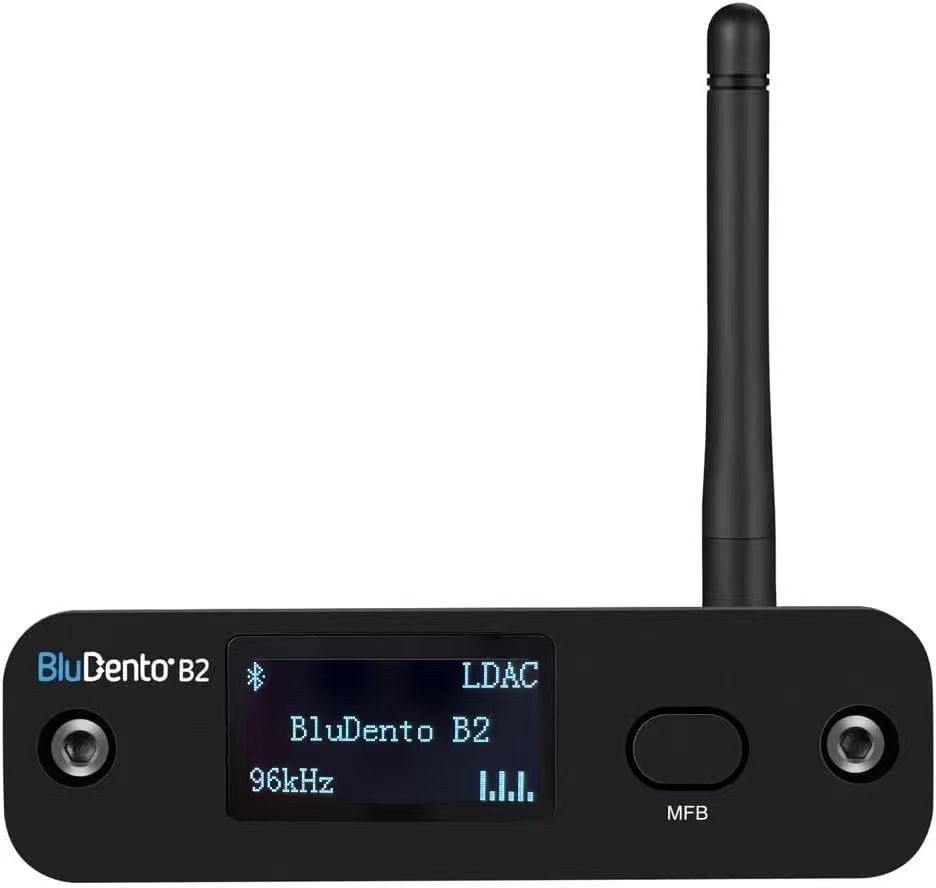
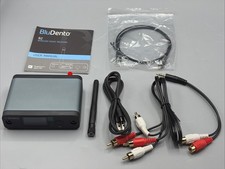
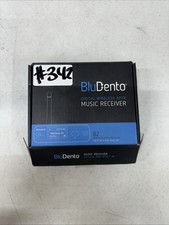
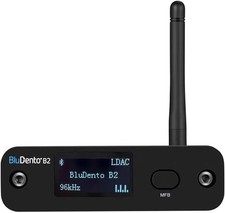
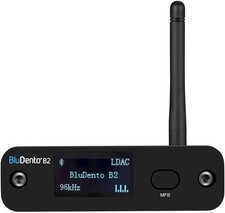
BluDento Bluetooth Audio Receiver / DACFEATURES
Bluetooth Version: 5.1
Bluetooth Profiles: A2DP, EDR
Supports Audio HD
aptX DAC: ESS ES9018K2M
PCM Interface: 32bit, 384kHz (Max)
Supports 48kHz / 24bit LPCM audio SNR (Typ)112dBReceiver Sensitivity (Basic Rate, Typical)–90dBmAudio InputBluetooth ONLYAudio OutputsAnalog Stereo RCA, Digital TOSLINK Optical, SPDIF CoaxialPower InputUSB Type-CPower SupplyDC 5V 0.5A–3A USB Power Adapter Required (NOT INCLUDED)CUSTOM BLUETOOTH NAME & PASSWORD
BluDento are able to change the "BLUETOOTH ID" and "PASSWORD" for pairing instead of the default:
Please leave us a note when ordering if you would like this customization.
Frequently Asked Questions (Q&A)Q: Is the Bluetooth always on when the unit is powered on, or does it go to sleep? Are all three outputs active at the same time?A:
Yes, Bluetooth is always ON. There is no sleeping mode.
Yes, Analog RCA, SPDIF, and TOSLINK outputs all work simultaneously.
Q: Is this version also a Bluetooth Audio Transmitter?A:
It is a Bluetooth receiver/DAC only.
Q: Can you rename the Bluetooth device? I want to connect several of these to a multi-zone whole-house audio amplifier.A:
Yes. BluDento are able to customize the "BLUETOOTH ID" for pairing instead of the default "B2". Simply leave us a note when ordering.
Q: Can I have two identical HiFi Bluetooth music audio receivers in one household?A:
Yes, but ideally they should have different Bluetooth IDs.
BluDento are able to customize the "BLUETOOTH ID" for pairing instead of the default "B2".
Please leave us a note immediately after ordering.
Q: If I use the optical output, does it bypass the DAC?A:
Yes.
Digital outputs (Optical & Coaxial) bypass the on-board DAC.
Q: Do you have a comparison between the BLT-HD version and the B2 version? What are the primary differences?A:
Both B2 and BLT-HD LL
aptX includes an OLED display.
BLT-HD does not include an OLED display but with aptX Low Latency
Q: What is the maximum VRMS level of the left and right channel outputs?
A:
2.12V at 50Hz at 0dB.
Q: Does the power supply adapter come in the box? If not, how do I get one?
A:
No.
Any standard 5V USB charger is suitable.
Q: What is the minimum current required for the USB power adapter?
A:
Minimum 0.5A.
Q: How many source devices can be connected at the same time?
A:
Two.
Q: I have multiple phones, tablets, and laptops. I can't tell which one is currently connected. How can I pair the one I have in my hand?
A:
Double press the MFB button, then search for and connect to B2 again.
Q: Does it have an ON/OFF button or does it automatically power on when USB power is connected? Will it remember previously paired devices after power is restored?
A:
Auto ON after power is connected.
Long press the UNPAIR button to disable the current Bluetooth connection.
Short press the button to turn the display ON/OFF.
Yes, it automatically searches for previously paired Bluetooth devices when powered up.