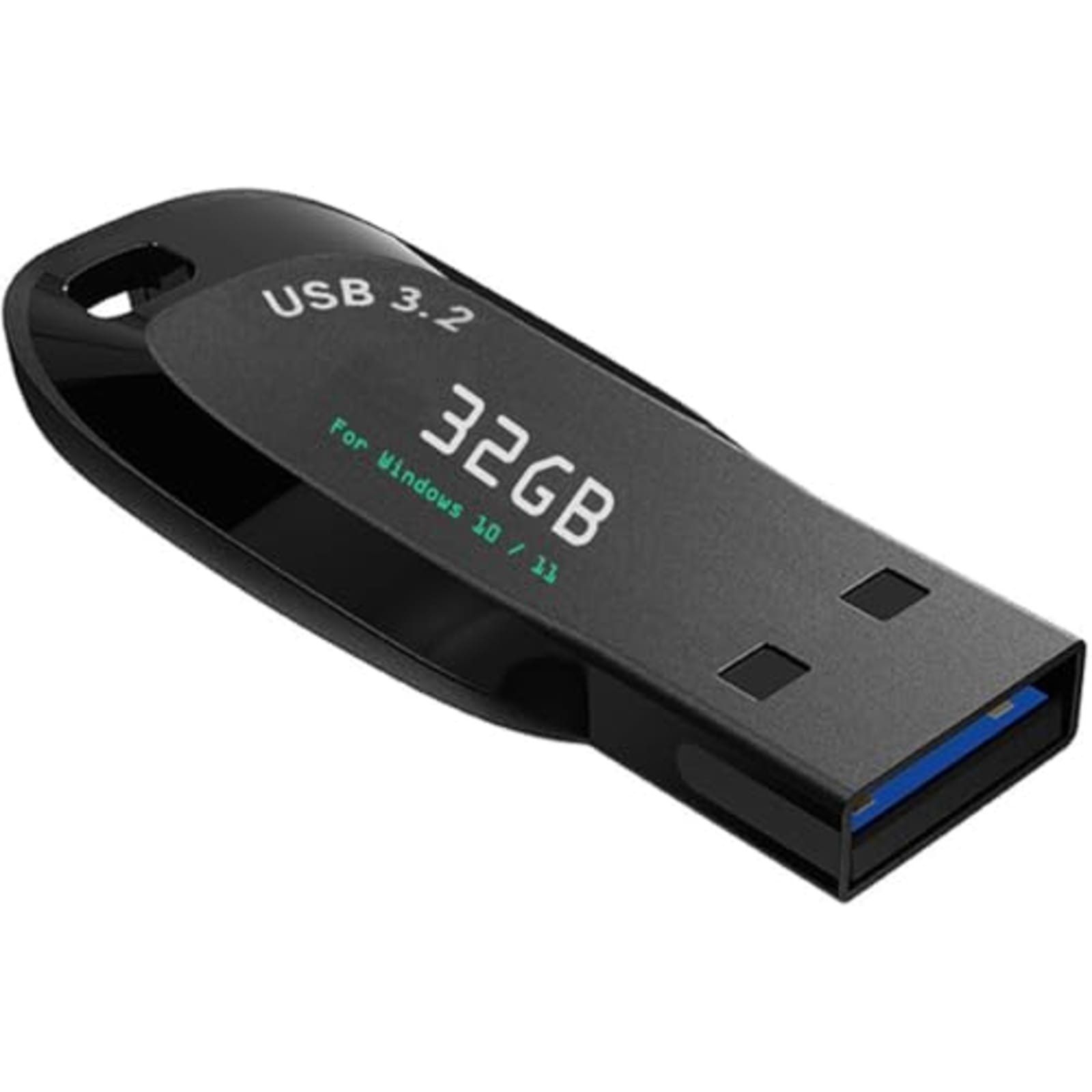
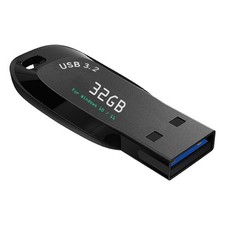
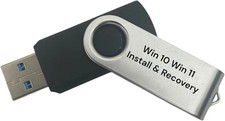
Bootable Windows 10/11 Install Recovery USB 32GB UEFI Legacy Network Drivers Description: 4+ Circumstances You'll Need Bootable USB Drive.
Your computer crashed and won't boot up
Your computer hasn't been reinstalled for a long time,its running slowly now
Your computer has a virus. You need to clean the virus and reinstall Windows
You are new to computers and need a computer repair tool Boot Menu instruction(refer to user manual):
1. Plug-in USB Drive
2. Power on and Press boot menu key repeatedly (Boot Menu Key below)
3. boot menu will appear (Ensure "USB boot" is enable in BIOS)
4. choose usb drive from boot menu, “UEFI USB" is preferred selection Features:
- ✅Please Disable "Secure Boot" in Bios , then boot from this USB Drive
- Beginner watch video instruction ( image-7 ), tutorial for "how to boot from usb drive", Supported UEFI and Legacy
- Bootable USB 3.2 for Installing Windows 11/10 (64Bit Pro/Home ), Latest Version, No TPM Required, key not included
- ✅ ( image-4 ) shows the programs you get : Network Drives (Wifi & Lan) , Hard Drive Partitioning, Data Recovery and More, it's a computer maintenance tool
- ✅ USB drive is for reinstalling Windows to fix boot issues (blue screen/crash), "Automatic Repair" is not supported, Existing Windows cannot be kept.
- ✅ Some computers normally require network drivers to connect to the internet after Windows is installed. Drivers and tutorials are included on the USB.
- ✅ USB Drive allows you to access hard drive and backup data , to keep your data safe
- ✅ When installation errors occur, the issue is usually related to the hard drive. Please contact our technician for diagnosis and to resolve the problem.
- The USB drive has been fully scanned by antivirus software, no viruses, no malware