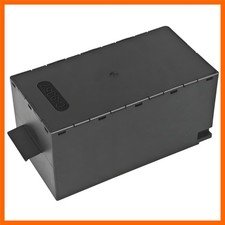
Not for ink cartridge chips!
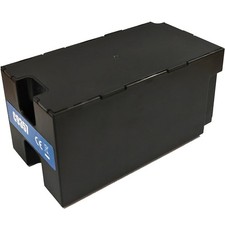
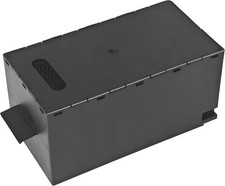
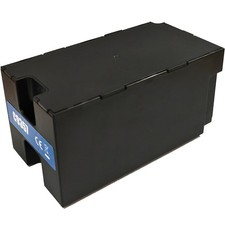
C12C935711 C9357 Maintenance Tank Chip Resetter for Eps0n P700 P900 P708 P908P704 P706 P907 P906 P903 P703 Printer
1 . Align the chip with the corresponding notch on the chip resetter so that the probe of the chip resetter corresponds to the contact of the chip on the maintenance box.Place the two components tightly together. If the red light is on, it means the contact is correct and good.
2 . After 5 seconds or so, the red light is converted to green, which indicates that the maintenance cartridge chip record
has been refreshed;Note
1. After the red light blinks, it stays on and does not turn green.
- The pins on the resetter are not in good contact with the chip on the cartridge, and there may be oil in the contact.
- The ink level of the printer cartridge does not appear "!" situation. No reset is required.
- The resetter is only used to reset the original chip.
- When the ink level of the cartridge is "X", the cartridge chip can no longer be reset.
When the ink shows 100%, you can't always try to restore it or it will lock up the numbers
2. When the original chip ink level shows less than 15%, it is necessary to reset the chip immediately with the chip resetter