 When you click on links to various merchants on this site and make a purchase, this can result in this site earning a commission. Affiliate programs and affiliations include, but are not limited to, the eBay Partner Network. When you click on links to various merchants on this site and make a purchase, this can result in this site earning a commission. Affiliate programs and affiliations include, but are not limited to, the eBay Partner Network.
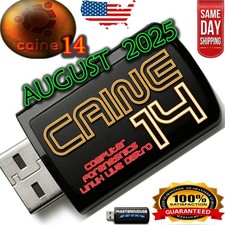
Boot a professional Linux digital forensics workstation from any compatible PC — no installation required. Ideal for incident response, data recovery, and safe evidence acquisition with a read-first, image-then-analyze workflow. - Live USB / Dual USB-A & USB-C — Start directly from USB on most desktops & laptops (UEFI/Legacy BIOS).
- Forensics-first toolset — Disk imaging, write-blocking workflows, file carving, hash verification, timeline analysis, metadata review, and memory capture utilities.
- User-friendly desktop — Full GUI environment with commonly used open-source forensic and recovery tools.
- Safe handling — Analyze without touching the host OS; ideal for triage and lab use.
What You Can Do - Acquire evidence: Create bit-for-bit images, verify with hashes, maintain chain-of-custody notes.
- Recover data: Undelete files, carve photos/documents, examine NTFS/ext4/FAT/exFAT.
- Analyze systems: Review logs, parse artifacts, generate timelines, examine partitions and MBR/GPT.
- Memory forensics: Capture & analyze RAM where supported.
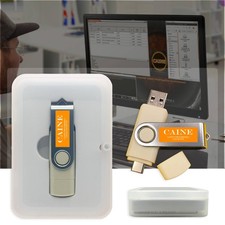
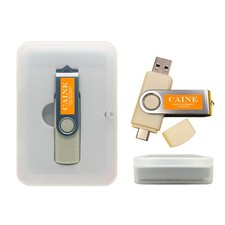
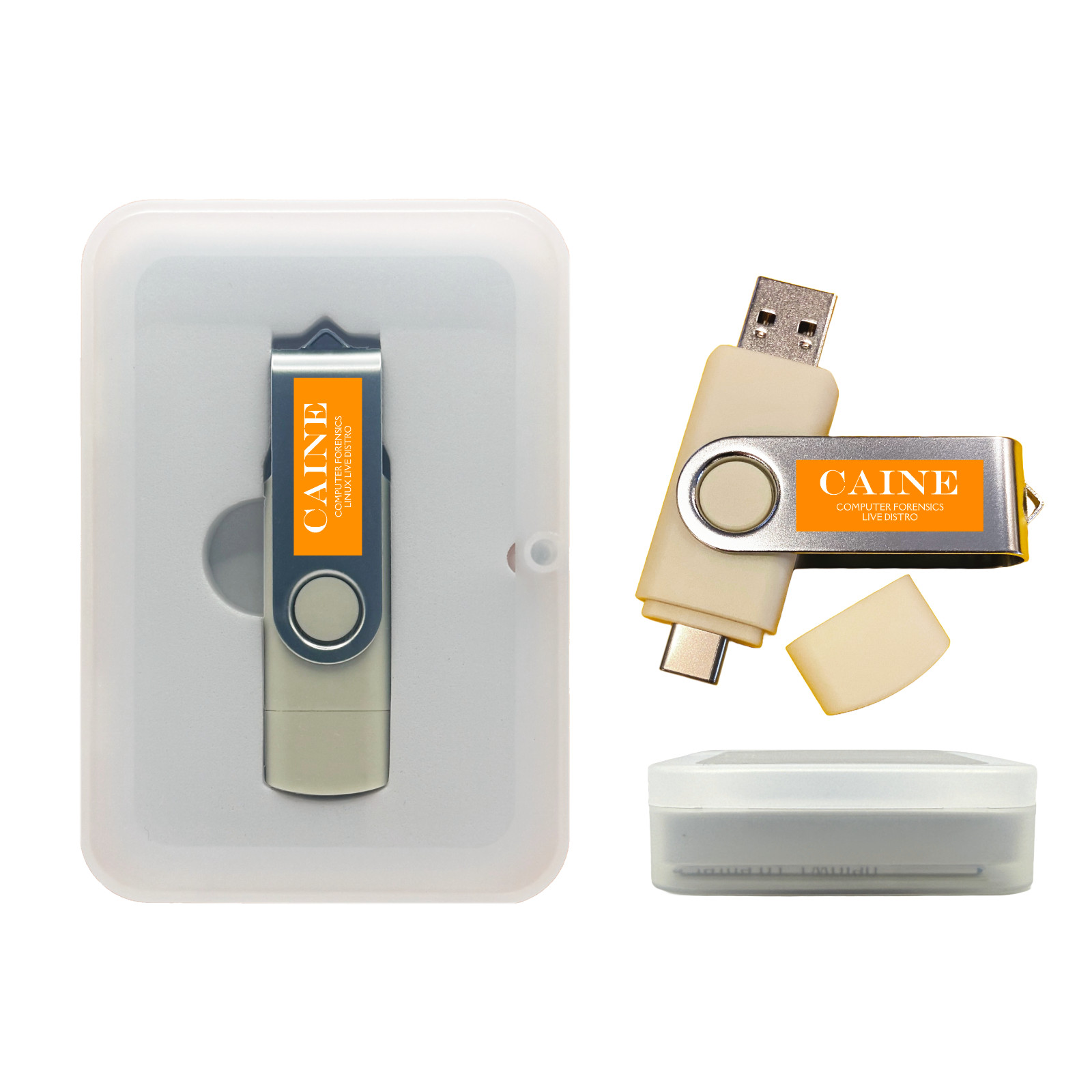
📦 Package / What’s Included - Bootable Live USB stick (dual USB-A/USB-C connector).
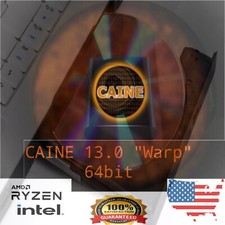
- Preloaded Linux forensic environment (CAINE-based).
- Quick start: boot keys & USB boot tips.
- Optional packaging: standard bubble mailer or gift tin case (select above).
💻 Compatibility & Requirements - x86_64 (64-bit) PCs that support USB boot (UEFI or Legacy BIOS).
- USB 2.0/3.x port, keyboard & mouse recommended.
- Not for ARM/M1/M2/M3 Macs. Some secure-boot devices may require disabling Secure Boot.
⚙️ How to Boot - Insert USB, power on, press your boot-menu key (e.g., F12, Esc, F10, F2).
- Select the USB device and start the Live environment.
- Follow on-screen prompts; use included tools for imaging, analysis, and recovery.
Help & Tutorials — boot keys, USB booting guides, and troubleshooting. 🔍 Best Practices (Forensic Workflow) - Use hardware or software write-blocking where applicable.
- Image the source drive; work from the image, not the original media.
- Generate and record hashes; keep notes for chain-of-custody.
 |
|