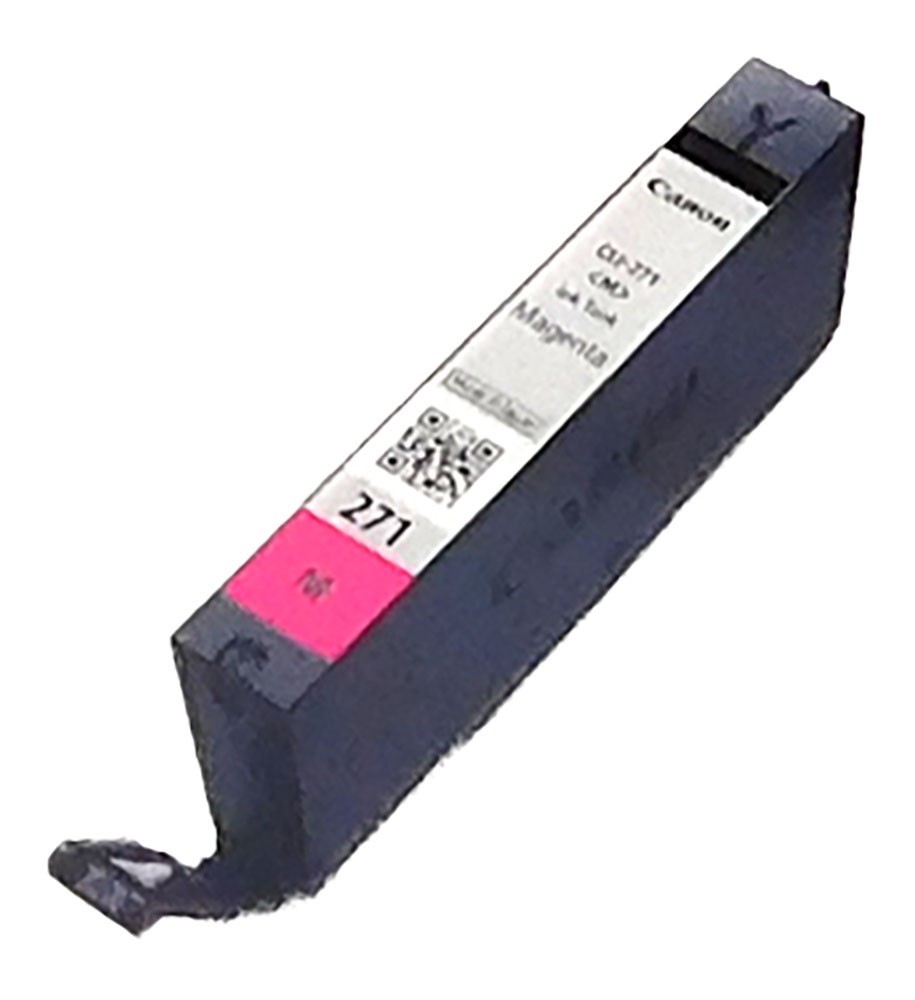
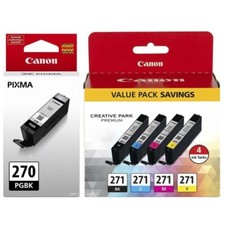
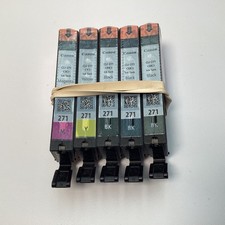
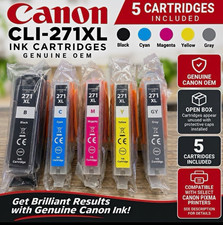
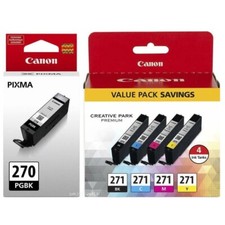
Canon CLI-271M Magenta Ink CartridgeItem DetailsThis is a Canon CLI-271 Magenta Ink Cartridge.Item will arrive in generic packaging.Brand new, never used and not refurbished or remanufactured.For use in Canon PIXMA MG5720, MG5721, MG5722, MG6820, MG6821, MG6822, MG7720, TS5020, TS6020, TS6120, TS8020, TS9020 Printers.** Due to volume, we have in stock we cannot guarantee any specific dates, but we can guarantee they will work.*** Warranties for this product, if any, are provided by the seller or another third party, and not the OEM .
The Canon CLI-271 series ink cartridge is a supply for the Pixma MG5720 and MG6820 all in one printers and the Pixma TS5020 and TS9020 desktop models, home and small office machines built for mixed document and photo output. These printers run a multi cartridge system in which each tank is replaced on its own, so ink that remains in the other tanks stays in service instead of being discarded. Canon's FINE printhead is a component of the printer rather than the cartridge, firing very small droplets from a dense nozzle array, which is what gives this platform smooth tonal transitions on photo stock. The tank drops into its slot behind the hinged front cover and seats with a click, after which the printer confirms flow and registers the change. Levels are shown on the printer display and in the Canon print driver, so a replacement can be staged before a long print run is interrupted part way through.
- Key Features:
- Individual Tank System: Each tank is replaced on its own, so ink remaining in the other tanks stays available instead of being discarded along with the spent one.
- Canon FINE Printhead: The nozzle array is part of the printer, firing very small droplets, which is what gives this platform smooth tonal transitions on photo media.
- Mixed Document And Photo Duty: These Pixma units are built for both plain paper work and bordered or borderless photo output from the same paper handling path.
- Click Seated Installation: The tank drops into its slot behind the hinged cover and clicks home, after which the printer confirms flow and registers the change.
- Level Display And Driver: The printer display and the Canon driver both report remaining ink, so a replacement can be staged before a print run is interrupted.