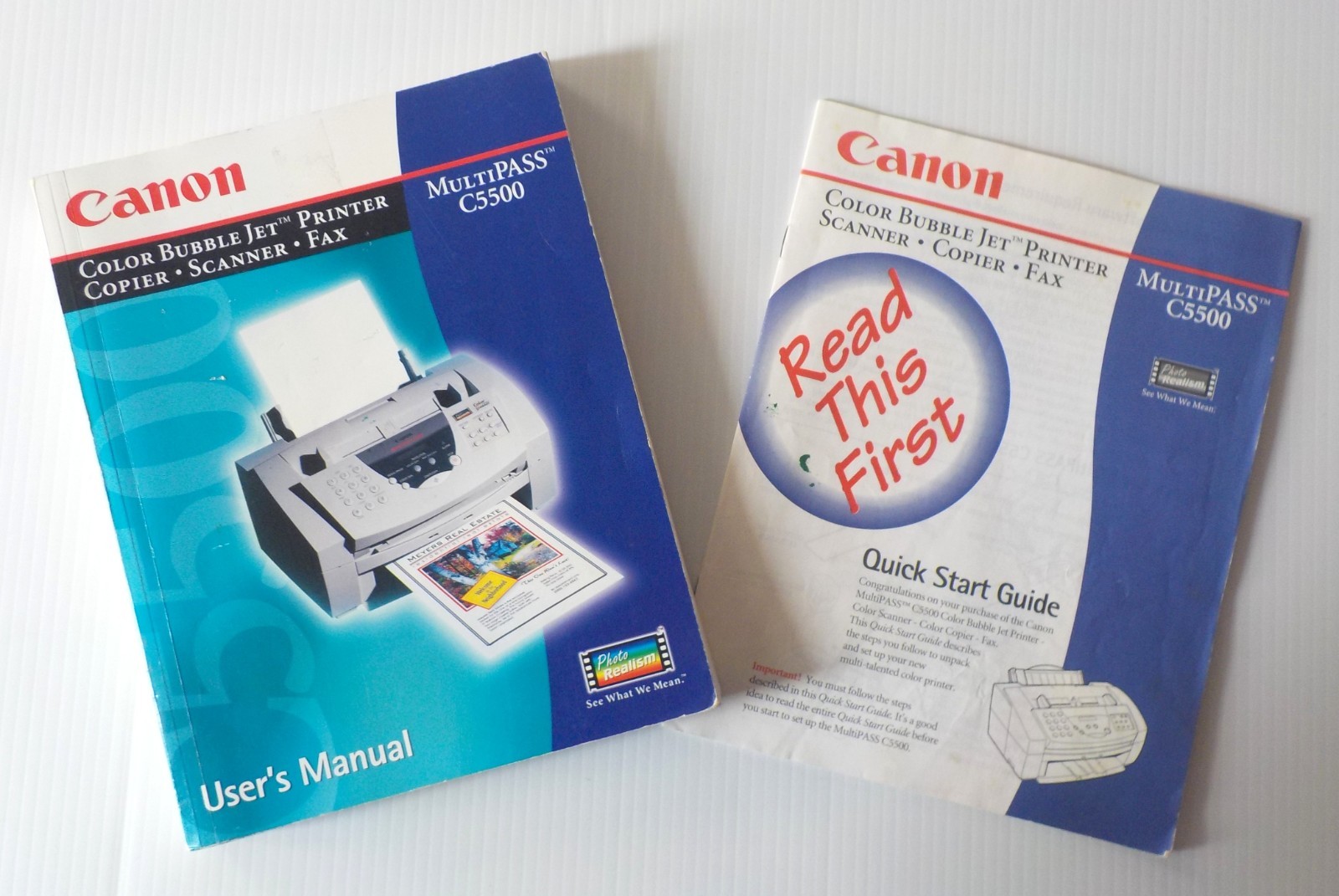
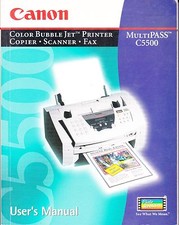
Canon MultiPASS C5500 Color Bubble Jet Printer User's Manual & QuickStart Guide For Sale
When you click on links to various merchants on this site and make a purchase, this can result in this site earning a commission. Affiliate programs and affiliations include, but are not limited to, the eBay Partner Network.
WHILE WE MAKE EVERY EFFORT TO SHIP YOUR ORDER THE NEXT BUSINESS DAY, ONCE IN OUR SHIPPERS' POSSESSION WE ARE NOT RESPONSIBLE FOR SHIPPING DELAYS DUE TO FACTORS BEYOND OUR CONTROL, SUCH AS SEVERE WEATHER EVENTS AND NATURAL DISASTERS.
In an effort to minimize our environmental footprint, OsheysPlace reuses mailers and boxes as much as possible.
All itemsare shipped securely.
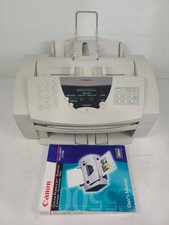
*PLEASE NOTE: These are the User's Manual and Quick Start Guides only.
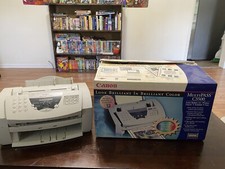
Printer/Copier/Scanner/Fax Unit is NOT included*
Features:
One owner; stored flat in smoke-free, pet-free environment.
User's Manual and Quick Start Guide are in good used condition with wear consistent with typical normal use. The front and back covers of both manuals show a small bit of dog-eared wear, but inside pages are very clean and crisp and not dog-eared.
The front inside page of the User's Guide has handwriting from the original owner with written two phone numbers.
Page 16 of the Quick Start Guide has a yellow highlight mark next to the page number, as well as highlighting the page title 'Starting the Setup Program' for easy reference.
Page 22 of the Quick Start Guide has written information from the original owner regarding e-mail product registration, Purchase date, price and store, and Serial number of the printer.
Published by Canon Computer Systems, Inc. Copyright 1998.
Includes Pre-Installation Requirements for Canan Facsimile Equipment for both U.S. and Canadian users, and information for Using Your Documentation.
User's Manual:
Introductory instructions
Printing With the MultiPASS C5500
Using the MultiPASS Desktop Manager
Sending Faxes With the MultiPASS C5500
Receiving Faxes
Scanning With the MultiPASS C5500
Working With Documents in the Desktop Manager
Setup and Other Utilities in the Desktop Manager
Maintaining the MultiPASS A - Specifications
Appendix B - Using the MultiPASS C5500 as a Stand-Alone Start Guide: (Canon recommends reading this guide first)
Hardware and Software Requirements
Unpack the MultiPASS C5500
Setting Up the MultiPASS C5500
Connecting the Phone Line(s), Printer Cable and Power Cord
BJ Cartridge Guidelines
Installing the BJ Cartridge
Loading a Stack of Paper
Installing the MultiPASS C5500 Software:
- The Automatic Installation Procedure - Starting the Setup Program - Following the Setup Program
MultiPASS Hardware Cannot Initialize
Using Canon Creative Pro Software
Using the MultiPASS Desktop Manager
The MultiPASS C5500 Printer Driver for Windows 98/95
- The Paper Tab - The Graphics Tab - The Setting Tab
Canon Customer Care Center Information
Free Shipping via USPS Media Mail. Measurements:User's Guide:Length: 9"Width: 7"Height: 11/16"Weight: 18.56 oz Quick Start Guide:Length: 9"Width: 7Weight: 1.54 oz22 pagesSKU03262602
WE OFFER FREE STANDARD SHIPPING ON ALL ORDERS.
ALL PURCHASES ARE COVERED UNDER 'S MONEY BACK GUARANTEE.
30 DAY RETURNS.BUYER PAYS RETURN SHIPPING.
SELLER PAYS RETURN SHIPPING ONLY WHEN WE MAKE AN ERROR IN MEASUREMENTS, SIZE OR DESCRIPTION OF ITEM.
WE GLADLY OFFER REFUNDS FOR RETURNED ITEMS AFTERINSPECTION OF MERCHANDISE RECEIVED BACK FROM THE BUYER.
WE OPERATE IN A SMOKE-FREE AND PET-FREE ENVIRONMENT.
IF ADDITIONAL MEASUREMENTSARE NEEDED AND NOT LISTED PLEASE CONTACT US AND WE WILL PROVIDE THEM PROMPTLY.
100% CUSTOMER SATISFACTION IS OUR GOAL. IF FOR ANY REASON YOU ARE DISSATISFIEDWITH YOUR PURCHASE PLEASE CONTACT US FOR RESOLUTION.
We ship Monday - Saturday Via USPS THANK YOU FOR SHOPPING AT OSHEYSPLACE