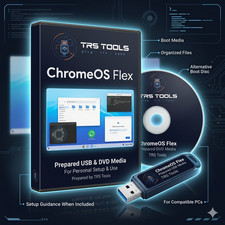
ChromeOS Flex Bootable USB 3.0 Installer - 32GB
A simple way to try or install ChromeOS Flex on a compatible computer.
Easy Explanation
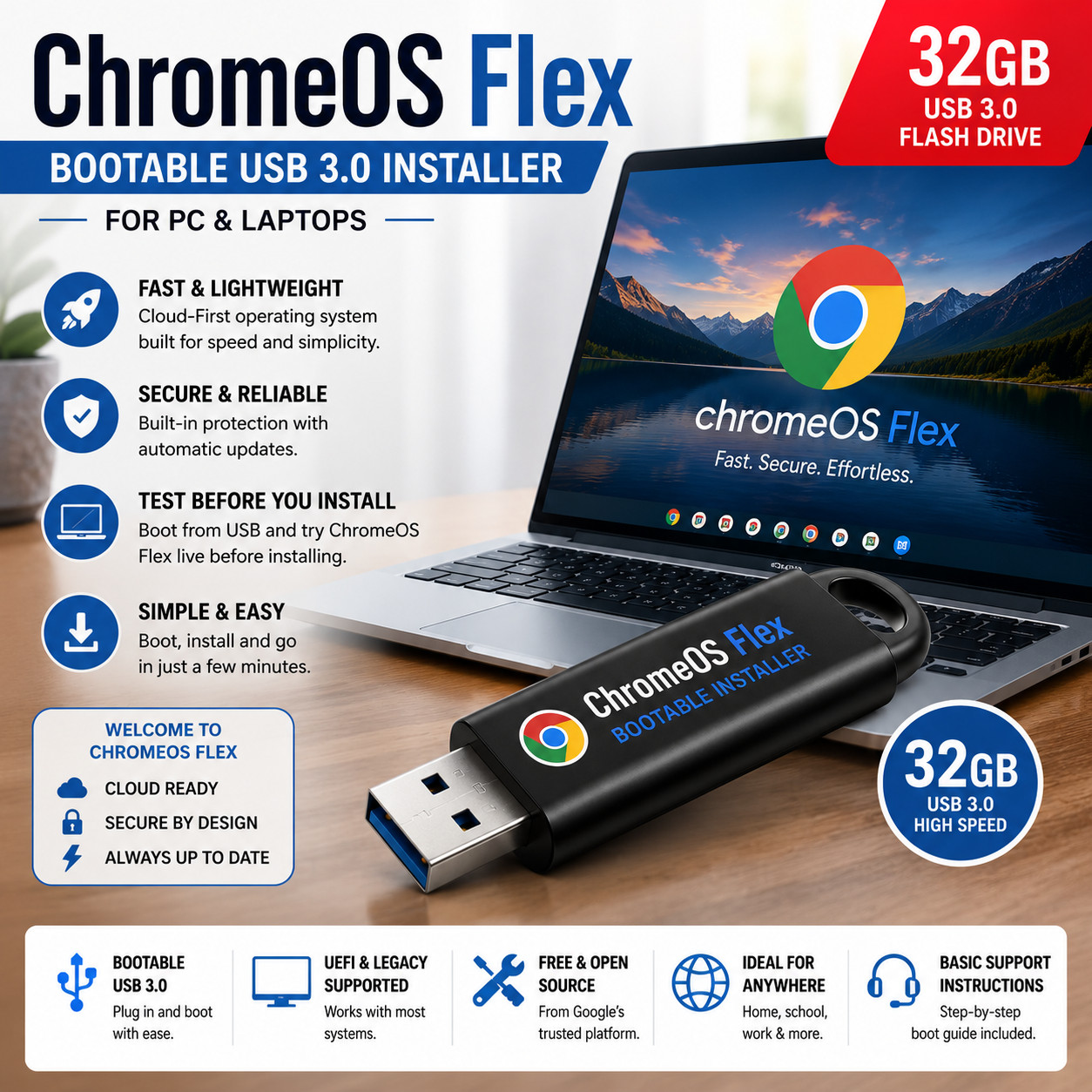
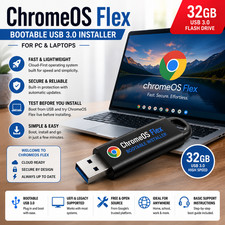
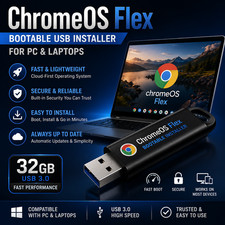
This is a prepared physical USB drive that helps you start your computer with ChromeOS Flex. ChromeOS Flex is a lightweight system made for many older laptops and desktop computers.
This USB can be used to test ChromeOS Flex first before installing it. That means you can see if your computer works with ChromeOS Flex before making changes to your hard drive.
Great for non-technical users: Basic boot instructions are included to help you get started. What You Will Receive
- One prepared 32GB USB 3.0 flash drive
- ChromeOS Flex bootable installer media
- Basic easy-to-follow startup instructions
- Physical item shipped by mail
What This USB Can Help You Do
- Start your computer from the USB drive
- Try ChromeOS Flex before installing
- Install ChromeOS Flex on a compatible computer
- Give an older computer a cleaner, simpler system
- Use a cloud-friendly system for web browsing, email, school, work, and basic online tasks
Simple Setup Overview
- Plug the USB drive into your computer.
- Turn on or restart the computer.
- Open the computer boot menu.
- Select the USB drive.
- Try ChromeOS Flex first or choose to install it.
Important Before Installing
- Please back up your pictures, documents, and important files first.
- Installing ChromeOS Flex can erase the computer’s hard drive.
- Compatibility depends on your computer model and hardware.
- Some Wi-Fi, sound, touchpad, printer, or special hardware features may not work on every computer.
Basic Requirements
- A desktop or laptop computer that supports USB boot
- USB boot menu access
- UEFI or Legacy boot support
- Internet connection recommended for setup and updates
- Basic computer knowledge is helpful
Common Questions
Is this a real USB drive?
Yes. This is a physical USB drive shipped to you.
Is this a download?
No. This is not a digital download. You will receive a USB drive by mail.
Can I test it before installing?
Yes. On many compatible computers, you can try ChromeOS Flex from the USB before installing it.
Will this work on every computer?
No. Every computer is different. Compatibility depends on the computer’s age, brand, hardware, and boot settings.
Does this include a laptop or computer?
No. This listing is for the prepared USB installer only.
Does this include a product box?
No. Any box shown in images is for display purposes only. Packaging is not included.
Is ChromeOS Flex included?
The USB is prepared as ChromeOS Flex installer media. ChromeOS Flex is provided by Google. You are paying for the physical USB drive, preparation, testing, instructions, and shipping.
Why Buy From TRS Tools?
- Prepared physical USB media
- Easy instructions included
- USA seller
- Fast shipping
- Great option for users who do not want to create the installer themselves
TRS Tools Prepared Media
Plug it in. Boot from USB. Test first. Install when ready.
TRS TOOLS • PHYSICAL USB INSTALLER MEDIA • BASIC BOOT INSTRUCTIONS INCLUDED
ChromeOS Flex is a Google product. TRS Tools is an independent seller and is not affiliated with Google. USB brand, color, and style may vary depending on inventory.