Forget all about scratch marks.
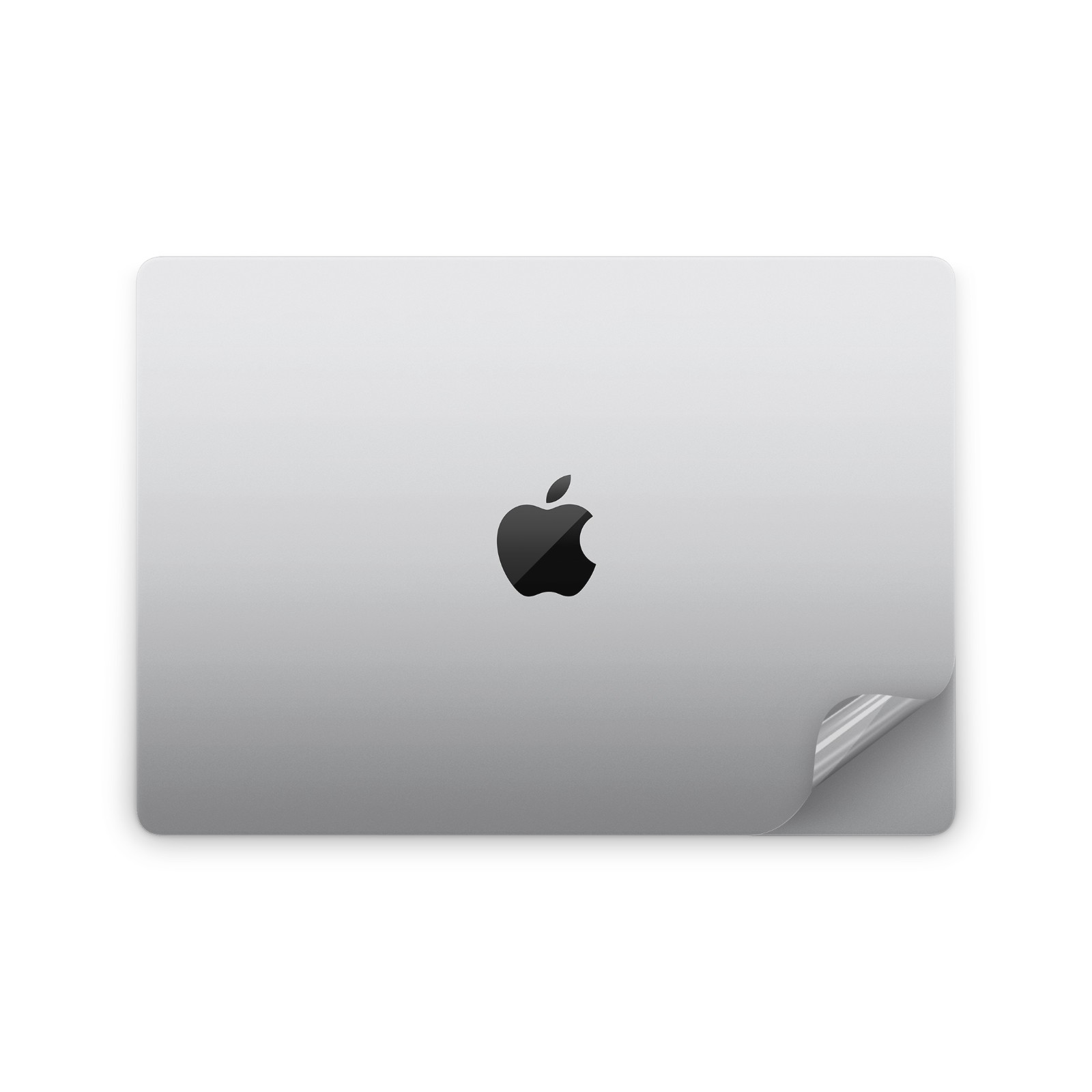
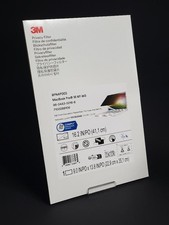
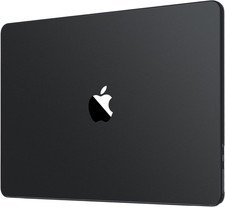
You got yourself a MacBook because it looked awesome. The last thing you would want is some huge thick plastic cover hiding your design or tons of shiny scratches messing up your finish. This is a high-quality 3M paper-thin clear sticker that will keep your mac like new without even knowing it's there.
I have sizes for pretty much every MacBook model. If you are not sure what is your model or did not see your one above, feel free to contact me! I'll be glad to 𝐧𝐨𝐭𝐞:Prior to installing the decal, slightly spray the vinyl itself with a small amount of water to help make the installation process smoother. Then, remove all air bubbles with a squeegee. The high-quality material from 3M also has an air release system.
𝐈𝐭𝐞𝐦 :
💥High-Quality Material: Durable materials ensure resistance to wear and tear and longevity of use.
📏Easy Application: Adhesive-backed stickers make it easier to attach the decal on different surfaces, including MacBook.
✂️Residue-Free Removal: Easy removal without leaving a sticky residue behind
Wei ValidationResult "Which version is best for you?"
- As there are always new devices appearing, it can be very easy to select the wrong product while ordering- In order to find the Model Number of your iPad, you should look for it at the lower back side of the device- It starts with a letter "A". For example "A1502 " is MacBook Pro 13 inch.- Or you can always check your Macbook: Go to Settings -> General -> About. There you should see your model number in the top of the section. If it contains a slash "/" it's the part number
✉️ Do you still have doubts regarding the version of your MacBook? Feel free to contact me! ✉️