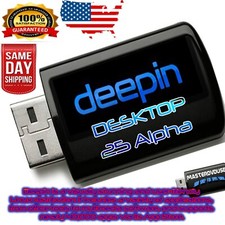
DEEPIN LINUX OS | LATEST BUILDS 23, 25 | 64-BIT | FOR MAC, PC | USB, DVD COMBOS For Sale
When you click on links to various merchants on this site and make a purchase, this can result in this site earning a commission. Affiliate programs and affiliations include, but are not limited to, the eBay Partner Network.
DEEPIN LINUX OS | LATEST BUILDS 23, 25 | 64-BIT | FOR MAC, PC | USB, DVD COMBOS
Price: US $8.99
DEEPIN LINUX OS | 64-BIT PERFECT FOR OLD OR NEW DEVICES! LATEST BUILDS 25 (STABLE), 23 (STABLE), 20.6BRAND NEW FLASH DRIVE + DVD What is DEEPIN LINUX OS?DEEPIN OS offers beautiful UI design, intimate human-computer interaction, and friendly community environment make you feel at home.Give it a try. You’ll Love it!⭐️ How to Boot Linux OS from USB?✅ Steps for Windows PC & Chromebooks Follow these easy steps:
Turn-off your computer
Insert the USB into any available USB port
Switch on your computer
Press the key that allows your computer to boot to an alternate device (ESC on many HPs, F12 on many Dells, F8 on many custom builds, yours may vary, see your computer's documentation)
At the Book-up screen, select Boot from USB Interface option, press enter.
Follow on-screen links for initiate OS.
Wait for system to boot into LinuxOS.
That's it! Enjoy!
✅Step for Apple Macs Devices Follow these easy steps:
Turn-off your computer
Insert the USB into any available USB port
Switch on your computer
Press the Option keyon your keyboard to go the boot menu