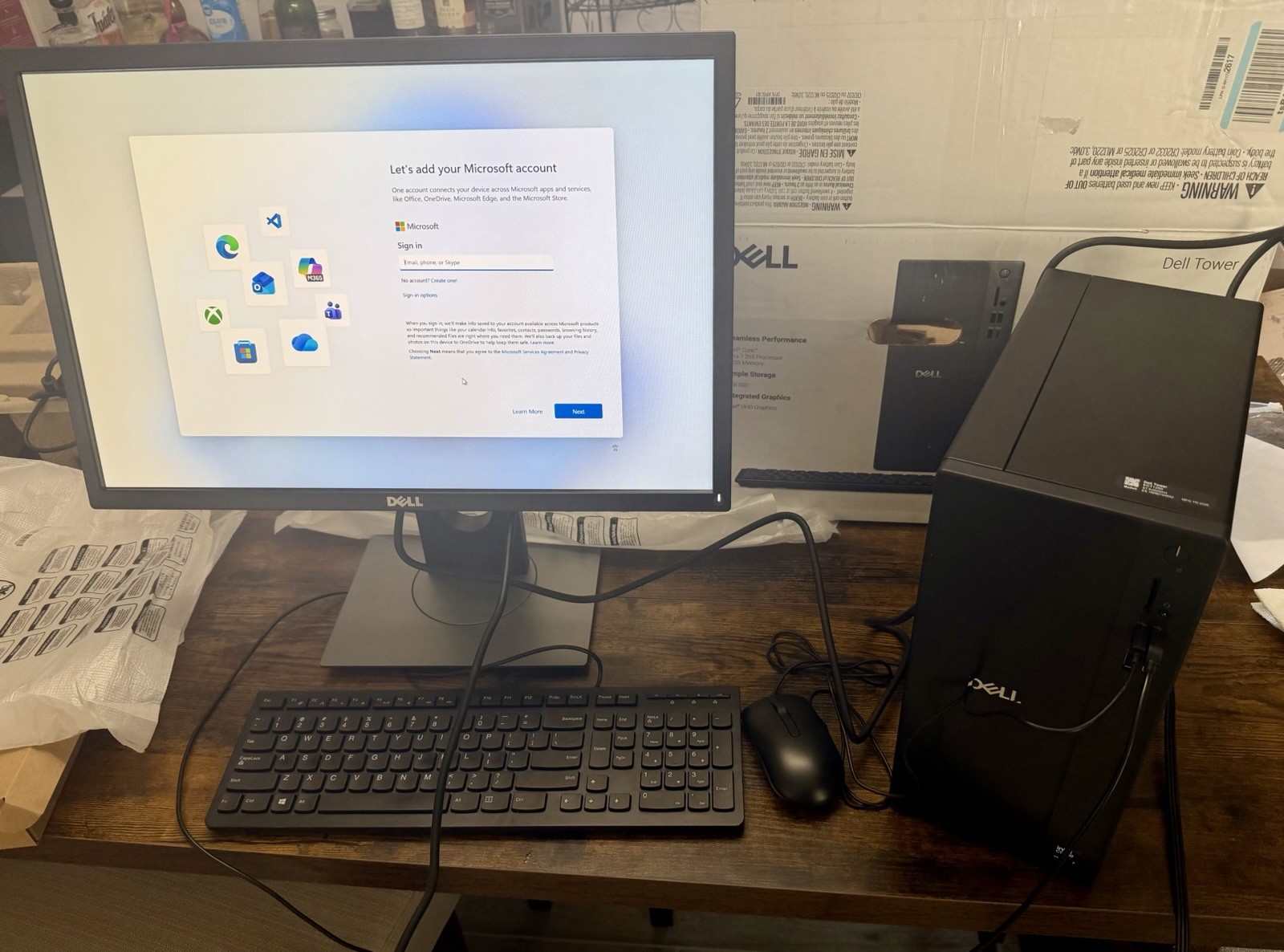
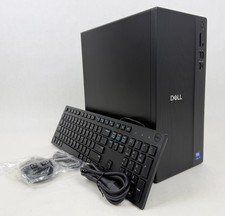
Dell ECT 1250 Tower with Dell P2217 22” Monitor, specs below.
Tower
Tech Specs
Processor
Intel® Core™ Ultra 7-265 processor (20 Cores, 30MB Total Cache, 2.4GHz)
Operating System
(Dell Technologies recommends Windows 11 Pro for business)
Windows 11 Home
Graphics Card
Intel® UHD Graphics
Memory
32GB, 1x32GB, DDR5, 5600MT/s
Storage
1 TB, M.2, PCIe NVMe, SSD
Microsoft Office
Activate Your Microsoft 365 For A 30 Day Trial
Home and Small Business Security Solutions
McAfee+ Premium 30-day trial
Keyboard
Dell Wired Keyboard - KB216 - US English - Black
Mouse
Dell Wired Mouse - MS116 - Black
Ports
Front:
2 USB 2.0 (480 Mbps) ports
1 USB 3.2 Gen 1 (5 Gbps) Type-C® port
1 USB 3.2 Gen 1 (5 Gbps) port
1 global headset jack
Power Button
Media Card Reader
Rear:
1 DisplayPort™ 1.4 port
1 HDMI 2.1 port
1 Serial port (optional)
2 USB 3.2 Type-A ports
2 USB 2.0 Type-A ports
1 RJ45 Ethernet port (1Gbps)
Power Supply
Power Indicator
Kensington Lock Slot
Padlock Loop
Monitor
The P2217 22" 16:10 LCD Monitor from Dell is constructed with a Twisted Nematic (TN) panel, which has a low response time for smooth and responsive visuals. It has a 1680 x 1050 resolution and a 16:10 aspect ratio for crisp and clear HD content.
Furthermore, it supports 16.7 million colors, has a 250 cd/m² brightness rating, and a 1,000:1 static contrast ratio that delivers darker blacks and brighter bright colors for a more immersive viewing experience.
Connect this display to your system via DisplayPort, HDMI, or VGA and additional peripherals and devices with its built-in USB ports.
After installing the stand, pivot, tilt, swivel, and adjust its height to your viewing preference. Otherwise, you can install an alternate stand or mount using its 100 x 100mm VESA mounting holes on the back.
What is in the box: 1 x Dell P2217 22" 16:10 LCD Monitor; 1 x DisplayPort Cable; 1 x VGA Cable; 1 x USB 3.0 Upstream Cable; 1 x Power Cord