Pico-Mac Retro Computer Kit 🖥️
Relive the Macintosh 128K experience on an open source RP2040 board
Step Back to 1984
The Pico-Mac is a compact, open source retro computer board built around the powerful RP2040 microcontroller. It faithfully recreates the classic Macintosh 128K desktop experience, complete with the Finder and classic productivity apps included in the system image. Perfect for retro computing hobbyists, electronics enthusiasts, and educators exploring the roots of modern computing.
🔥 Key Features✅ Authentic Mac OS Emulation
Experience the classic desktop, Finder, and bundled classic applications.
✅ RP2040 Powered
Runs on the dual-core ARM Cortex-M0+ microcontroller, the same chip family found in the Raspberry Pi Pico, backed by a strong open source community.
✅ Dual Boot Options
Boots instantly from pre-loaded internal NOR Flash, or load different system images flexibly via the microSD card slot.
✅ VGA Video Output
Crisp 640x480 VGA signal for a genuine retro display on modern monitors.
✅ USB Host Support
Connect a standard USB keyboard and mouse directly, no special drivers required.
✅ Simple Power Design
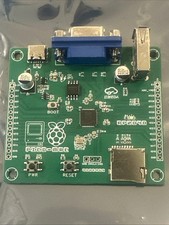
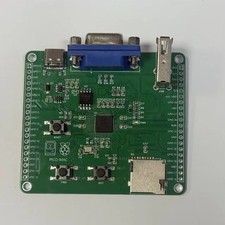
Onboard LDO regulator. Just supply 5V via USB-C and the board powers on automatically.
📋 Technical SpecificationsMain ICRP2040 MicrocontrollerMemory208KB RAM configurationInternal StorageNOR Flash, pre-loaded with system imageExternal StorageMicroSD card slotVideo OutputVGA, 640x480 resolutionConnectivityUSB-C (power), USB-A (keyboard/mouse)Power Input5V via USB-C, auto power-onProject BasisOpen source Pico-Mac project📦 Package Includes
1 x Pico-Mac main board (assembled and tested)
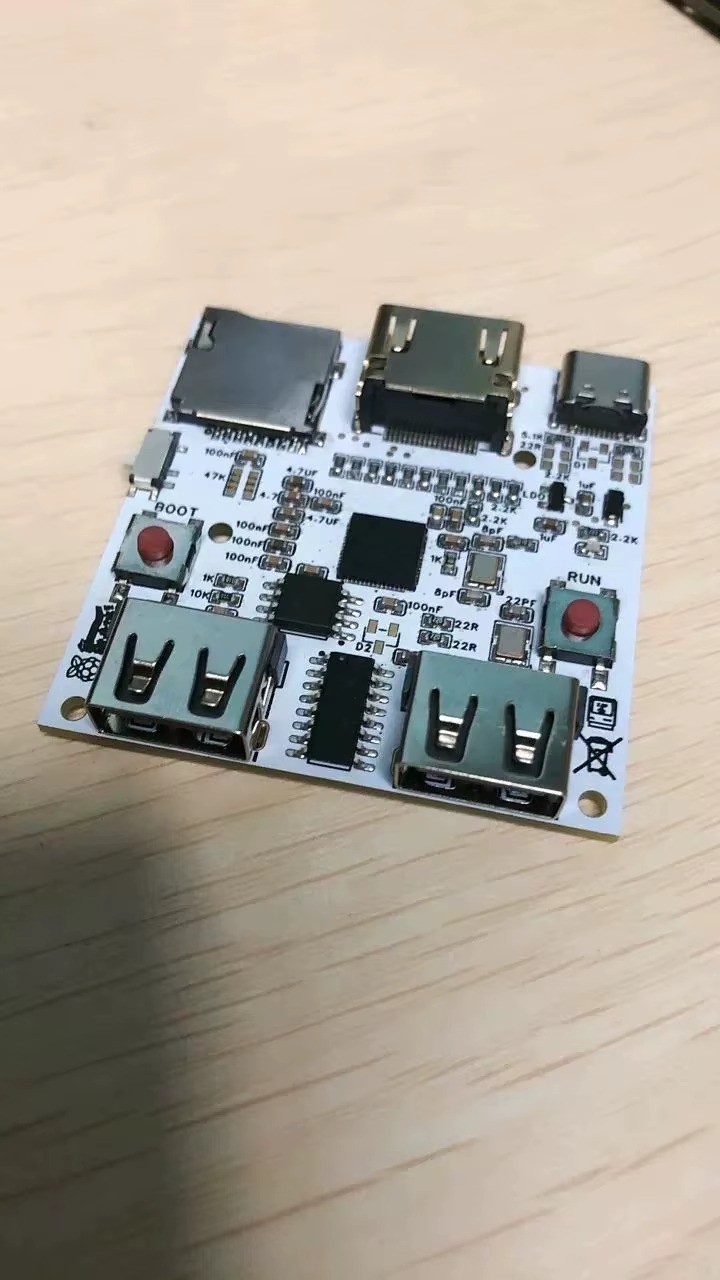
Choosing your option: The PCB variation includes the assembled Pico-Mac main board only. The Dual USB HDMI variation includes the assembled board with the dual USB and HDMI configuration shown in the listing images. VGA cable, USB peripherals, and power supply are not included with either option.
ImagesFAQDo I need to assemble this myself?
No, the main board comes assembled and tested. It is an open source project so you are free to modify the firmware and hardware if you wish.
What do I need to use it?
A VGA monitor or VGA-compatible display, a USB keyboard, a USB mouse, and a 5V USB-C power source.
Can I load different software?
Yes, insert a microSD card with a compatible system image for additional flexibility beyond the pre-loaded NOR Flash image.