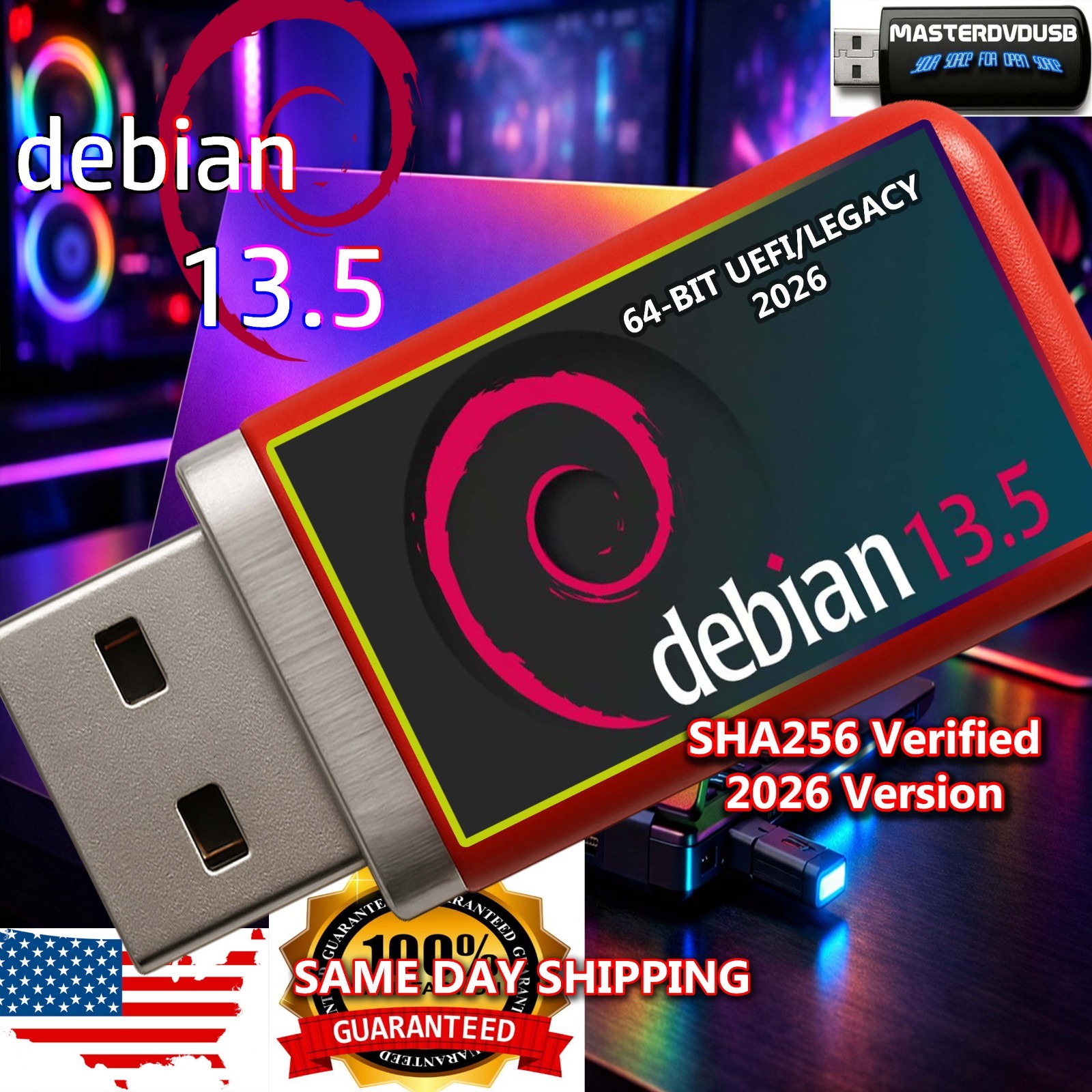
Debian 13.5 Bootable USB Offline Live Installer – UEFI & Legacy – Metal Flash Drive
Same-Day Shipping from California • High-Quality Metal USB • SHA256 Verified • Tested & Supported
Product: Debian 13.5 Bootable USB Offline Live Installer (UEFI & Legacy Compatible)
Media: High-quality metal USB flash drive – random color
Use: Install or run Debian 13.5 Live on most modern and older PCs Key Features
- Debian 13.5 Live & Installer: Bootable USB with offline installer and live environment.
- UEFI & Legacy BIOS Support: Designed to work on both modern UEFI systems and classic Legacy BIOS PCs.
- High-Quality Metal USB: Durable metal flash drive in a random color, chosen from our stock.
- Offline Installer: Ideal for systems with limited or no internet access during installation.
- SHA256 Verified: Every image is checksum-verified before writing to the USB.
- Individually Tested: We test every USB we sell to ensure it boots correctly.
- Same-Day Shipping from California: Orders placed early in the day typically ship the same business day.
- Friendly Support: We are always here to help with questions or issues.
About Debian 13.5 and Its History
Debian is one of the oldest and most respected GNU/Linux distributions in the world. It began in the early 1990s as a community-driven project focused on stability, freedom, and reliability. Over the decades, Debian has become the foundation for countless other distributions, including some of the most popular desktop and server systems.
Debian 13.5 continues this tradition with a modern kernel, updated packages, and long-term support philosophy. It is known for its robust package management system (APT), huge software repositories, and strong focus on security and stability. Whether you are a developer, a system administrator, or a curious learner, Debian offers a clean, powerful environment that respects user choice and control.
The live environment on this USB lets you try Debian 13.5 without touching your existing operating system. When you are ready, you can launch the installer and set up Debian as a primary OS or alongside other systems in a dual-boot configuration. This makes it an excellent tool for testing hardware, rescuing systems, or migrating away from older operating systems.
Operating System Details
- Distribution: Debian 13.5 (64-bit)
- Desktop Environment: Standard Debian desktop (varies by build, typically GNOME or similar).
- Package Manager: APT with access to extensive Debian repositories.
- Use Cases: Desktop computing, development, servers, education, and general-purpose Linux usage.
- Security & Stability: Known for conservative updates and strong security practices.
- Live Mode: Run directly from USB to test hardware or use as a portable OS.
- Installer: Guided installation with options for full disk, dual-boot, and advanced partitioning.
Compatibility & Requirements
- Boot Modes: UEFI and Legacy BIOS compatible.
- Architecture: 64-bit compatible CPU.
- RAM: Recommended 4 GB or more for best experience (2 GB minimum).
- Storage: Sufficient free disk space if you choose to install Debian.
- Devices: Works on many desktops, laptops, and some mini-PCs that support USB boot.
What You Will Receive
- 1× Debian 13.5 Bootable USB: High-quality metal flash drive in a random color.
- Preloaded Live & Installer Image: Ready to boot and install.
- SHA256 Verified: Image checksum verified before writing.
- Individually Tested: USB is test-booted to confirm functionality.
Same-Day Shipping from California
We ship from California, USA. Orders placed early in the business day typically go out the same day. Your USB is carefully packaged to protect it in transit, and tracking is provided on most shipments.
Why Buy From Us
- Experience: We specialize in bootable USBs and operating system media.
- Quality Metal Drives: We use durable, high-quality metal flash drives, not cheap plastic giveaways.
- SHA256 Verification: Every image is checksum-verified to ensure integrity.
- Every USB Tested: We test each USB to confirm it boots before it leaves our hands.
- Honest Listings: We clearly describe what you are getting and how it works.
- Customer Satisfaction: Your satisfaction is our number one priority.
- Real Support: We are always here to support you with questions or issues.
Support & Important Notes
This USB contains open-source software distributed under its respective licenses. You are purchasing the preparation, testing, and physical media, not a license from us. Debian itself is free to download, but many users prefer a professionally prepared, verified, and tested USB to save time and avoid errors.
If you have any questions about booting from USB, UEFI vs Legacy, or installation options, please contact us. We are happy to walk you through common steps and help you get Debian 13.5 running on your hardware.
Debian 13.5 bootable USB, Debian 13.5 live installer, Debian 13.5 offline installer, Debian Linux bootable USB, Debian Linux 13.5 operating system, Debian 13.5 UEFI boot, Debian 13.5 Legacy BIOS boot, Linux bootable USB drive, high quality metal USB flash drive for Linux, durable metal Debian USB, random color Debian USB stick, Debian live USB for testing hardware, Debian rescue USB, Debian dual-boot installer, Debian secure operating system, Debian stable release, Debian long-term support, Debian APT package manager, Debian software repository, Debian desktop environment, Debian GNOME desktop, Debian for developers, Debian for programmers, Debian for servers, Debian for education, Debian for students, Debian for IT professionals, Debian for system administrators, Debian open-source operating system, GNU/Linux distribution, Linux distro based on Debian, Debian-based systems, Debian history, classic Debian project, community-driven Debian, free software Debian, open-source community, Linux kernel, secure Linux OS, privacy-focused Linux, alternative to Windows, alternative to macOS, switch from Windows to Linux, learn Linux with Debian, Linux training USB, Linux practice environment, portable Linux USB, live Linux environment, offline Linux installer, no-internet Linux installation, install Linux without DVD, install Linux without CD, install Linux from USB, boot Linux from USB, boot Debian from USB, UEFI secure boot compatible, legacy BIOS compatible, multi-generation PC support, works on older laptops, works on modern desktops, works on mini PCs, works on home computers, works on office computers, Linux for home users, Linux for business users, Linux for labs, Linux for classrooms, Debian for schools, Debian for libraries, Debian for makers, Debian for hobbyists, Debian for retro computing, Debian for vintage hardware, Debian lightweight environment (depending on configuration), Debian performance, Debian reliability, Debian security updates, Debian package signing, Debian integrity checks, SHA256 checksum verification, SHA256 verified Debian image, verified Linux ISO, verified bootable USB, tested bootable USB, individually tested USB drive, professional USB preparation, professional Linux media, curated Linux installer, curated Debian installer, ready-to-use Debian USB, plug-and-boot Debian USB, plug-and-play Linux USB, simple Linux installation, guided Debian installation, step-by-step Debian installer, partitioning options, dual-boot with Windows, dual-boot with other Linux distributions, multi-boot setups, experimenting with Linux, trying Linux safely, non-destructive live mode, run Debian without changing hard drive, test hardware compatibility, check Wi-Fi support, check graphics support, check sound support, check storage support, Linux troubleshooting, Linux rescue tools, Debian command-line tools, Debian terminal, Debian package search, Debian software center, install browsers on Debian, install office suites on Debian, install development tools on Debian, Python on Debian, Java on Debian, web servers on Debian, database servers on Debian, containers on Debian, virtualization on Debian, open-source productivity tools, open-source creativity tools, open-source programming tools, open-source security tools, open-source networking tools, open-source monitoring tools, open-source backup tools, open-source recovery tools, Debian for home lab, Debian for test lab, Debian for network lab, Debian for cybersecurity practice, Debian for ethical hacking training (legal and responsible use), Debian for learning command line, Debian for scripting, Debian for automation, Debian for DevOps, Debian for CI/CD, Debian for web hosting, Debian for file servers, Debian for NAS, Debian for media servers, Debian for game servers, Debian for cloud experiments, Debian for containers, Debian for Docker, Debian for Kubernetes nodes, Debian for virtualization hosts, Debian for KVM, Debian for QEMU, Debian for VirtualBox guests, Debian for VMware guests, Debian for Proxmox nodes, Debian for advanced users, Debian for beginners with patience, Debian documentation, Debian wiki, Debian community forums, Debian mailing lists, Debian support resources, Linux learning resources, open-source documentation, free online guides, tutorials for Debian, tutorials for Linux, how to boot from USB, how to change BIOS settings, how to enable UEFI boot, how to disable secure boot (where appropriate), how to select boot device, how to install Debian step by step, how to update Debian, how to upgrade Debian, how to maintain Debian, how to secure Debian, how to customize Debian desktop, how to install themes, how to install icons, how to install drivers, how to install firmware, how to manage packages, how to manage repositories, how to use terminal, how to use sudo, how to manage users, how to manage groups, how to manage services, how to manage logs, how to monitor system, how to back up data, how to restore data, how to clone disks, how to migrate systems, how to encrypt disks, how to use LUKS, how to use LVM, how to use RAID, how to use SSH, how to use SFTP, how to use SCP, how to use rsync, how to use cron, how to use systemd, how to use journalctl, how to use top, how to use htop, how to use netstat, how to use ip, how to use ping, how to use traceroute, how to use curl, how to use wget, how to use nano, how to use vim, how to use editors, how to use file managers, how to use browsers, how to use email clients, how to use chat clients, how to use office suites, how to use multimedia tools, how to use image editors, how to use audio tools, how to use video tools, how to use backup tools, how to use encryption tools, how to use password managers, how to use firewalls, how to use intrusion detection, how to use VPNs, how to use proxies, how to use remote desktop, how to use VNC, how to use RDP, how to use X11 forwarding, how to use Wayland (where supported), and more — all starting from a simple, reliable Debian 13.5 bootable USB metal flash drive prepared and tested for you.